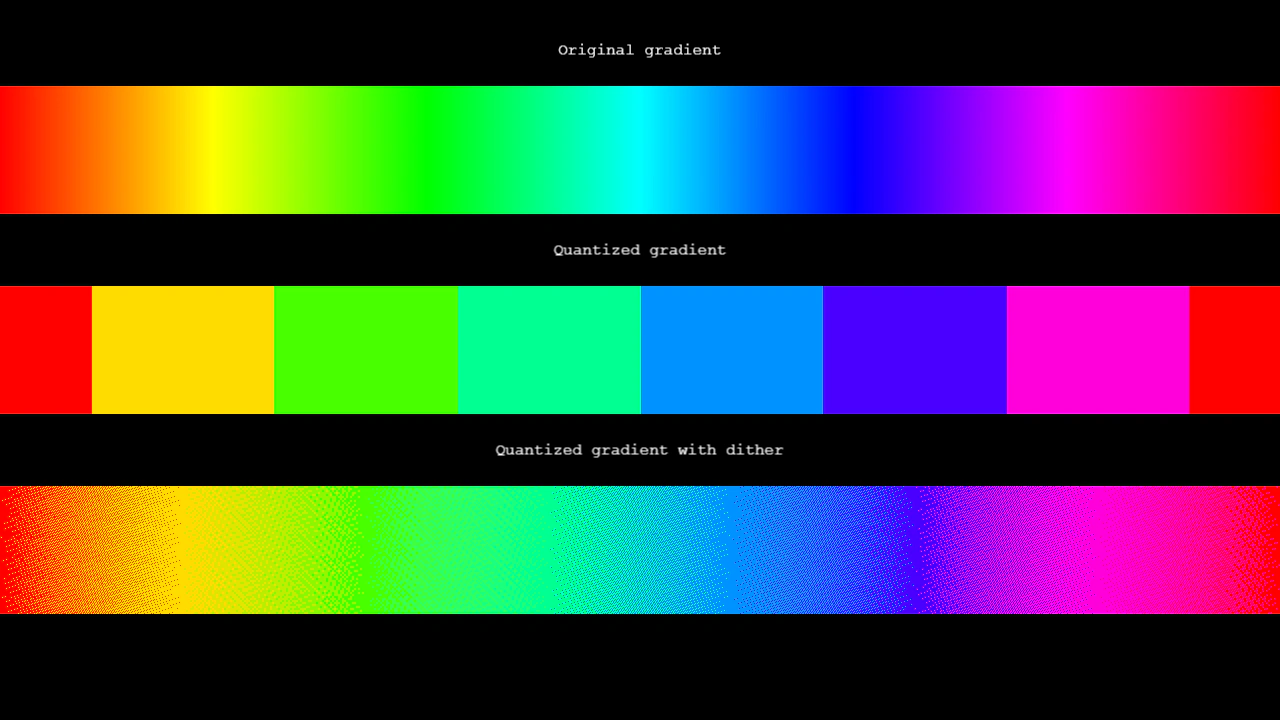
Quantize Image Filter
Apply a color quantization filter to an image to create a stylized, reduced-palette look. Features interactive controls for dithering, color space modes (RGB/HSV), and color step resolution.
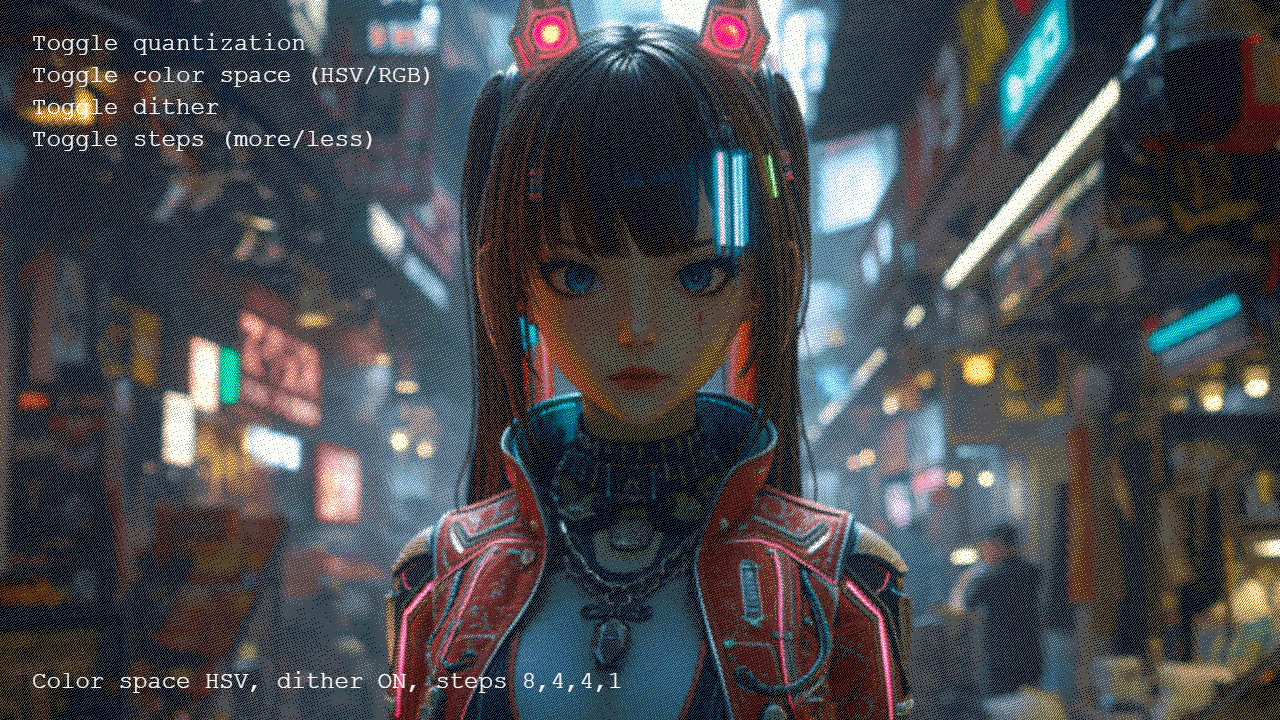
1280 × 720
class Example extends Phaser.Scene
{
    image;

    preload ()
    {
        this.load.setBaseURL('https://cdn.phaserfiles.com/v410');
        this.load.image('anime-market', 'assets/pics/anime-market.png');
    }

    create ()
    {
        this.image = this.add.image(400, 300, 'anime-market').setScale(2);
        const quantize = this.image.enableFilters().filters.external.addQuantize({
            steps: [ 8, 4, 4, 1 ],
            mode: 1, // HSVA
            dither: true
        });

        const toggleQuantize = this.add.text(32, 32, 'Toggle quantization', { fontSize: 24 });
        const toggleColorSpace = this.add.text(32, 64, 'Toggle color space (HSV/RGB)', { fontSize: 24 });
        const toggleDither = this.add.text(32, 96, 'Toggle dither', { fontSize: 24 });
        const toggleSteps = this.add.text(32, 128, 'Toggle steps (more/less)', { fontSize: 24 });
        const status = this.add.text(32, 670, 'Status', { fontSize: 24 });

        let steps = 'low';
        const resetSteps = () => {
            switch (quantize.mode)
            {
                case 0:
                {
                    // RGB
                    quantize.steps = steps === 'low' ? [ 4, 4, 4, 1 ] : [ 8, 8, 8, 1 ]
                    break;
                }
                case 1:
                {
                    // HSV
                    quantize.steps = steps === 'low' ? [ 8, 4, 4, 1 ] : [ 16, 8, 8, 1 ]
                    break;
                }
            }
        };

        const updateStatus = () => {
            if (!quantize.active)
            {
                status.text = 'Quantize OFF';
                return;
            }
            status.text = `Color space ${quantize.mode === 0 ? 'RGB' : 'HSV'}, dither ${quantize.dither ? 'ON' : 'OFF'}, steps ${quantize.steps}`;
        };
        updateStatus();

        toggleQuantize.setInteractive().on('pointerdown', () => {
            quantize.active = !quantize.active;
            updateStatus();
        });
        toggleColorSpace.setInteractive().on('pointerdown', () => {
            quantize.mode = quantize.mode === 1 ? 0 : 1;
            resetSteps();
            updateStatus();
        });
        toggleDither.setInteractive().on('pointerdown', () => {
            quantize.dither = !quantize.dither;
            updateStatus();
        });
        toggleSteps.setInteractive().on('pointerdown', () => {
            steps = steps === 'low' ? 'high' : 'low';
            resetSteps();
            updateStatus();
        });
    }

    update (time, delta)
    {
        this.image.x = 16 * Math.sin(time / 765) + 640;
        this.image.y = 16 * Math.sin(time / 1000) + 512;
        this.image.rotation = 0.005 * Math.sin(time / 881);
    }
}

const config = {
    scale: { mode: Phaser.Scale.FIT },
    type: Phaser.AUTO,
    width: 1280,
    height: 720,
    backgroundColor: '#000000',
    parent: 'game-container',
    scene: Example
};

let game = new Phaser.Game(config);