Pixelate FX Filter
Demonstrates how to apply a pixelate filter to a Game Object and animate the pixelation intensity over time using a tween.
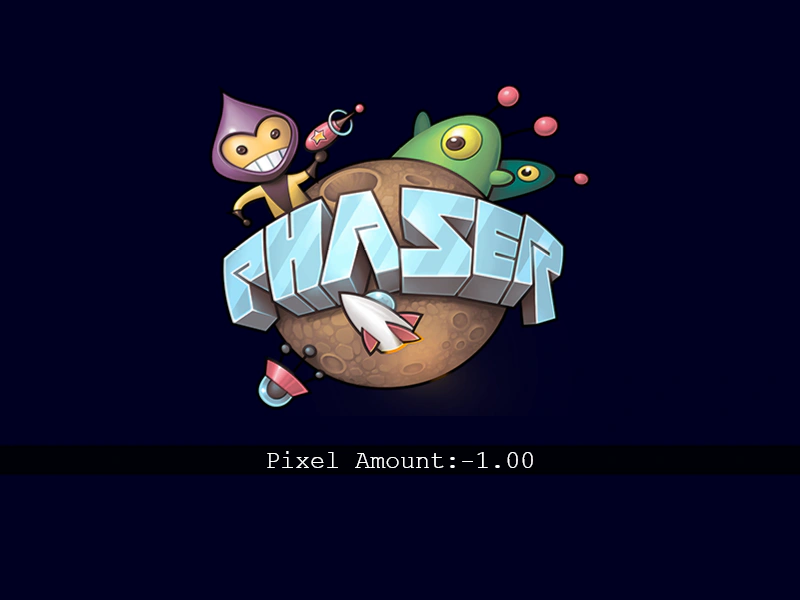
800 × 600
class Example extends Phaser.Scene
{
    preload ()
    {
        this.load.setBaseURL('https://cdn.phaserfiles.com/v410');
        this.load.image('phaserlogo', 'assets/sprites/phaser2.png');
    }

    create ()
    {
        const phaserLogoImg = this.add.image(this.scale.width / 2, this.scale.height / 2 - 50, 'phaserlogo');
        const fxPixelated = phaserLogoImg.enableFilters().filters.internal.addPixelate(-1);

        // Text to show the current build target
        const shape = this.add.rectangle(this.sys.scale.width / 2, this.sys.scale.height / 2 + 160, this.sys.scale.width, 30, 0x000000, 0.8);
        const textDebug = this.add.text(this.sys.scale.width / 2, this.sys.scale.height / 2 + 160, `Pixel Amount:-1.00`, {fontSize: 25}).setOrigin(.5);


        // Loop to change the pixel amount
        this.time.addEvent({
            delay: 1000,
            callback: () => {
                this.tweens.addCounter({
                    from: -1,
                    to: 10,
                    duration: 2000,
                    yoyo: true,
                    repeat: -1,
                    onUpdate: (value) => {
                        fxPixelated.amount = value.getValue();
                        textDebug.setText(`Pixel Amount:${fxPixelated.amount.toFixed(2).padStart(5, " ")}`);
                    }
                })
            }
        });
    }
}

const config = {
    scale: { mode: Phaser.Scale.FIT },
    type: Phaser.AUTO,
    width: 800,
    height: 600,
    pixelArt: true,
    backgroundColor: '#000022',
    parent: 'game-container',
    scene: Example
};

const game = new Phaser.Game(config);
More in Pixelate4 examples
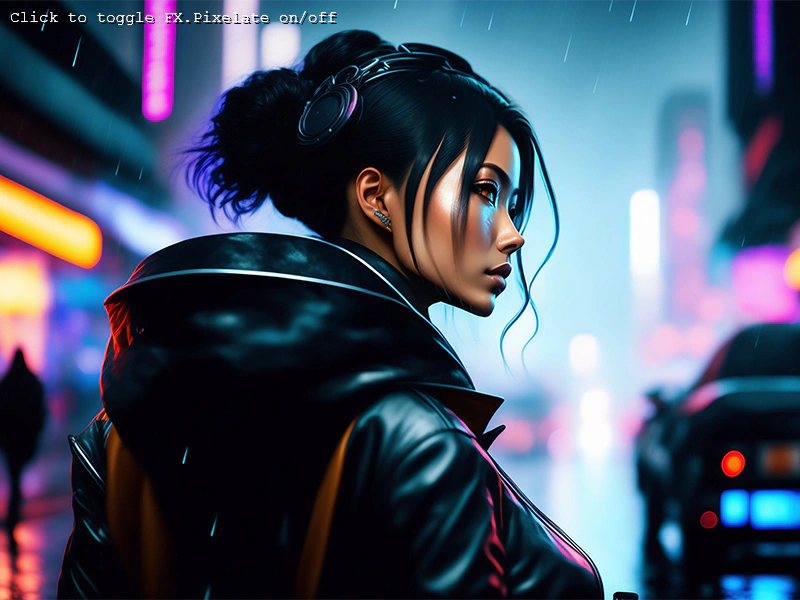 Pixelate Sprite FilterDemonstrates how to apply a pixelation effect to a single Sprite and toggle its active state.
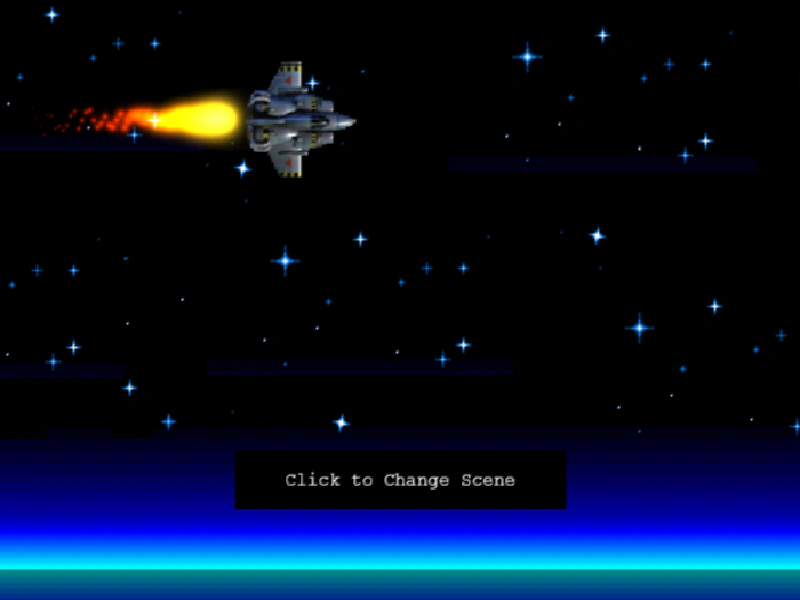 Pixelate Transition SceneDemonstrates how to use the pixelate camera filter and tweens to create a retro-style transition effect when switching between different game scenes.
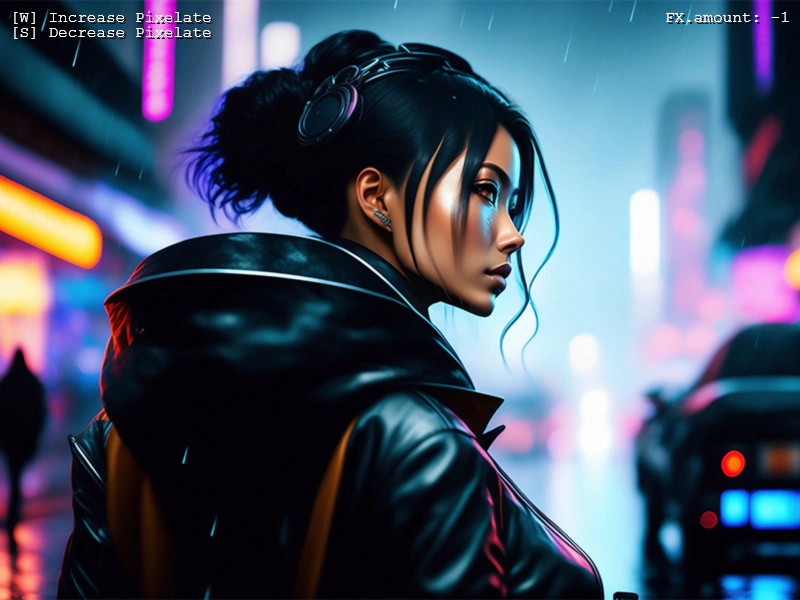 Pixelate AmountAdjust the intensity of the pixelate filter using the amount property to control the level of pixelation on a sprite.