Displacement Circles Filter
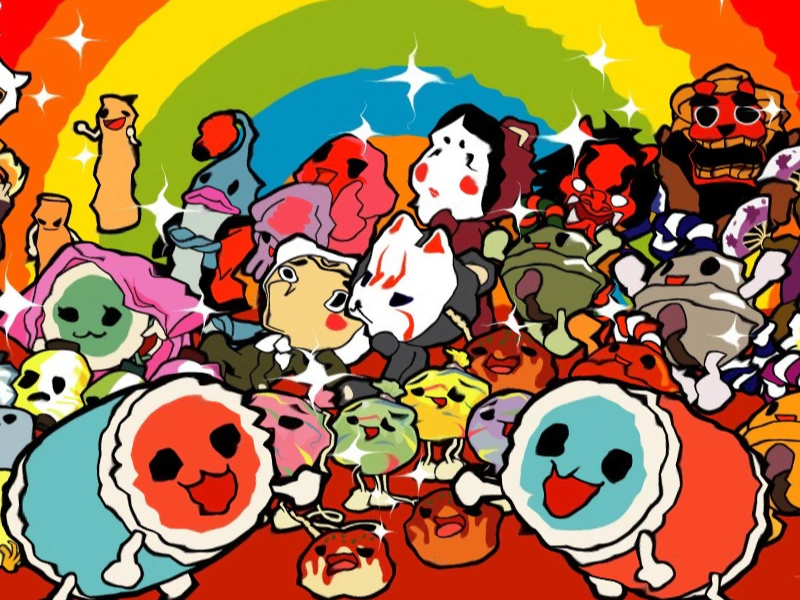
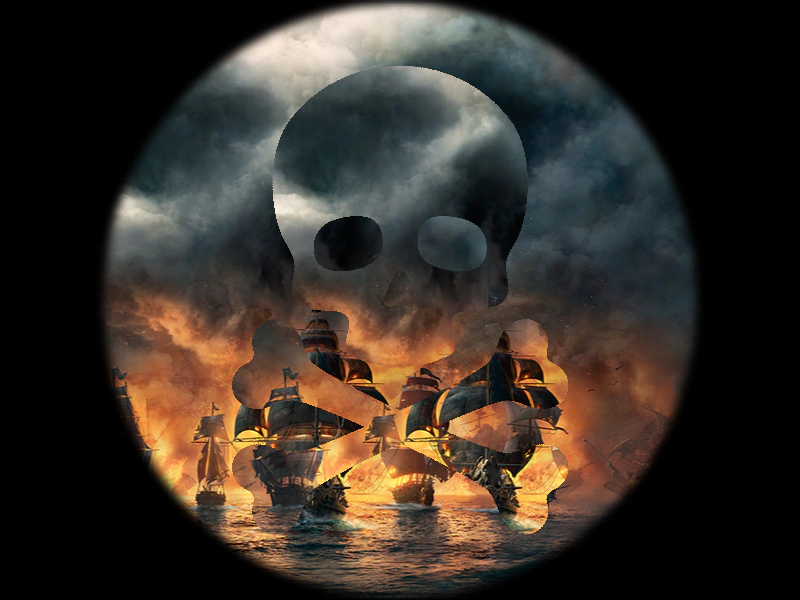
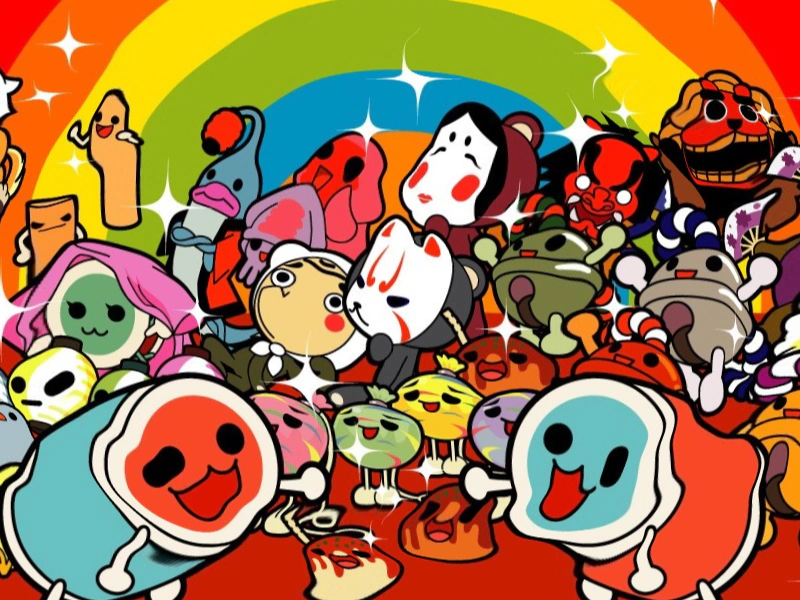
This example demonstrates how to apply a displacement filter to an image using a texture map and animate the distortion effect using a tween.
800 × 600
class Example extends Phaser.Scene
{
    preload ()
    {
        this.load.setBaseURL('https://cdn.phaserfiles.com/v410');
        this.load.image('pic', 'assets/pics/taikodrummaster.jpg');
        this.load.image('distort', 'assets/textures/distortion4.png');
    }

    create ()
    {
        const pic = this.add.image(400, 300, 'pic');

        const fx = pic.enableFilters().filters.internal.addDisplacement('distort', -0.03, -0.03);

        this.tweens.add({
            targets: fx,
            x: 0.03,
            y: 0.03,
            yoyo: true,
            loop: -1,
            duration: 2000,
            ease: 'sine.inout'
        });
    }
}

const config = {
    scale: { mode: Phaser.Scale.FIT },
    type: Phaser.AUTO,
    width: 800,
    height: 600,
    backgroundColor: '#000000',
    parent: 'game-container',
    scene: Example
};

const game = new Phaser.Game(config);