Darken Color
Demonstrates how to use the darken method of the Color object to decrease the lightness of a color by a specific percentage on each interaction.
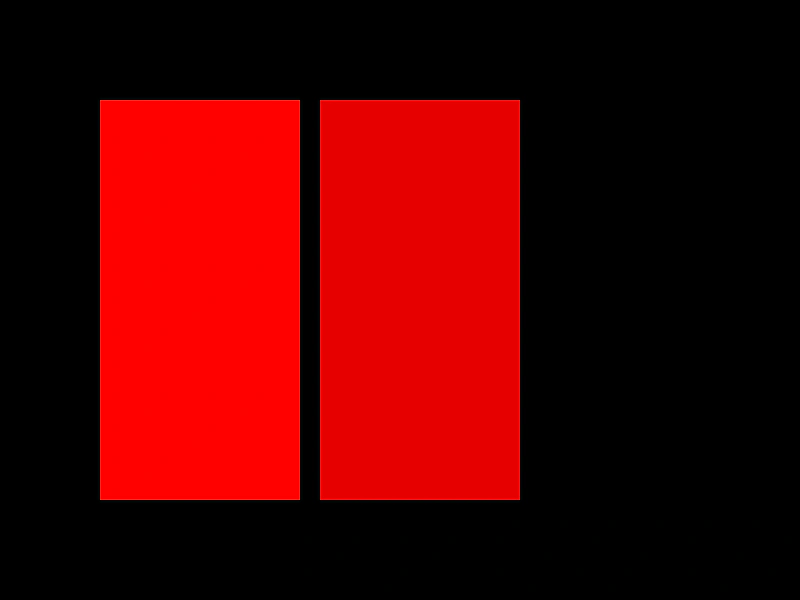
800 × 600
class Example extends Phaser.Scene
{
    constructor ()
    {
        super();
    }

    create ()
    {
        const color1 = new Phaser.Display.Color(255, 0, 0);
        const color2 = new Phaser.Display.Color(255, 0, 0);

        const rect1 = this.add.rectangle(200, 300, 200, 400, color1.color);
        const rect2 = this.add.rectangle(420, 300, 200, 400, color2.color);

        this.input.on('pointerup', function () {

            //  darken the color by 10%
            color2.darken(10);

            rect2.setFillStyle(color2.color);

        });
    }
}

const config = {
    scale: { mode: Phaser.Scale.FIT },
    type: Phaser.AUTO,
    parent: 'game-container',
    width: 800,
    height: 600,
    scene: Example
};

const game = new Phaser.Game(config);
More in Color9 examples
 Hex String to ColorDemonstrates how to convert CSS-style hexadecimal strings, in both 3-digit and 6-digit formats, into Phaser Color objects.
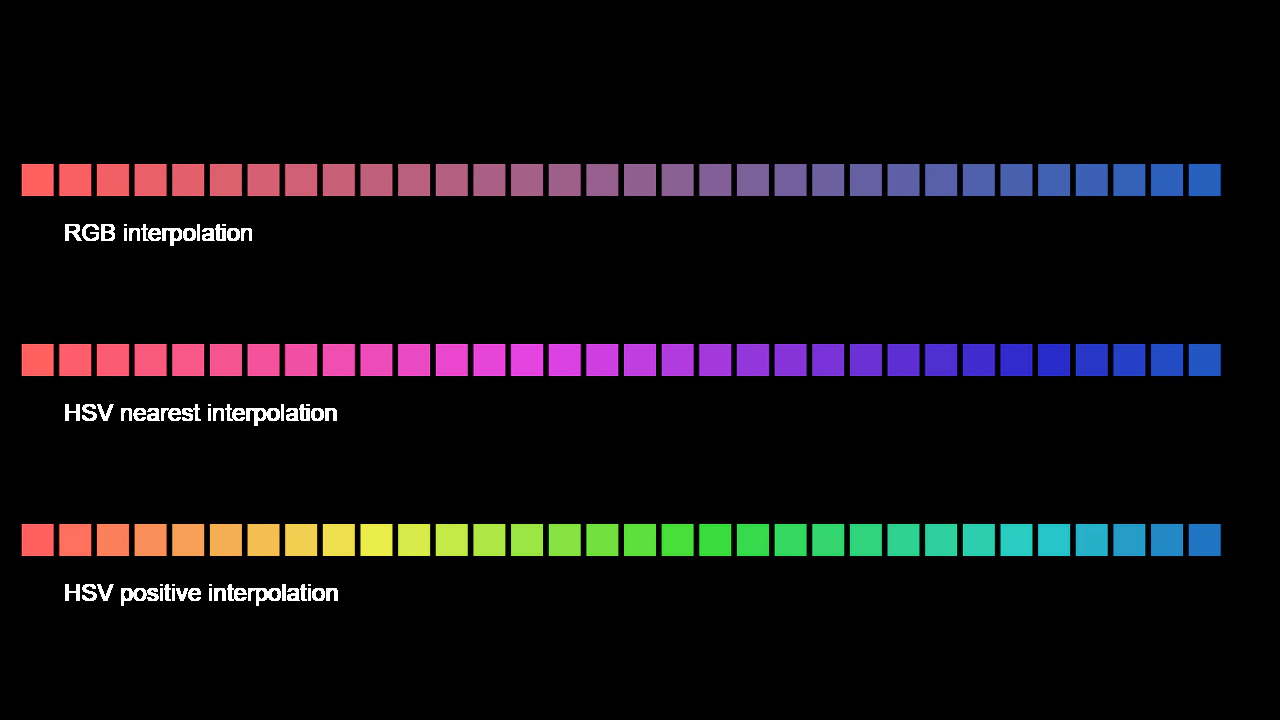 Interpolate Color RGB vs HSVCompare different color interpolation methods, showing the visual difference between standard RGB blending and HSV-based transitions that preserve saturation and value.
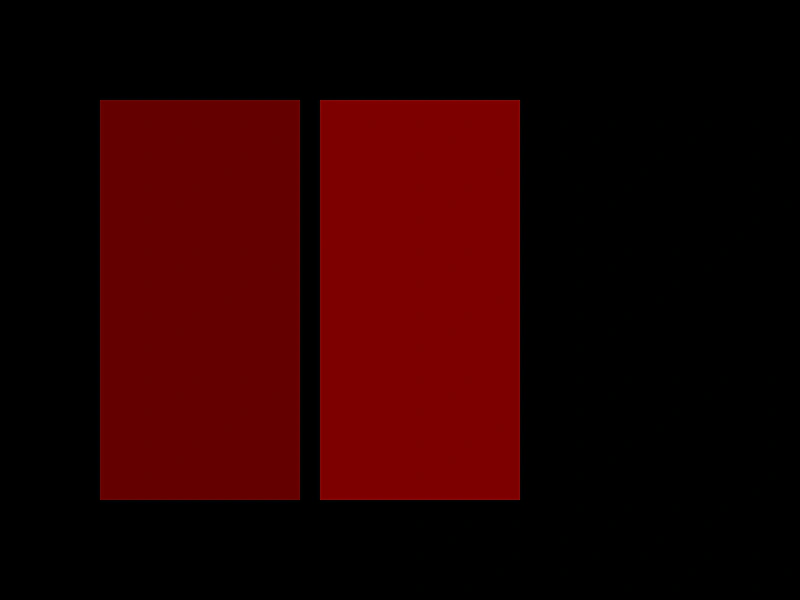 Lighten ColorDemonstrates how to use the lighten method to increase the lightness of a Phaser Color object by a specific percentage.
 Random ColorDemonstrates how to generate random colors with a minimum brightness threshold using the Phaser Color object.