
What it does
Text is retained, not redrawn. A label or a paragraph is shaped once and kept on the GPU; moving, turning, scaling or
fading it uploads only its transform, and compatible neighbouring paragraphs share instanced draws without changing
their paint order. Each one is an object in its scene, with a position, a layer and a depth, and it goes when the
scene ends. Most games get it through a core bundle (core-2d, core-3d or core-vector), whose game.text is a
thin wrapper over a label.
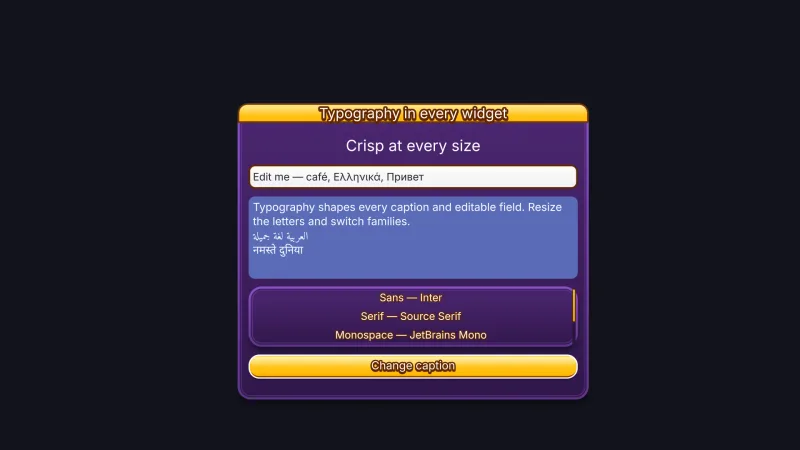
There are two levels. A label is for the everyday: a score, a timer, a caption over a thing, anchored by its left, centre or right edge so it stays put as the number changes, with an outline and a hard shadow. A paragraph is the full typesetter: complex-script shaping, ligatures and bidirectional text, font fallback, spans of different fonts and styles, word or character wrapping, justification, line limits with clipping or an ellipsis, columns, drop caps, underlines and other decorations, and text that flows through regions round polygon exclusions. Measurement gives sizes, ink bounds, baselines and every glyph's place, and chosen glyphs can be detached and animated on their own.
Fonts come in three formats chosen when you load them: multi-channel distance fields for almost everything, sharp at any size and the format that takes outlines, shadows and gradients; vector text evaluated per pixel for extreme zoom and huge titles; and bitmap strikes for pixel-exact sizes. Six UI fonts wait on the CDN and load only when first used, and a catalogue of 38 baked display and text fonts loads by URL.
Features
- Labels — anchored by an edge, live
text, tint, outline, hard shadow, alpha and scale, sized for HUDs and counters. - Rich paragraphs — shaping for complex scripts, ligatures, bidirectional text, font fallback stacks and mixed-font spans.
- Layout — word or character wrap, justification, line limits with clip or ellipsis, indents, paragraph spacing, columns and drop caps.
- Flow round shapes — text through ordered regions round rectangle and polygon exclusions, including the projected outline of a 3D object.
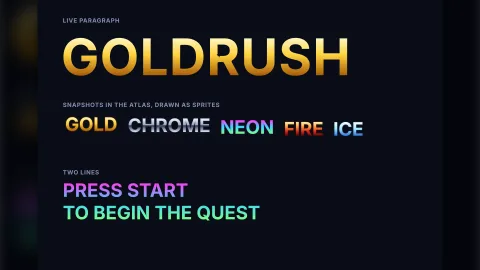
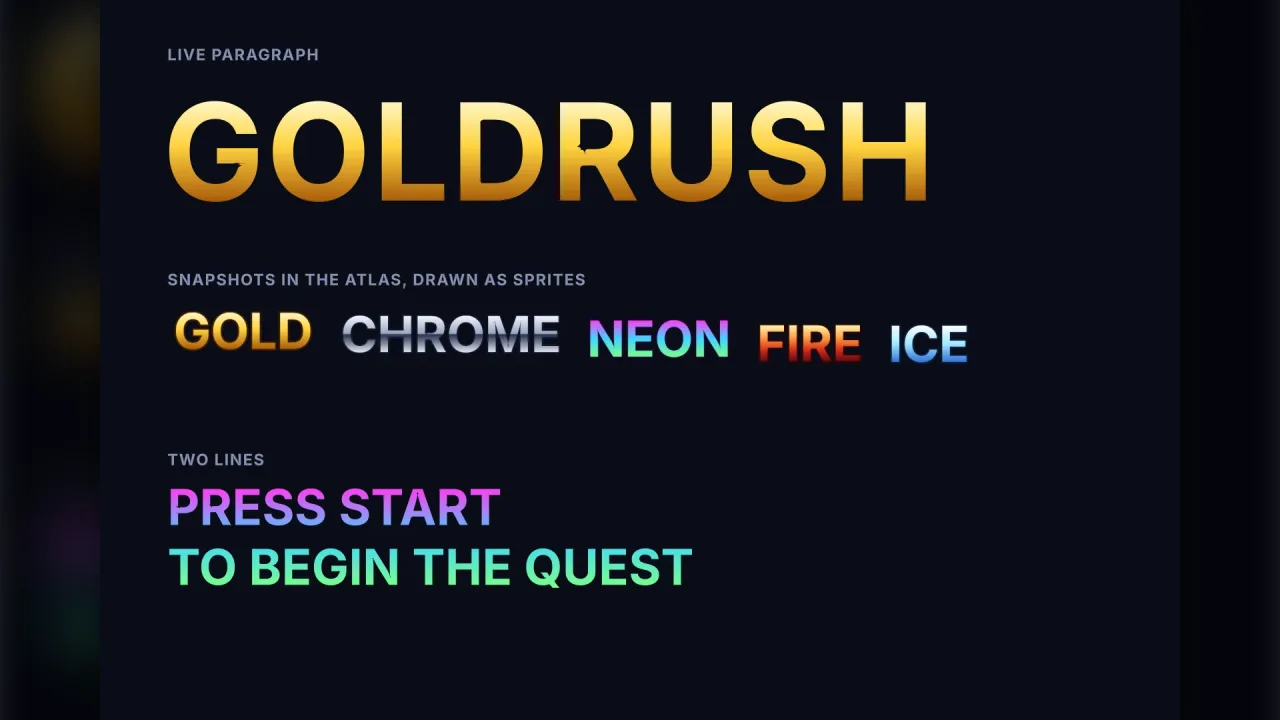
- Gradient fills — two to four colours at any angle, for gold, chrome and neon titles, in every format and on both backends.
- Three font formats — distance fields for any size and outlines, vector for extreme zoom, bitmap for pixel-exact sizes.
- Fonts on demand — six UI fonts loaded on first use, 38 baked fonts by URL,
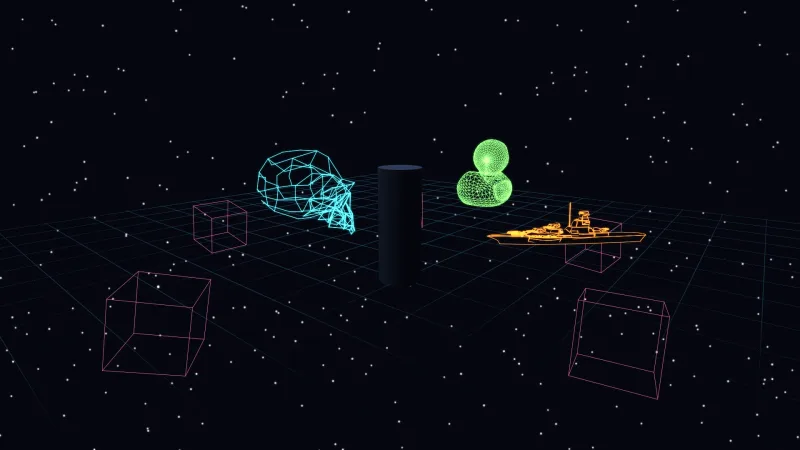
preparefor the first screen, and the loading screen counts them. - Text in 3D — text on an object's plane that depth-tests against meshes, or a billboard facing the camera.
- Measurement and animation — sizes, ink bounds, glyph positions, caret and word queries, and detached characters to animate.
- Frozen to pixels —
snapshotrenders a paragraph into an atlas frame for pixel effects such as a shatter.
Good for
- Any game's HUD — scores, timers, lives and captions that update every frame without reshaping the scene.
- Arcade and casual titles — big outlined words with gradient fills and hard shadows.
- Story, visual novel and RPG text — dialogue and books with mixed fonts, drop caps, wrapping and justification.
- Localised games — Arabic, Devanagari and CJK shaping, right-to-left text and fallback, with fonts baked for those scripts.
- Magazine-style menus and credits — columns and text that wraps round pictures or 3D objects.
- Pixel-art games — bitmap strikes at exact sizes, or a pixel font at integer sizes.
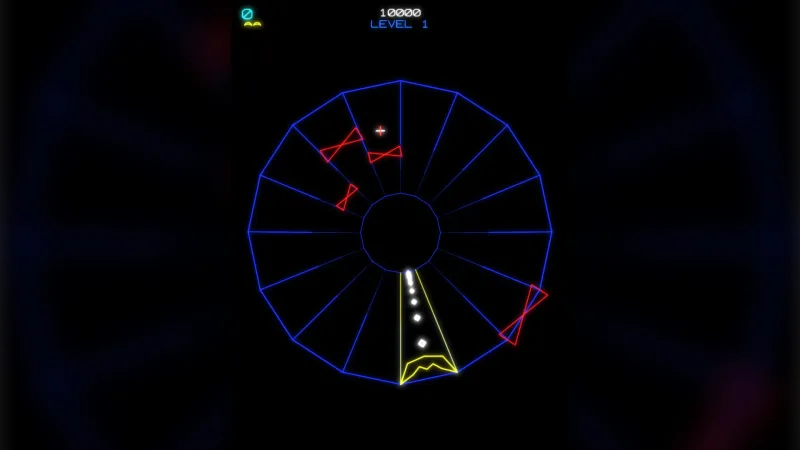
- 3D games — labels over units, signs in the world and titles that face the camera.
Make it yours
Choose fonts by the feel of the game, one display face for titles and one readable face for the rest: the catalogue
pairs looks with fonts, from casual and cartoon to fantasy, futuristic, retro and noir, and registerFamily names a
loaded font so other packs and face() can use it. Each label takes its own font, alignment, colours, outline,
shadow, spacing and layer; each paragraph takes a style, spans, constraints, layout options, flow regions and a clip,
and set edits any of them later. A face loads with format settings such as an em size and pixel range, so a font
baked with a wider range carries thicker outlines.
Two very different uses: a score in the corner, a label in a mono face with an outline, its text set every frame;
and a story page in a serif font, wrapped and justified with a three-line drop cap, under a separate chapter title
filled with a gold gradient.
A quick look
A HUD label with an outline and shadow, and a justified paragraph with a drop cap:
const hud = game.typography.face({ family: 'mono', size: 18 });
const score = game.typography.label({ x: 24, y: 24, text: 'Score 0', font: hud,
  outline: { color: '#000000', width: 1.5 }, shadow: { color: '#00000088', x: 2, y: 2 } });
score.text = 'Score 1200';
const page = game.typography.write({
  font, text: 'Chapter One\nThe lamp guttered…', x: 40, y: 40,
  style: { fontSize: 22, lineHeight: 1.4, color: '#f4f7ff' },
  constraints: { width: { mode: 'at-most', size: 600 } },
  layout: { wrap: 'word', align: 'justify', dropCap: { lines: 3 } },
});
Works with
core-2d,core-3dandcore-vector— include this pack, so most games have it already.ui,flow,controls-touch,dialogueandrpg— draw their text through it; compose it before them.render-3d— needed for text in 3D worlds.preloader— counts fonts loading before the first screen.trippatron— bursts a snapshotted paragraph into pixels.vector-font— glowing line-art text for vector games.render-texture— canvas text painted into a picture, at lower fidelity.
Good to know
- The baked fonts cover Latin, Greek, Cyrillic and punctuation; other scripts need a font baked for them.
- Bitmap and vector text take no outline or shadow, and a distance-field outline has a maximum width set by how the font was baked.
- One gradient per paragraph: spans cannot take their own.
- Columns fill in order without balancing; vertical writing, colour emoji and dictionary hyphenation are not supported.
- Each UI font is 2.6 to 5.4 MB, so name only the fonts the first screen needs in
prepare.
Changes
3.0.0-7 (2026-10-21)
- Fixed: the six UI fonts (
sans,serif,monoand their bold faces) no longer show specks and nicks at sharp corners and where strokes cross, such as in W, M, A, Y, #, $ and *, when text is drawn large. Small text is as sharp as before.