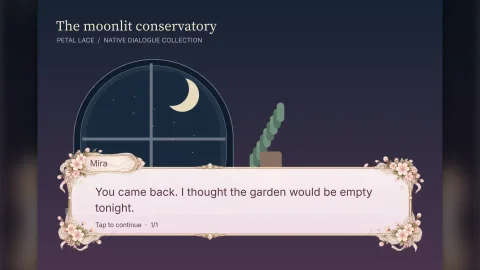

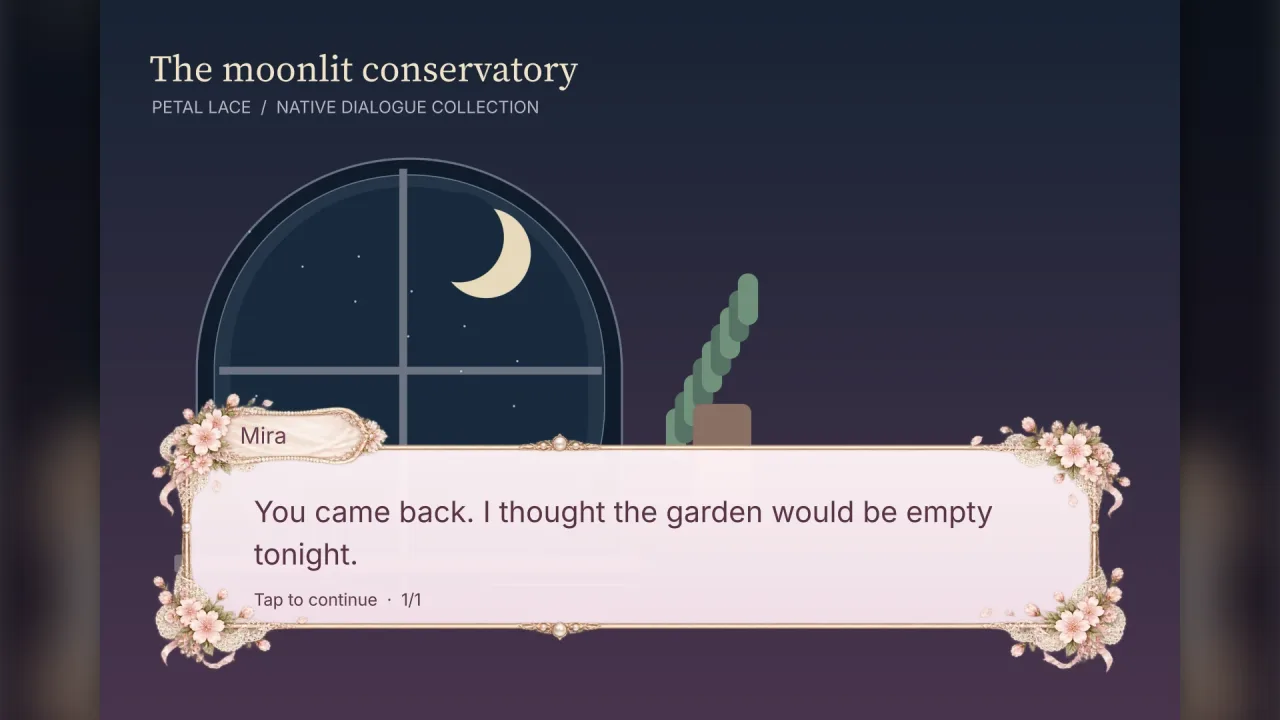
What it does
You open a session with a list of lines, each with an optional speaker and its text, and the box does the rest. It
lays the text out in the box, splits a turn that is too long into pages, reveals each page at the pace you set, and
waits for the player: the first tap finishes the reveal, the next moves on. With interactive off, your game drives
it by calling advance() from its own input, as an RPG does. onLine fires as each turn begins, which is where a game
swaps a portrait, and onPage as each page begins. append adds turns while the session is open, so a conversation
can be written as the story decides it.
The text is shaped by typography. That is why right-to-left scripts, combining scripts, Chinese, Japanese and
Korean, Devanagari and emoji sequences reveal correctly, one whole shaped cluster at a time, and why a line can mix
runs with their own colour, underline, font and effect: wave, shake or glow. Reveal can be overlapping per-letter
fades, a hard typewriter, or whole lines fading in one after another. All timing runs on the game's clock, so pausing
the game freezes the reveal, and a reduced-motion switch turns the effects off.
The look comes from a preset, the UI theme or your own frame. Eleven presets are drawn natively and need nothing
loaded; thirteen are illustrated frames fetched from the CDN only when the manifest lists them. A game whose UI wears a
theme gets the theme's own dialogue panel, inks, accent and font by opening a box with no preset. A custom illustrated
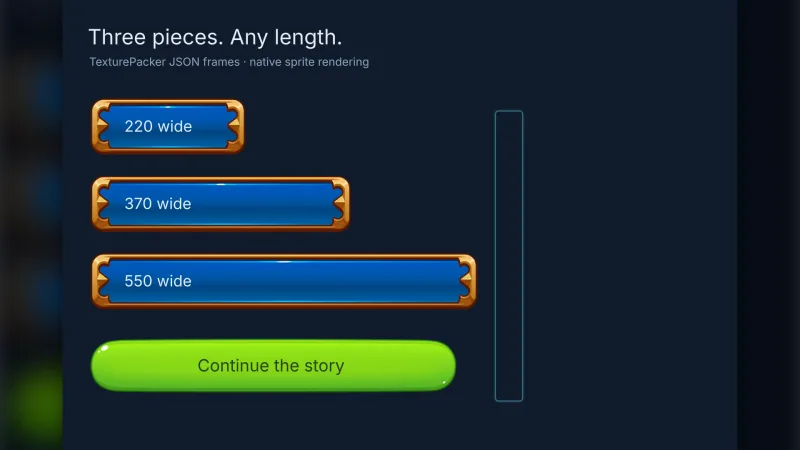
frame is a nine-slice image with its measurements, and an ornament callback lets you draw crests, rivets or anything
else onto the box as it opens.
Features
- Sessions per conversation — lines with speakers and narration, pagination by shaped lines,
onLine,onPageandonComplete, andappendfor turns added as the story goes. - Three reveals — per-letter
fade,typewriterandline-fade, with speed, fade length and line interval, and instant text at speed 0. - Player or game input — tap, Space or Enter as a modal that holds other input, or
interactive: falseandadvance()from your own controls, with optional auto-advance. - Twenty-four presets — from
petal-lace,parchment-chronicleandneon-relaytoterminal,pixel-window,comic-bubble,phone-messagesandnovel-page. - Follows the UI theme — a box with no preset matches the active theme, including every
ui-skinsskin. - Custom frames and ornaments —
loadSkinfor your own illustrated frame, and anornamentkit of panels and sprites to decorate any box. - Rich text — colour, size, underline and strikethrough, real bold and italic faces, and
wave,shakeandgloweffects per run. - Every script — right-to-left, combining and CJK text, and emoji sequences revealed as one unit, with
missingGlyphsto catch a missing font. - Localised prompts — the reveal, continue and finish prompts are labels you can replace.
Good for
- Visual novels and otome games, with romance, gothic and period-drama frames and portraits swapped on each turn.
- RPG conversations, with a retro console window or a portrait ledger, driven by the game's own input.
- Tutorials and narrators that talk the player through a level, a page at a time.
- Cutscene subtitles, with the translucent cinematic bar as the default look.
- Story games in many languages, including Arabic, Hindi, Japanese and mixed scripts in one box.
- Texting and phone stories, with a tall phone-screen preset.
Make it yours
open takes the lines and the font, the preset, theme overrides for the inks, accent, size, motif and panel, a
custom skin, your own ornament, the reveal, speed, fade and line timings, alignment, reduced motion, auto-advance,
whether it takes input, the box's rect on screen and the prompts' text. The pack's one option lists the illustrated
presets to fetch at start-up; drawn presets need no entry.
Two very different boxes: a cosy slice-of-life game on the illustrated coffeehouse frame, revealing text in soft fades and waiting for a tap; and a hacker thriller on the drawn green terminal, typing each line with a hard typewriter reveal and advanced by the game's own controls rather than a tap. A third wears no preset at all and simply matches the game's UI skin.
A quick look
A three-turn conversation in the retro console window, with a waving word and a portrait swap per turn:
const talk = game.dialogue.open({
    font, preset: 'pixel-window', speed: 32,
    lines: [
        { speaker: 'Mira', text: 'You came back.' },
        { speaker: 'Ren', text: [{ text: 'I promised. ' }, { text: 'Always.', style: { color: '#ffd166' }, effect: 'wave' }] },
        { text: 'The lanterns flicker.' },
    ],
    onLine: (i, line) => showPortrait(line.speaker),
    onComplete: () => game.scenes.go('map'),
});
Works with
typography— required: shaping, fonts and rich text.ui— required: panel materials and the input modal, and its buttons for showing choices.nine-slice— required: illustrated frames.world-screen— required: the overlay layer the box draws on, in 2D or 3D games.ui-skins— skins that bring a matching dialogue box.rpg— story data and portraits for RPG conversations.
Good to know
- It presents and paces dialogue: there is no branching story language, choices, variables, backlog, save format or
voice playback. Keep the story in your own data and show choices with
uibuttons. - Portrait layouts show the speaker's initial as a monogram; draw a portrait sprite yourself from
onLine. - The phone preset shows one bubble per turn, not a chat history, and emoji draw as monochrome outlines.
- Glow is an eight-sample halo, so keep it to short phrases.
- Screen readers need help from the host page; the pack does not claim DOM accessibility.