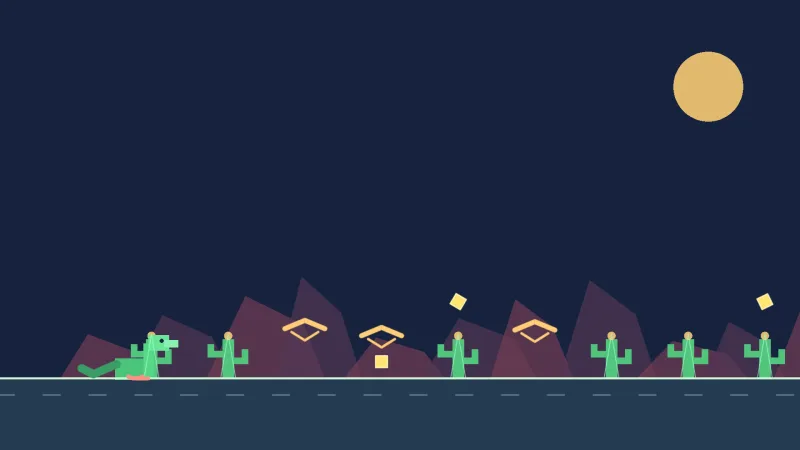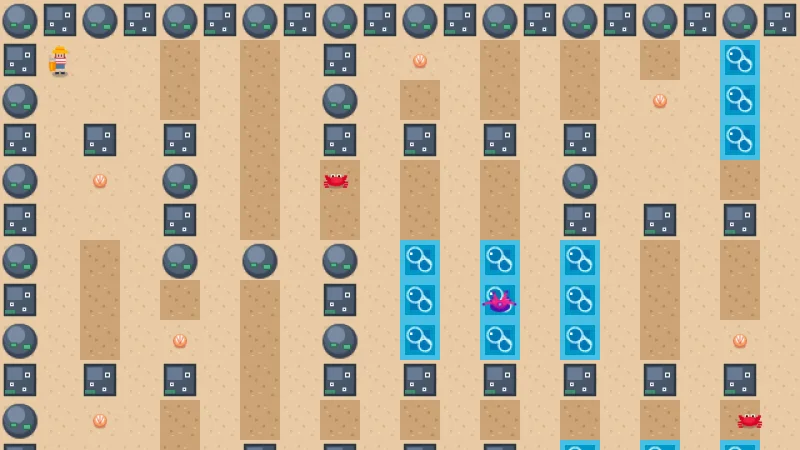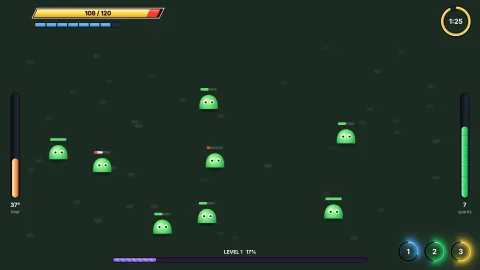

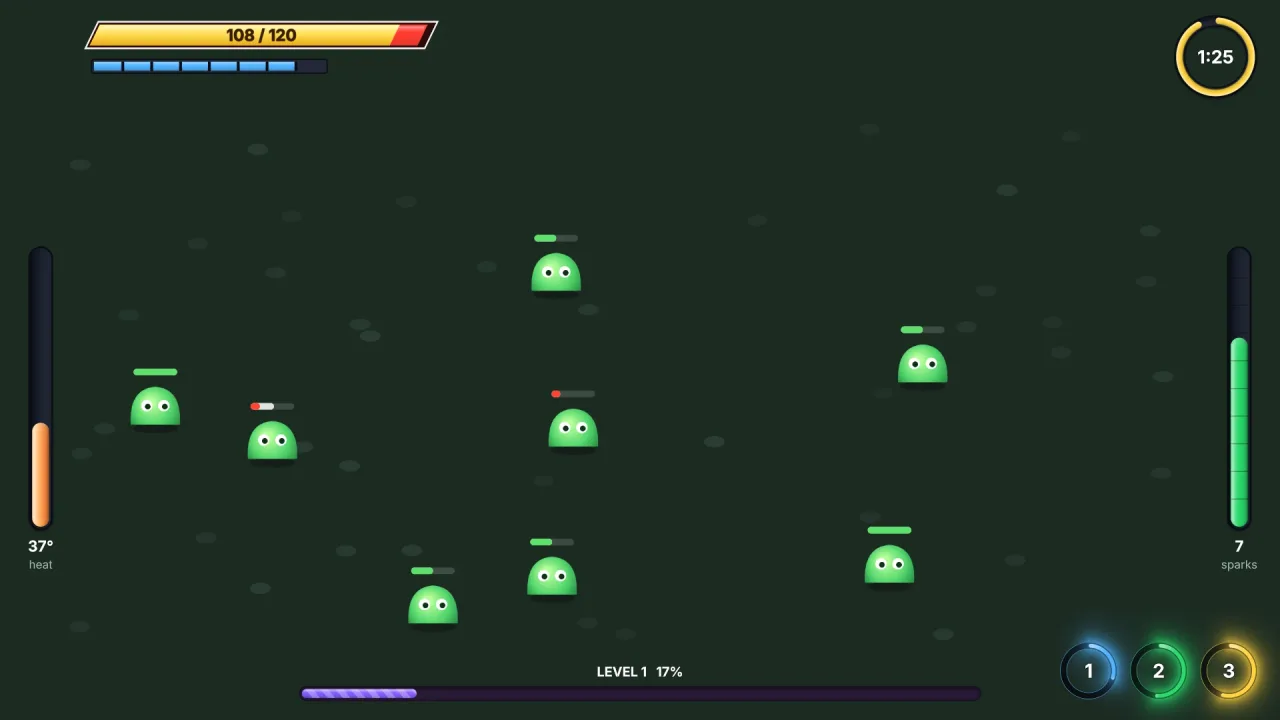
What it does
It is a second world whose coordinates are logical pixels, origin top-left, with no camera of its own. Spawn an
object on its hud or overlay layer and it stays where you put it while the world scrolls and zooms underneath.
Those layers draw over the whole world and after its lighting pass, so a heart in the corner is never lit, fogged or
post-processed.
The underlay is the other half of the sandwich. It is fixed to the screen in the same way but drawn inside the
world's own stack, over its backdrop and under its pieces. A translucent frame behind a board on the HUD would darken
every tile and unit; on the underlay it sits behind them. A tutorial's highlight on the underlay glows under the card
it points at instead of painting over it. Name a world layer in underlayAbove and the underlay rises to sit just
above it: hints over the tiles, under the units.
game.screen gives the logical width and height, and vw and vh for a fraction across or down, so a layout holds
whatever size the screen policy chose. px converts real display pixels into logical ones, for the readout that should
keep its size as the window grows.
Features
- HUD and overlay layers — fixed to the screen, drawn over the world after lighting and post effects.
- An underlay behind the pieces — frames, panels and highlights in screen pixels, under the world's pieces.
- A movable underlay —
underlayAbovelifts it to sit above any layer of the 2D world. - Your own layers — name the layers over the world, back to front; within a layer,
zthen spawn order. - Layout helpers —
width,height,vwandvh, whatever the fit resolved to. - Real pixels when you need them —
cssScaleandpxfor text and readouts measured in display pixels.
Good for
- HUDs — score, lives, hearts, timers and the cards held in a hand.
- Title screens, pause menus and dialogs — on the overlay, over the HUD.
- Fades and transitions — a full-screen panel on the overlay with its alpha tweened.
- Board and card games with tutorials — highlights on the underlay, under the tile or card they point at.
- Puzzle boards with a frame — a translucent panel behind the board that never darkens a tile.
- Pixel-art games — a HUD that scales chunkily with the game, and
pxfor the odd readout that should not.
Make it yours
The options are the layers drawn over the world (by default hud, then overlay) and underlayAbove, the world
layer the underlay sits on. An action game might use the HUD for its score and the overlay for a pause menu and fades,
with nothing on the underlay at all. A board game can lift the underlay above its board layer, so move hints glow over
the tiles and under the pieces standing on them.
A quick look
A frame behind a board, a piece in the world, and a score and a fade over everything, in a world whose layers are
bg, board and units:
const W = game.screen.width, H = game.screen.height;
game.spawn({ id: 'frame', x: W / 2, y: H / 2, width: 280, height: 280, layer: 'underlay', tint: '#000000', alpha: 0.5 });
game.spawn({ id: 'knight', x: 112, y: 144, frame: Art.KNIGHT, layer: 'units' });
game.spawn({ id: 'score', x: W - 40, y: 16, layer: 'hud' });
game.spawn({ id: 'fade', x: W / 2, y: H / 2, width: W, height: H, layer: 'overlay', tint: '#000000', alpha: 0 });
Works with
core-2d,core-3dandcore-vector— all include it, so most games have it already.world-side,world-topdownandworld-3d— the world it sits beside.typography— the score and the labels.render-texture— a painted minimap or health bar.
Good to know
- Positions are logical pixels, scaled with everything else by the fit; use
pxwhen you mean real pixels. - The underlay is drawn with the world, so whatever lights or post-processes the world reaches it too; only the layers over the world escape that.
- There is no zoom and no scroll: it has no camera.
- The pointer's position is already in screen space, so a screen object needs no conversion to world coordinates.