
What it does
game.texture.create spawns a sprite and hands you its painter. The verbs, rect, line, poly, fill, circle,
ring, text and sprite, paint the texture in its own pixels, origin top-left, and each returns the painter so
calls chain. For anything else there is draw, which passes you the 2D context itself. Before the next frame draws,
the pack pushes what you painted to the GPU, re-uploading only that texture, and flush() does it at once.
The texture is a real object in the game, never pixels on the screen. It has an id, a layer, a depth and bounds in the debug overlay, its handle can be moved, tinted, tweened and killed, and it belongs to its scene like any sprite. A minimap sits in the HUD layer and fades out with the HUD; a procedural panel sits in the world and sorts with what is around it.
Small textures share the game's atlas and a big one, such as a screen-sized layer, gets a texture of its own. When a texture's object is killed, its region goes back to be reused by the next texture of the same size, so replacing a label with a new one of the same size costs nothing.
Features
- Shape verbs — filled rectangles with rotation, round-capped lines, stroked polylines, filled polygons, discs and rings, each with its own alpha.
- Text — canvas text with any CSS font, colour, alignment and baseline.
- Sprites into the texture — paint an atlas frame at any size, rotation and alpha, tinted.
- The raw context —
draw(fn)hands you the 2D context, saved and restored around your code. - A sprite like any other — an id, a layer, a depth, tags, visibility and a handle to move, tint, tween or kill.
- Cheap updates — only the changed texture uploads, and killed textures' regions are reused.
Good for
- Minimaps and radars — repainted each step from the positions of tagged enemies.
- Health, energy and progress bars — drawn from the numbers rather than from art.
- Charts and graphs — stats screens and results drawn from the game's own numbers.
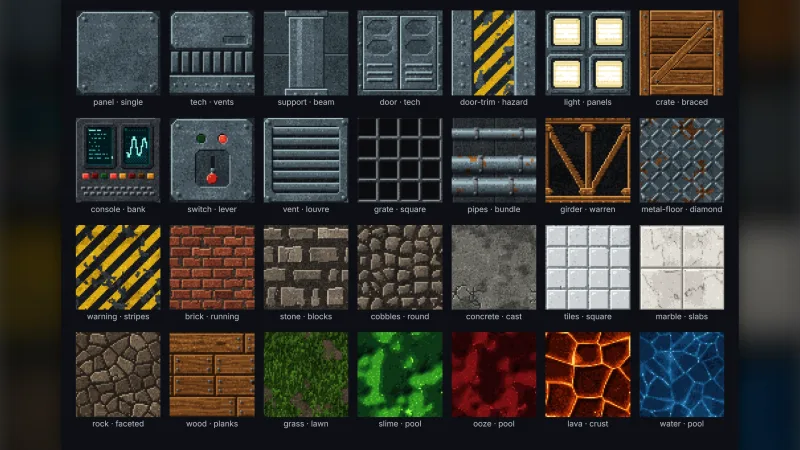
- Procedural panels and frames — HUD panels built from shapes at any size.
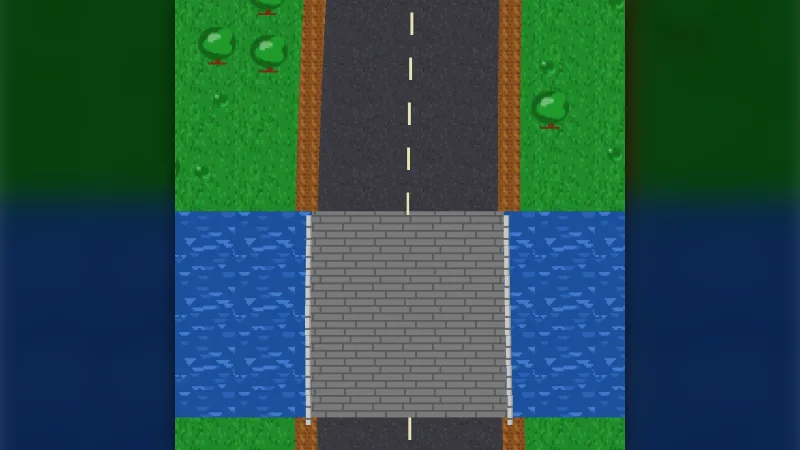
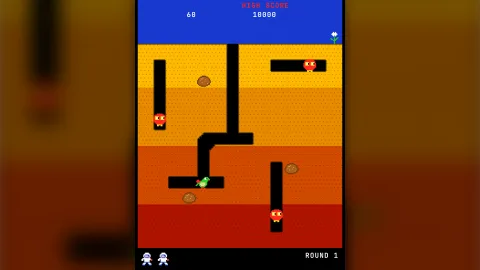
- Digging and painting games — a playfield the player carves or paints into, kept as one texture.
Make it yours
create takes a width and height in pixels (the screen's size when left out), an id, a position, a layer,
tags, visible, and clear to start transparent or not. After that it is your drawing: clear it to a colour each
step and paint the current state, or paint once and add to it over time.
Two very different uses: a 128 by 96 minimap in the HUD layer at 80% opacity, cleared and repainted every step with a dot for each enemy; and a layer of earth in a digging game that is painted once and then has tunnels painted into it as the player digs.
A quick look
A minimap in the HUD, repainted every step from the enemies' positions:
const map = game.texture.create({ id: 'minimap', width: 128, height: 96, x: 560, y: 60, layer: 'hud' });
map.handle.alpha = 0.8;
game.step('minimap', () => {
    map.clear('#00000080');
    for (const e of game.roster.tagged('enemy')) map.circle(e.x / 10, e.y / 10, 2, '#ff4040');
    map.flush();
});
Works with
core-2d— includes this pack, so most 2D games have it already.world-screen— a HUD layer for panels, minimaps and bars.tween— to animate the texture's handle.typography— for text you could set as a label rather than paint.
Good to know
- It is 2D only.
- A texture you never repaint is an atlas frame with extra steps: paint a static image into the atlas instead.
- To change what a label says, repaint it rather than creating another: a texture of a new size takes a new region.
sprite()paints a copy of the atlas pixels, so an animated frame does not stay animated in the texture.- Canvas text is lower fidelity than
typography, which is the better choice for words on screen.