
What it does
Call game.transition.go where you would call game.scenes.go, and the pack does the rest: it covers the screen,
calls scenes.go for you at the covered moment, holds briefly and uncovers. The call resolves once the new scene is
clear, and a second call while one runs is refused, so a title screen that calls it on every key press cannot start
two.
The cover is either a solid colour or the outgoing frame itself. Colour covers (a fade, an iris, a wipe, diamonds,
blinds, a dissolve, pixels and a clock-hand sweep) suit changes where the two scenes should not be seen together:
a death, a restart, a load that takes a moment. Because the screen is plainly blank in between, cover() and
uncover() can hide work: cover, load the next level, then go. Frame covers copy the last frame of the old scene,
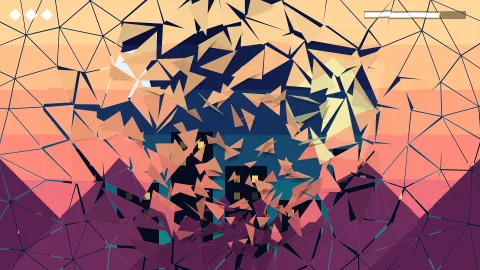
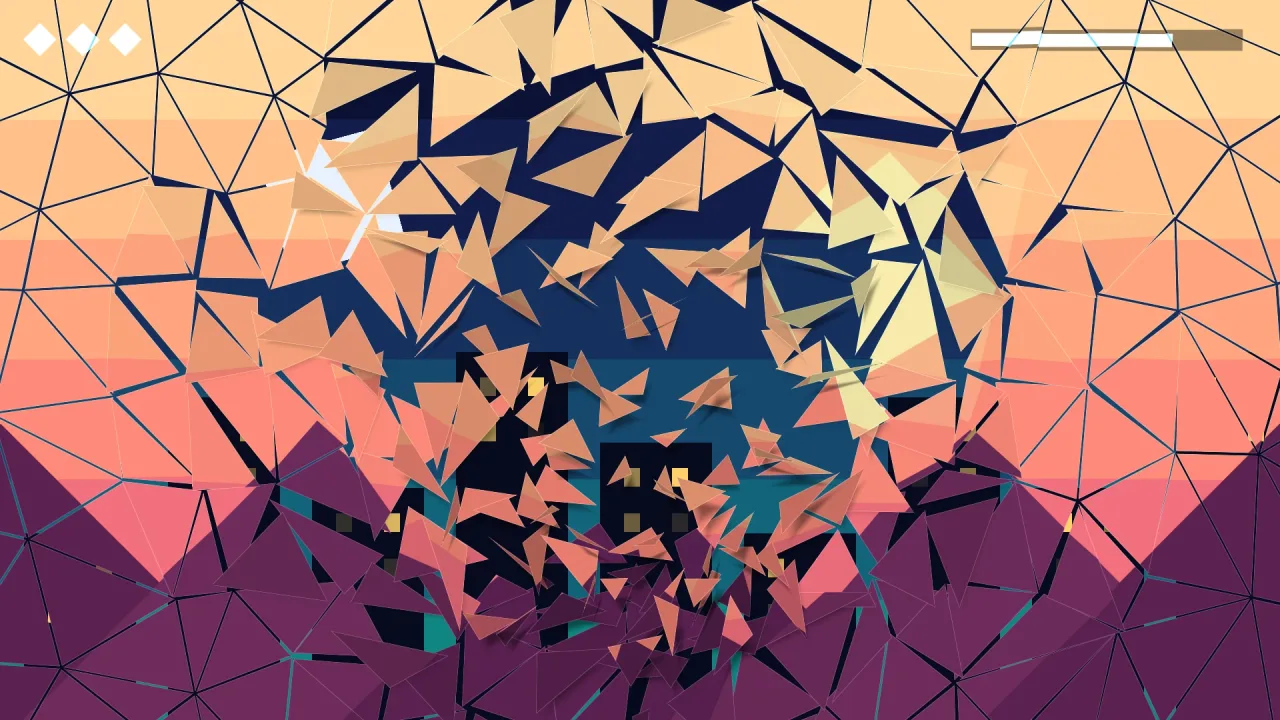
HUD included, and take it away over the new one, which is already running beneath: a crossfade, a zoom that flies
into a point, or a shatter whose shards tumble and fall with soft shadows while the new scene shows through the
cracks.
It runs on the game clock, so it pauses with the game, slows with the time scale, replays the same from a seed and
works under game.advance in headless tools. It draws over everything in 2D and 3D, on WebGPU and WebGL2, and needs
no world, layer, font or asset. Other packs, a title screen or a level flow, reach it through the registry and fall
back to a plain scene change when it is not composed.
Features
- One call —
go(scene, opts)covers, swaps, holds and uncovers, and resolves when the new scene is clear. - Nine colour looks — cut, fade, iris, wipe, diamonds, blinds, dissolve, pixels and a clock-hand radial sweep.
- Three frame looks — a crossfade, a zoom into a point and a shatter, using a copy of the outgoing frame.
- Any pairing —
kindpicks the cover andinthe uncover, so a crossfade can wipe off or an iris can shatter. - Cover and uncover by hand —
cover()holds the screen covered while you load or set up, anduncover()lifts it with the same look. - Aimed —
atcentres an iris or a sweep on the player, or sets where a zoom flies and a shatter breaks from. - Game-clock timing — pauses, slows and replays with the game, and runs headless with the same timing.
- Reduced motion — follows the player's setting, turning moving looks into a fade and frame looks into a crossfade.
- Over everything — drawn above the HUD, in 2D and 3D, with one full-screen pass while active and nothing while clear.
Good for
- Title screens — a zoom into the logo or a shatter of the title into the game.
- Arcade games — a brisk wipe, blinds or diamonds between levels, and an iris closing on the player at a death.
- Retro games — pixels filling in at random, or a soft dissolve.
- Adventure games — a wipe between rooms, or a crossfade from day to night in the same world.
- Games with loading between levels — cover, load the next level's assets, then go.
- Timed games — a clock-hand sweep when time runs out.
Make it yours
Every call takes TransitionOptions: the kind and the in look, the duration, how long to hold covered, the
cover color, the point at, the angle of a wipe, the softness of the moving edge and the number of cells for
diamonds, blinds, pixels and shards. Set the game's look once with the defaults option and every call starts from
it; reducedMotion follows the player's setting, or can be forced on or off.
Two very different uses: a retro platformer whose every death is a dark purple iris, its look set once in defaults,
closing on the hero passed as at and opening again from the same spot; and a title screen whose Start press shatters the title from the
pointer into eight-cell shards over a game that is already running underneath.
A quick look
A default fade, an iris on the hero, and a shatter from the pointer:
await game.transition.go('play');
await game.transition.go('play', { kind: 'iris', at: { x: hero.x, y: hero.y }, duration: 0.8 });
await game.transition.go('play', { kind: 'shatter', at: { x: pointer.x, y: pointer.y }, duration: 1.2, cells: 8 });

await game.transition.cover({ kind: 'pixels' });
await game.assets.load(nextLevel).done;
await game.transition.go('level2');
Works with
title-screen— uses it for the way into play.trippatron— for shattering a single sprite rather than the whole screen.
Good to know
- A frame cover is a still copy of one frame: the old scene does not keep moving under it, and there is no slide or push of one live scene by another.
- It changes scenes with
goonly; for pause menus and overlays keepscenes.pushandpop. - One transition at a time: a call while one runs is refused, not queued.
- Game time, not wall time: a paused game holds a transition where it is.
- Headless, or after a lost graphics device, a frame cover draws nothing and the new scene shows at once with the same timing.