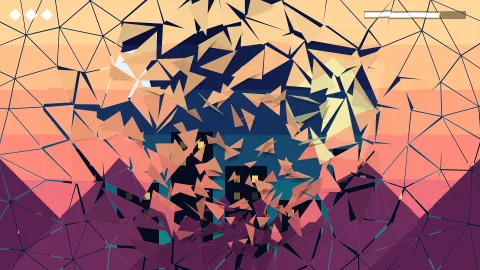

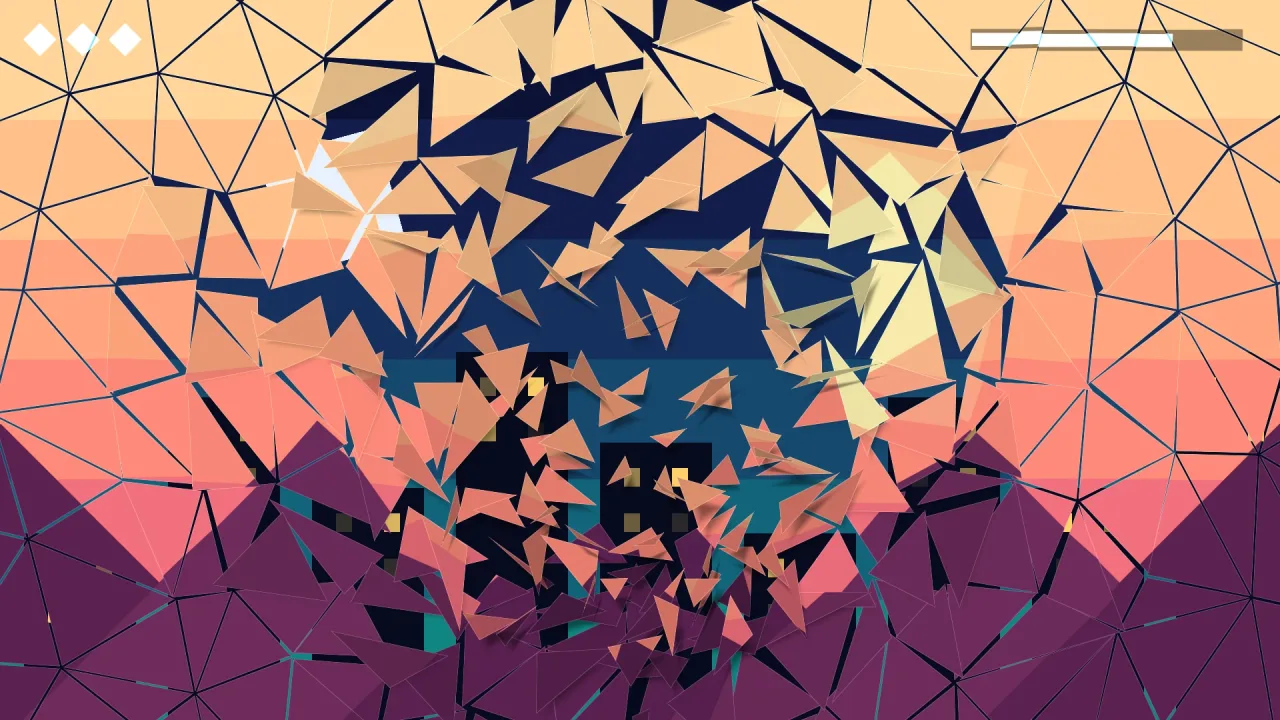
The pack
transition
function transition(options: TransitionPackOptions = {}): Pack<{ transition: TransitionApi }>The transition pack: game.transition.go('play') covers the screen, changes scene while it is covered and
uncovers the new one. Runs on the sim clock (it pauses with the game, replays, and runs under game.advance),
draws one pass over everything including the HUD (a full-screen triangle, or the shatter's shards), on WebGPU and
WebGL2; headless the timing and the swap still run and nothing is drawn. Also registers itself under the registry
kind 'transition' for other packs, and an inspector under 'inspect'. Throws in dev on a bad default option.
Helpers
FRAME_KINDS
const FRAME_KINDS: ReadonlyArray<TransitionKind>The kinds that cover with a copy of the outgoing frame instead of the colour: crossfade, zoom and shatter.
TRANSITION_KINDS
const TRANSITION_KINDS: ReadonlyArray<TransitionKind>Every kind, in the order the shader numbers them (0 is cut).
Types
TransitionApi
interface TransitionApigame.transition, and what other packs get from k.registry.get('transition', 'transition').
go(scene: string, opts?: TransitionOptions): Promise<void>— Cover the screen,scenes.go(scene)while covered, then uncover. Resolves once uncovered. A second call while one runs is refused with a warning and resolves at once. Aftercover()it swaps at once and uncovers. A frame cover (crossfade, zoom, shatter) copies the next drawn frame and swaps on the step after it. Beforegame.start()it is a plain cut. Throws ifsceneis not registered, and in dev on a bad option.cover(opts?: TransitionOptions): Promise<void>— Cover only; resolves when covered. The cover stays up untiluncover()orgo(). Already covered: resolves at once. A frame cover freezes the screen on the next drawn frame while the game runs on unseen beneath it.uncover(opts?: TransitionOptions): Promise<void>— Uncover (after cover); resolves when clear. Defaults to the look and the pace it was covered with. Already clear: resolves at once.readonly active: boolean— True while covering, covered or uncovering.readonly progress: number— 0 clear … 1 fully covered.
TransitionKind
type TransitionKind = 'cut' | 'fade' | 'iris' | 'wipe' | 'diamonds' | 'blinds' | 'dissolve' | 'pixels' | 'radial' | 'crossfade' | 'zoom' | 'shatter'The looks. cut swaps with no cover; crossfade, zoom and shatter cover with the outgoing frame; the rest mask the cover colour.
TransitionOptions
interface TransitionOptionsHow one transition looks and how long it takes. Every field is optional; the pack's defaults fill the gaps.
kind?: TransitionKind— The look. Default 'fade'. 'cut' swaps with no cover; 'crossfade', 'zoom' and 'shatter' cover with the outgoing frame.duration?: number— Seconds for the whole thing: cover, hold, uncover. Default 0.6. Each half is (duration - hold) / 2; a frame cover (crossfade, zoom, shatter) is up at once, so its uncover takes the whole duration - hold.color?: string— The cover colour, CSS hex. Default '#000000'. A frame cover has no colour; this is unused by it.at?: { x: number; y: number }— Centre for 'iris' and 'radial', the point 'zoom' flies into and where 'shatter' breaks from, in logical screen pixels (0..screen width, 0..screen height). Default the screen centre.angle?: number— Direction for 'wipe' and 'blinds' (and the order 'diamonds' grow in), degrees: 0 sweeps left→right, 90 top→bottom. Default 0.softness?: number— Edge softness 0..1 of the moving edge. Default 0.06.hold?: number— Seconds fully covered before uncovering. Default 0.05. For a frame cover, how long the old frame stands still over the new scene.in?: TransitionKind— How the new scene is uncovered; default the same kind. After a frame cover a mask kind uncovers the old frame by that mask.cells?: number— Cells across the screen's short side for 'diamonds', 'blinds' and 'pixels', and about how many shards across it 'shatter' breaks into nearat. Default 10.
TransitionPackOptions
interface TransitionPackOptionsThe pack's own options (the manifest's options).
reducedMotion?: 'auto' | 'on' | 'off'— 'auto' (default) follows the player'sprefers-reduced-motion; 'on' always turns every moving kind into a 'fade' ('zoom' and 'shatter' into a 'crossfade', which still shows the old frame); 'off' never does. A cut, a fade and a crossfade stay as they are either way.defaults?: TransitionOptions— The look every call starts from, under its own options: set the game's transition once here. Default a 0.6 s black fade.