
What it does
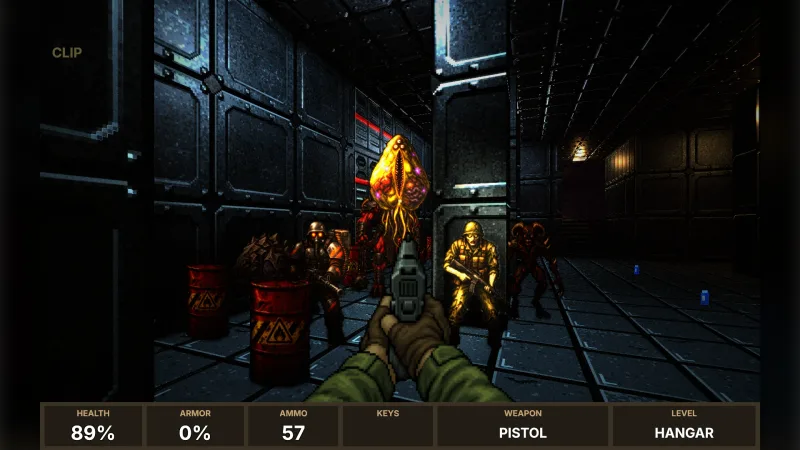
The view takes a sector map and draws it. Every floor, ceiling and wall becomes a mesh in its own surface. Surfaces come from retro-textures' themes (a tech base, an industrial plant, a castle, a neon arena, a crypt) or from your own pictures, each with a normal map so the lamps pick out rivets, mortar and cracks. Each lamp on the map becomes a real light with a fitting under the ceiling, each torch a light with a flickering flame, and a lamp switched off by a trigger goes dark. Doors, lifts and crushers move as the map says.
The game tells the view what happens and the view lights it. A muzzle flash or an explosion is a short light that fades. Every rocket and fireball can carry a light down the corridor and leave fire behind it. A torch can ride on the gun, and bullet holes, scorch marks and blood stay on the walls and floors.
The map dresses itself. Slime and lava flow through their frames and shimmer, gas drifts off the slime, teleporters glow, and lamps that flicker fizz with sparks. Under the open sky it can rain or storm: the lightning turns the moon blue-white for a moment, and the view tells the game when to play the thunder. Ambient occlusion, bloom, a colour grade, grain and a vignette finish the lit look. The flat look paints each sector's light level onto unlit surfaces, as the 1993 games did.
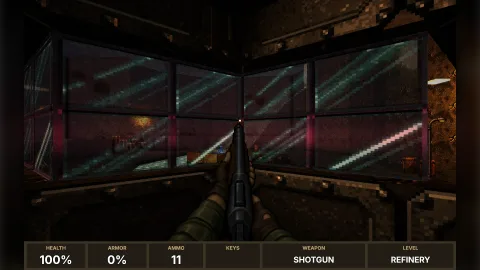
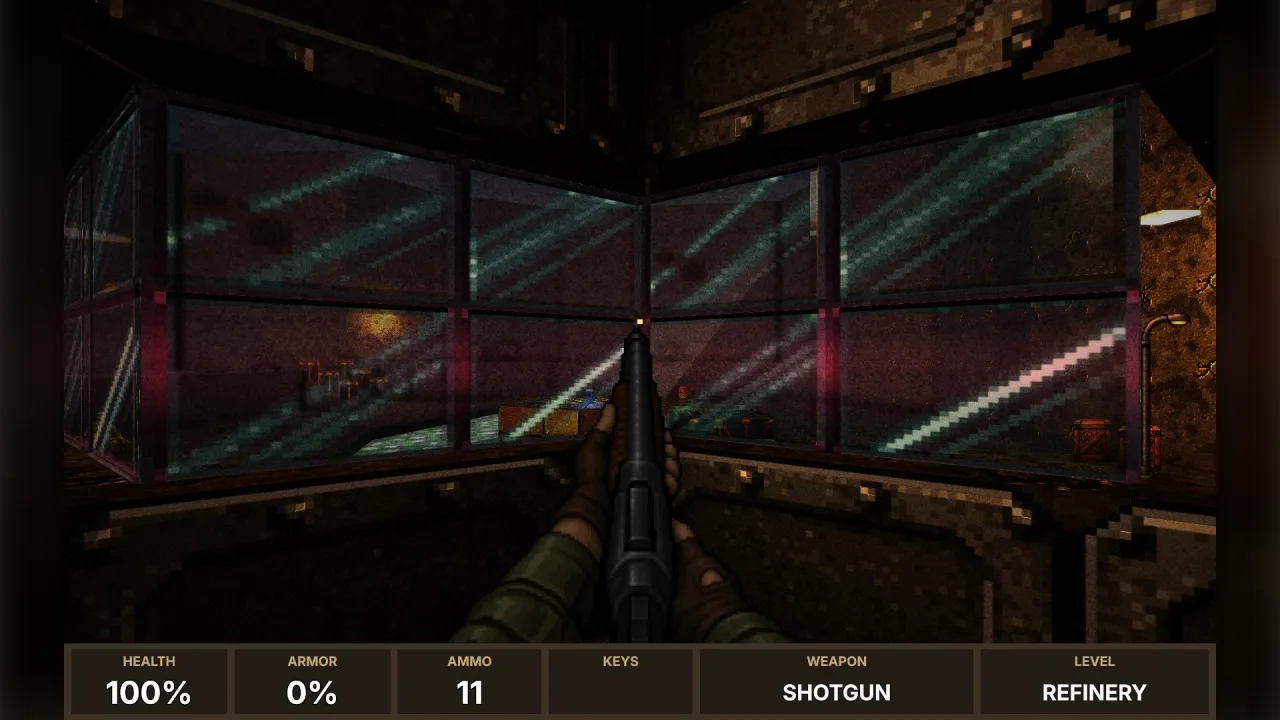
The map's furniture comes alive too. Hinged doors swing on their hinges and stall doors bang; lockers, filing cabinets and safes open their doors, drawers and lids. Windows are real glass that catches the lamps, cracks when shot and bursts into debris when it breaks. Signs are painted to fit their words and pictures, as screwed-on plates, posters or glowing neon that lights the room in its colour. Screens scroll terminal text, draw the map with a blinking mark where you are, show a security camera's wireframe of the halls, or turn in the air as holograms. Overhead, ships pass with spotlights, a blimp drifts with its beacon, birds flap and moths flutter, and searchlight beams sweep the yards. Each map's sky, from night to dusk to an overcast evening, sets the clouds and the light outside.
Features
- Lit by the map — lamps with fittings, torches with flames and glows, switched by the map's triggers.
- Surfaces that catch the light — retro-textures' themes or your own pixels, with normal maps and materials tuned to steel, stone, slime or lava.
- Moving surfaces — liquids flow and shimmer; maps can scroll a wall or put a surface effect on it.
- Light from the action — short flashes, lights riding on projectiles with fire trails, and a torch on the gun.
- Marks that stay — bullet holes, scorch marks and blood on the walls and floors.
- Furniture that opens — hinged doors, lockers, drawers, lids and safes, swung and slid as the map says.
- Glass — see-through panes that crack, then shatter; frosted, wired or grimy.
- Signs and screens — plates, posters and neon with pictograms; terminals, plans, security cameras and holograms.
- Things in the air — ships, blimps, birds, moths and sweeping searchlight beams with their lights.
- Skies — night, dusk, dawn, overcast, storm or day, each with its own light and fog.
- Weather — rain, a storm with lightning, or snow under the open sky.
- A finished look — ambient occlusion, bloom, a grade, grain and a vignette; or flat sector light.
- Pools for your sprites — billboards lit like the world, tinted by their sector.
Good for
- A shooter in the style of the 1990s classics — on
sector-shooter, dark and moody. - A dungeon crawler — the same lit maps, a cell at a time.
- A horror game — a torch, failing lamps, a storm outside, a flickering EXIT sign.
- An office or a plant — glass doors, cubicles, washrooms, security monitors and a searchlit yard.
- A level editor's preview — exactly what the game will draw.
Make it yours
Choose the look, how bright the lamps are, the exposure, the grade and the fog. Give your own pictures for any surface names and keep retro-textures for the rest, and switch sets while the game runs. Turn the ambience and the weather on or off, and choose the thunder. The game decides what every flash, light, trail and mark looks like.
A quick look
Draw a level, then keep it running and light the action.
const view = createSectorView(game, { weather: 'storm' });
await view.prepare(levels);
view.show(run.map, levels[0]);
game.frame('draw', dt => view.frame(dt));
view.flash(x, y, z, '#ff9440', 40, 9, 0.7);
view.decal(x, y, z, 'scorch');
Works with
sector-map— the maps it draws.retro-textures— the surfaces it wears by default.lighting-3d,particles-3d,vfx3d-explosion,vfx3d-fire,vfx3d-smokeandvfx3d-weather— the lights and effects.sector-shooter,fps-weapon-artandfps-prop-art— the game drawn in the demos.
Good to know
- Lamps do not cast shadows, so a lamp shines through a wall unless its reach is kept to its room.
- On WebGL2 the nearest eight lights are drawn.
- Weather falls only near open sky.