
What it does
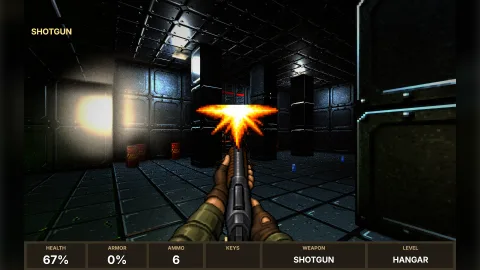
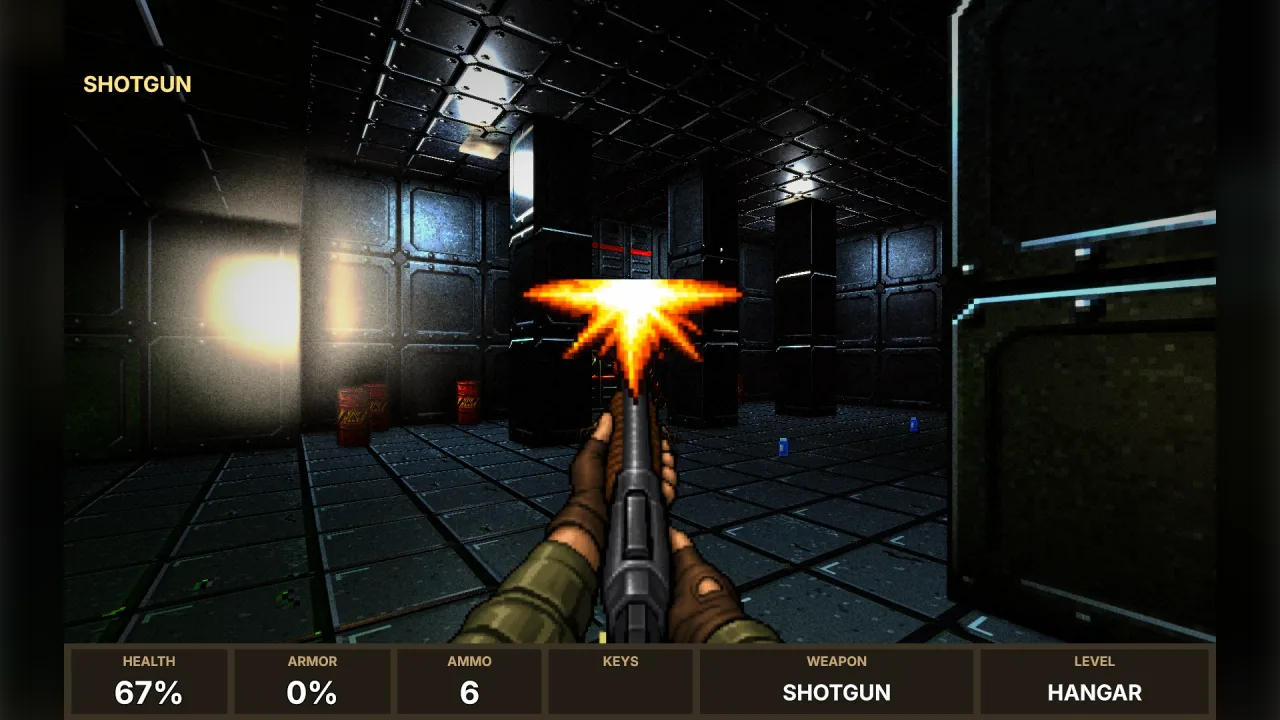
A first-person shooter needs its weapons on screen before anything else looks finished. This pack has them ready. It covers every weapon the corridor and sector shooter sets use, from fists and knives to a rotary gun and a fire staff, each in the hands of its own set: olive combat sleeves for the classic set, armoured gauntlets with glowing trim for the modern one, shirt cuffs for the corridor raid, leather bracers for the crypt.
Each weapon is one picture, and its frames are built from it when it loads, so they line up exactly. A gun flashes at the muzzle and kicks, then kicks further as the flash dies. An automatic alternates two flashes while the trigger is held. A blade or a fist strikes and comes back, and the staff bursts into flame at its crystal and glows. One call picks the frame to show from the weapon's own recoil, so the animation follows the shots. A second picture shows each weapon lying on its side, for the pickup on the floor.
Weapons are found by name. A set's own weapon ids find their own art, and any other id finds the closest by the words in it: a heavy shotgun wears a shotgun, a magic wand the staff, an SMG the machine gun.
Features
- Nineteen weapons, four sets — fists, knife, dagger, blade; pistols and a revolver; shotgun, scattergun and blunderbuss; chaingun, rotary gun, machine gun, nail gun and plasma rifle; rocket and grenade launchers; a crossbow and a fire staff.
- Hands that match the set — combat sleeves, armoured gauntlets, shirt cuffs or leather bracers.
- Frames that fire — idle, flash and kick for guns, alternating flashes for automatics, strikes for blades and fists, a burst and glow for the staff.
- Three kinds of flash — gunpowder, plasma and magic.
- Pickups — each gun lying on its side, ready for a billboard in the world.
- Found by name — exact matches for the preset sets, a sensible guess for anything else.
- Frame by recoil — one call turns the arsenal's recoil into the frame to show.
Good for
- A corridor or sector shooter — the weapons of
corridor-shooterandsector-shooterin hand straight away. - A prototype or a jam game — weapons that look the part while the real art is made, then replaced key by key.
- A shooter with its own weapon list — name-matching dresses most weapons without any mapping.
Make it yours
Choose the set to look in first, or name the picture for each weapon yourself, so a game can mix a classic pistol with a crypt crossbow. The atlas keys for views and pickups take any prefix. The kick (how far a shot knocks the gun down) and the size of the muzzle flash are options. Every picture is painted under a key a game can paint over with its own art later. The pictures themselves stay as they were drawn: for weapons in another palette, make them again from the prompts.
A quick look
Load the classic set's weapons, then show the right frame as the arsenal fires.
const art = await game.weaponArt.load(['pistol', 'shotgun', 'chaingun'], { set: 'classic' });
const gun = game.spawn({ texture: art['shotgun']!.key, x: 480, y: 420, width: 480, height: 320, layer: 'hud' });
game.frame('gun', () => {
    const info = art[arsenal.current.id]!;
    gun.frame = game.assets.frames(info.key) + game.weaponArt.frame(info, arsenal.view, game.time);
});
Works with
fps-weapons— its arsenal's recoil drives the frames.corridor-shooterandsector-shooter— their four sets of weapons are the ones drawn here.retro-textures— walls and floors in the same period look.fps-enemy-art— the enemies, drawn the same way.
Good to know
- The pictures were made once with an image model and ship with the pack as 256-colour PNG data, about 650 KB in all. They are not generated at run time, and the same prompts give different pictures if made again.
- Decoding the pictures needs a browser; on a server or in tests the frames exist but are blank.
- Views are 384 by 256 pixels and pickups 128 by 64.
- The muzzle flash sits at the highest point in the middle of the picture, which is the tip of any weapon that points ahead.