
The pack
fpsWeaponArt
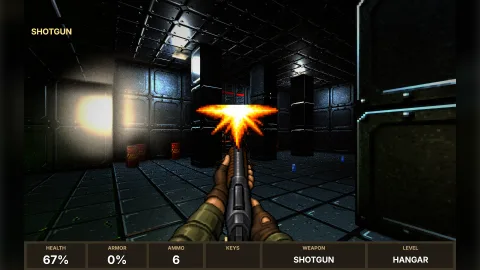
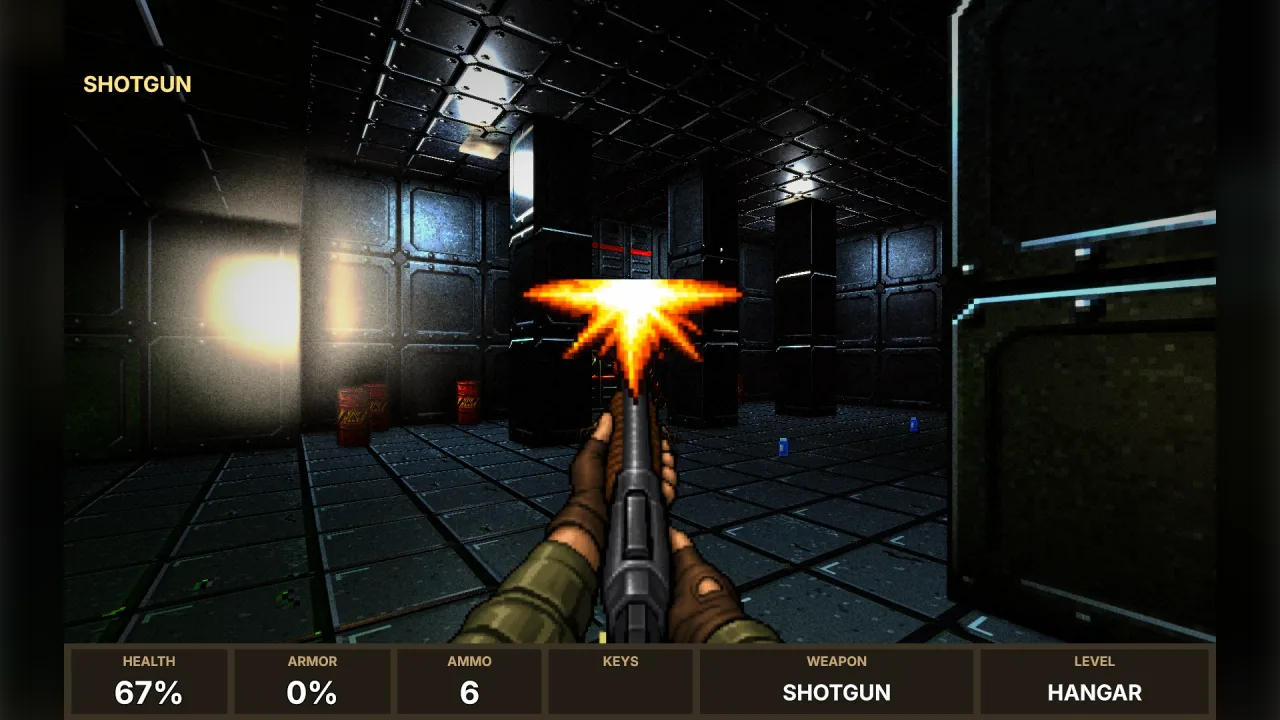
function fpsWeaponArt(): Pack<{ weaponArt: WeaponArtApi }>The fps-weapon-art pack: game.weaponArt, ready-made first-person weapon pictures with firing frames and pickups for
the four FPS preset sets. No options.
Helpers
findWeaponArt
function findWeaponArt(id: string, set?: string): string | nullThe art a weapon id should wear; see WeaponArtApi.find.
FLASH_ART
const FLASH_ART: Readonly<Record<string, string>>The muzzle flashes, 128 × 128, by kind.
WEAPON_ART
const WEAPON_ART: Readonly<Record<string, WeaponArtEntry>>Every weapon's pictures as 256-colour PNGs in base64, by set/id.
weaponArtFrame
function weaponArtFrame(info: WeaponArtInfo, view: { readonly recoil: number }, time: number): numberThe frame to show now; see WeaponArtApi.frame.
Types
WeaponArtApi
interface WeaponArtApigame.weaponArt.
readonly names: readonly string[]— Every weapon's art, byset/id.readonly sets: readonly string[]— The sets:classic(Sector Assault),modern(Overdrive),corridor(Corridor Raid),crypt(Crypt Crawl).find(id: string, set?: string): string | null— The art a weapon id should wear:set/idas it is, the id inset, the id in any set, or a guess from its words ('heavy-shotgun'wears a shotgun,'magic-wand'the staff). Null when nothing fits.load(weapons: ReadonlyArray<string | { id: string; art?: string }>, options?: WeaponArtLoadOptions): Promise<Record<string, WeaponArtInfo>>— Paint weapons into the atlas: each id (or{ id, art }to choose the art) gets its view frames atprefix + idand, when there is one, its pickup atpickupPrefix + id. Ids with no art are left out. Async, because a browser decodes the pictures; headless, the frames exist with the right count but blank.frame(info: WeaponArtInfo, view: { readonly recoil: number }, time: number): number— The frame index (withininfo.key) to show now, from the arsenal'sview(recoil1 just after a shot, falling to 0) and a clock in seconds, which alternates an automatic's flashes.
WeaponArtEntry
interface WeaponArtEntryOne weapon's pictures, as the pack ships them.
readonly view: string— The first-person view, a 256-colour PNG in base64.readonly size: readonly [number, number]— Its size in pixels.readonly muzzle: readonly [number, number]— Where the barrel's tip is in the view, pixels from the top left: where the flash goes.readonly flash: WeaponFlash— The flash its shots make.readonly motion: WeaponMotion— How it animates.readonly strike?: string— A blade's or fist's striking pose, the same size as the view.readonly pickup?: string— The weapon lying on the floor, 128 × 64, for a pickup.
WeaponArtInfo
interface WeaponArtInfoA weapon as it was painted: its keys, sizes and which frame is which.
readonly id: string— The weapon id it was painted for.readonly art: string— The art it wears,set/id.readonly key: string— The atlas key of its view frames.readonly width: number— One view frame's size in pixels.readonly height: number— One view frame's size in pixels.readonly frames: { readonly idle: number; readonly fire: number; readonly recoil: number; readonly alt: number }— Which frame ofkeyis which:idle;fire(the flash, a blade's or fist's strike, a staff's cast);recoil(kicked back, a blade on its way back, a staff's glow);alt(an automatic's second flash), or -1.readonly motion: WeaponMotion— How it animates.readonly flash: WeaponFlash— The flash its shots make.readonly pickup: string | null— The atlas key of its pickup picture (128 × 64), or null when it has none (fists and blades).
WeaponArtLoadOptions
interface WeaponArtLoadOptionsOptions for load.
set?: string— The set to look in first:'classic','modern','corridor'or'crypt'. Default none (any set).prefix?: string— Atlas keys for the views are this plus the weapon id. Default'wv-'.pickupPrefix?: string— Atlas keys for the pickups are this plus the weapon id. Default'wp-'.kick?: number— How far a shot kicks the gun down the screen, in view pixels; the recoil frame twice that. Default 6.flashSize?: number— The muzzle flash's size, as a share of the view's width. Default 0.4.
WeaponFlash
type WeaponFlash = 'powder' | 'plasma' | 'magic' | 'none'How a weapon's shots look at the muzzle: a powder flash, an energy burst, a magic burst, or none (a crossbow, a blade).
WeaponMotion
type WeaponMotion = 'gun' | 'auto' | 'melee' | 'staff'How a weapon animates: a gun kicks and flashes, an automatic alternates its flash, a blade or fist strikes, a staff casts.