
What it does
The renderer draws whatever the 3D world gathers: instanced meshes in a depth-tested pass, shaded physically, with
normal and metallic-roughness maps, an environment for reflections and 4x multisampling by default. It knows nothing
about how geometry is made, so a pack that builds its own meshes is drawn without extra work. Most games get it
through core-3d and never compose it by hand.
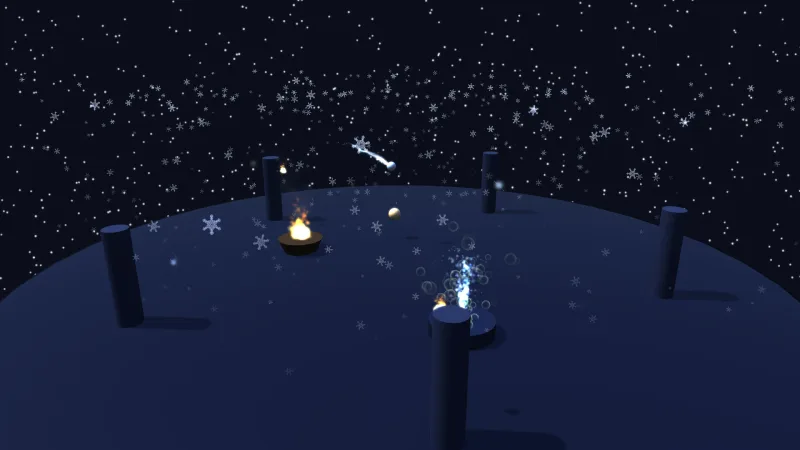
Light is one live object: the sun, the sky and ground colours, ambient, fog, shadows, tone map and exposure, every
field read each frame, so animating the sun is assignment. Or apply one of seven presets in a word: boardgame,
studio, noon, golden, overcast, night and dungeon. The presets exist because the dials are not
independent: a table-top scene needs its shadow budget on one small subject and restrained light so pale colours
survive, while an outdoor scene needs cascades sized for terrain. The tone map leaves colour untouched below a
shoulder and rolls bright light off rather than clipping it, so hue and saturation survive.
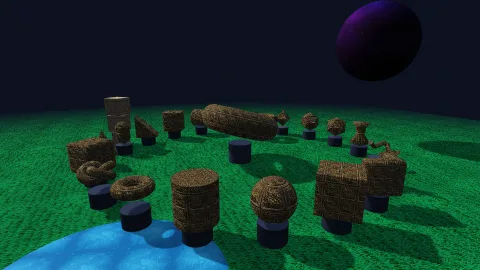
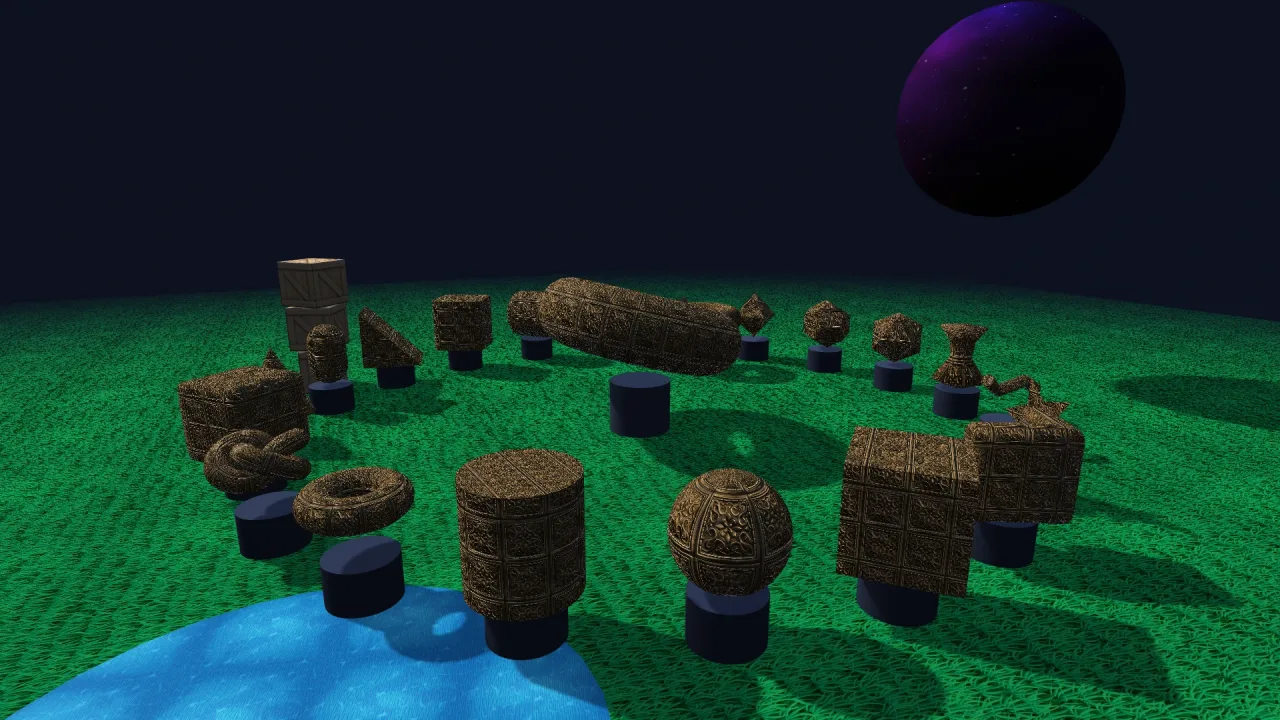
Beyond plain meshes, it handles the surfaces games keep needing. Materials can wear procedural patterns painted before lighting, so a striped melon or a die with pips shades, shadows and batches like a plain mesh. A flat mesh can become a card or a banner with a decal, a different back, a bend, text that stays sharp at any angle, a glow halo and one of eight animated effects. Static batches draw forests and rock fields with no per-frame CPU work, and picking replays the last frame under the pointer, so what you click is what you see.
Features
- Physically based materials — metallic and roughness, emissive and unlit, normal and metallic-roughness maps, texture tiling and scrolling, cut-out textures and camera-facing billboards.
- Lighting presets — seven coherent setups from a lit game table to a dungeon lit only by lamps, applied by name with overrides or from the manifest with no code.
- Cascaded sun shadows — three cascades on WebGPU, a soft filter, a bias that holds at any scale, and a budget you can aim at a small table or a whole landscape.
- Fog and reflections — S-curve fog, exposure, and an environment for reflections baked from the scene when no sky provides one.
- Many lamps — past a couple of dozen lamps from
lighting-3d, a compute pass bins them into a froxel grid, and each pixel shades only its own cell's few. - Procedural patterns — fourteen kinds, among them stripes, bands, swirls, checks, dots, speckle, sprinkles, wood grain and dice pips or numbers, in up to three colours, antialiased on both backends.
- Card and banner surfaces — decals, cut-outs, back faces, curl, bowl, corner and dome bends, distance-field text and symbols, and invisible occluders.
- Eight surface effects — holographic foil, glow, dissolve, fire, shine, gold leaf, ripple and frost, every field live so a tween can burn a card away.
- Glow halos — a soft halo outside any mesh's silhouette, the highlight that reads as "selected".
- Static batches — thousands of unmoving instances packed once, culled on the GPU and drawn indirectly.
- Picking by pixels —
pick(x, y)returns the pickable object actually drawn under a point, holes and bends included. - World curvature — the drawn world bends into a globe so the horizon falls away, while gameplay keeps true positions.
Good for
- Board, card and dice games in 3D — the
boardgamepreset, patterned dice with pips, and cards that bend, foil and burn away. - Model viewers and product shots — the
studiopreset's even, neutral light and tight shadows. - Outdoor adventure and driving games — noon or golden-hour light, cascaded shadows, fog and static batches for forests and rocks.
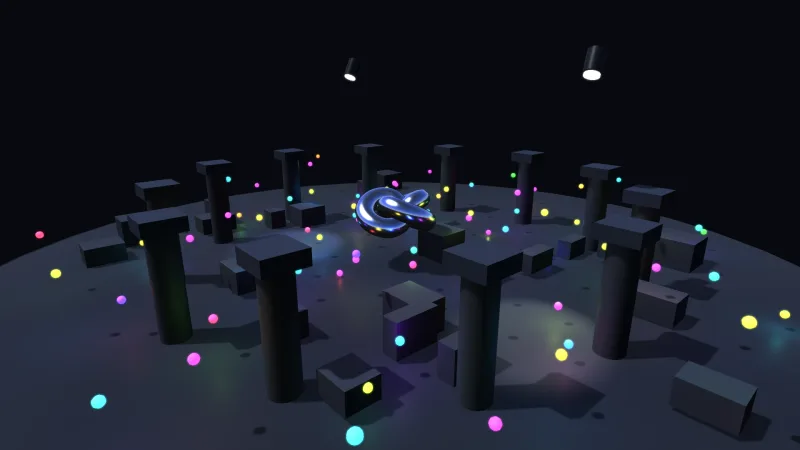
- Dungeon crawlers and night scenes — the
nightanddungeonpresets, with many lamps lit by clustering. - Strategy and tactics games — picking units by what is drawn, through foliage if you choose, with a glow on the selection.
- Stylised and casual 3D — unlit materials, patterns, and pale palettes kept by
boardgameorovercastlight.
Make it yours
Choose a lighting preset in the manifest ({ "id": "render-3d", "options": { "lighting": "boardgame" } }) or patch
the defaults there, then change any field of game.render3d.lighting live. Name and share materials with
game.world3d.material, retune one live through materialAt, and give individual flat meshes a surface with
game.render3d.surface. The msaa option turns multisampling off for a fill-bound scene. Packs that draw their own
3D extend it rather than fork it: a shader of their own through the mesh3dShader hook, materials through
registerMaterial3d, static batches through the registry.
Two very different uses: a card table under the boardgame preset, its cards bent with a curl, wearing holographic
foil, picked by the pointer and glowing when selected; and a landscape under golden light, its trees and rocks
drawn in static batches of tens of thousands of instances culled on the GPU, with fog closing in on the horizon.
A quick look
A preset, a named material, a card surface and a pick:
game.render3d.lighting.preset('golden', { fogEnd: 120 });
const lacquer = game.world3d.material({ name: 'lacquer', rough: 0.25, metallic: 0 });
const box = game.spawn({ id: 'gift', mesh: 'roundedBox', x: 0, y: 0.5, z: 0, color: '#c0392b', material: lacquer });
game.render3d.surface(card, { decal: true, bend: { kind: 'curl', amount: 0.18 }, effect: { kind: 'holo' } });
const hit = await game.render3d.pick(pointer.x, pointer.y);
Works with
world-3d— required; it fills the mesh, material and instance registries this pack draws.render-auto,render-webgpuorrender-webgl2— the backend it draws through.core-3d— includes this pack, configured, so most 3D games have it already.lighting-3d— point and spot lamps and torches; the sun, ambient and fog are here.sky-3d— a time-of-day sky that also lights reflections.mesh-shaders— one object with a shader of its own, such as lava or a force field.post-bloom— glow across the whole screen.terrain-3d,water-3dandforest-3d— landscapes drawn alongside.
Good to know
- The sun is the only shadow-casting light, and a caster thinner than a shadow texel casts nothing: make thin
uprights at least a texel wide, or raise
shadowSize. - WebGL2 has one shadow map instead of cascades and shades up to eight lamps without clustering.
- A transparent mesh is sorted by its origin, not per triangle, so a large one crossing another can draw in the wrong order.
- Picking is asynchronous, about a frame late, and skips billboards, grass, water, particles, terrain and static
batches; for a ray in the world, use
game.world3d.screenRay. - A static instance is not an object: it has no handle or tags, and moving one means rebuilding the batch.