
What it does
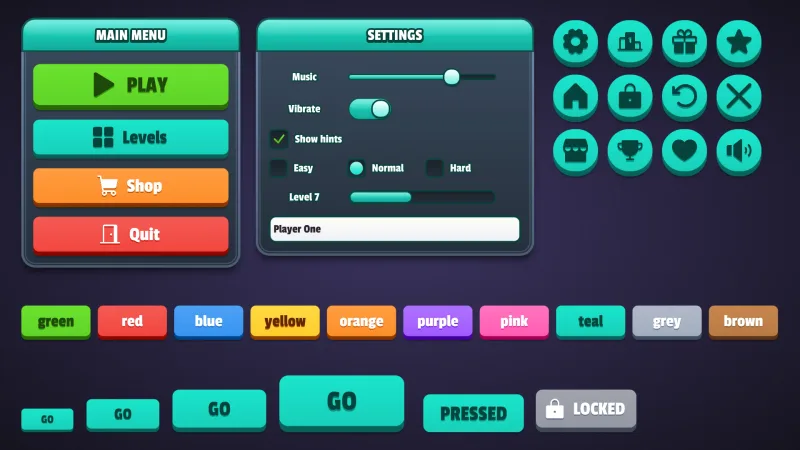
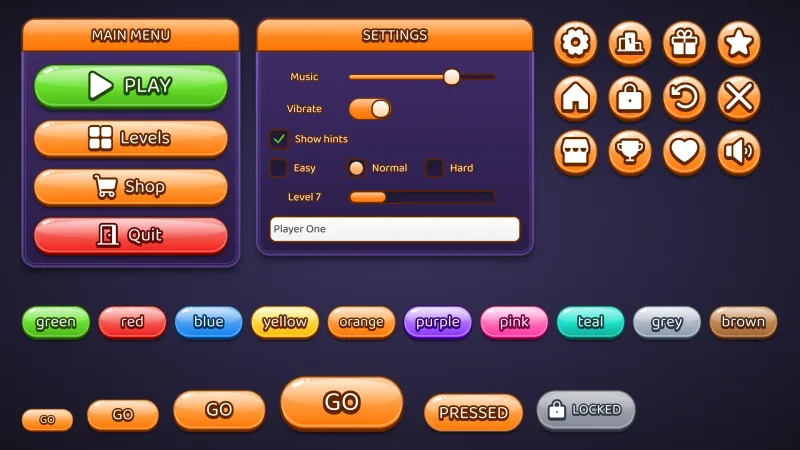
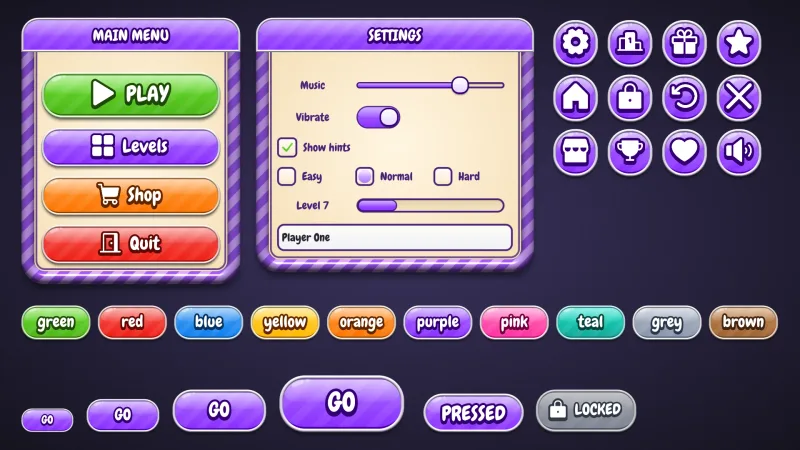
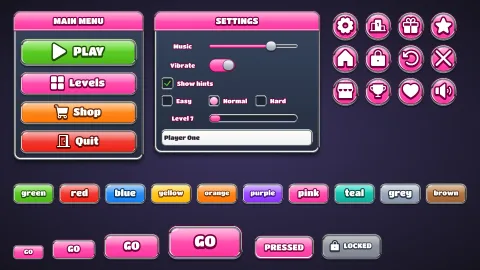
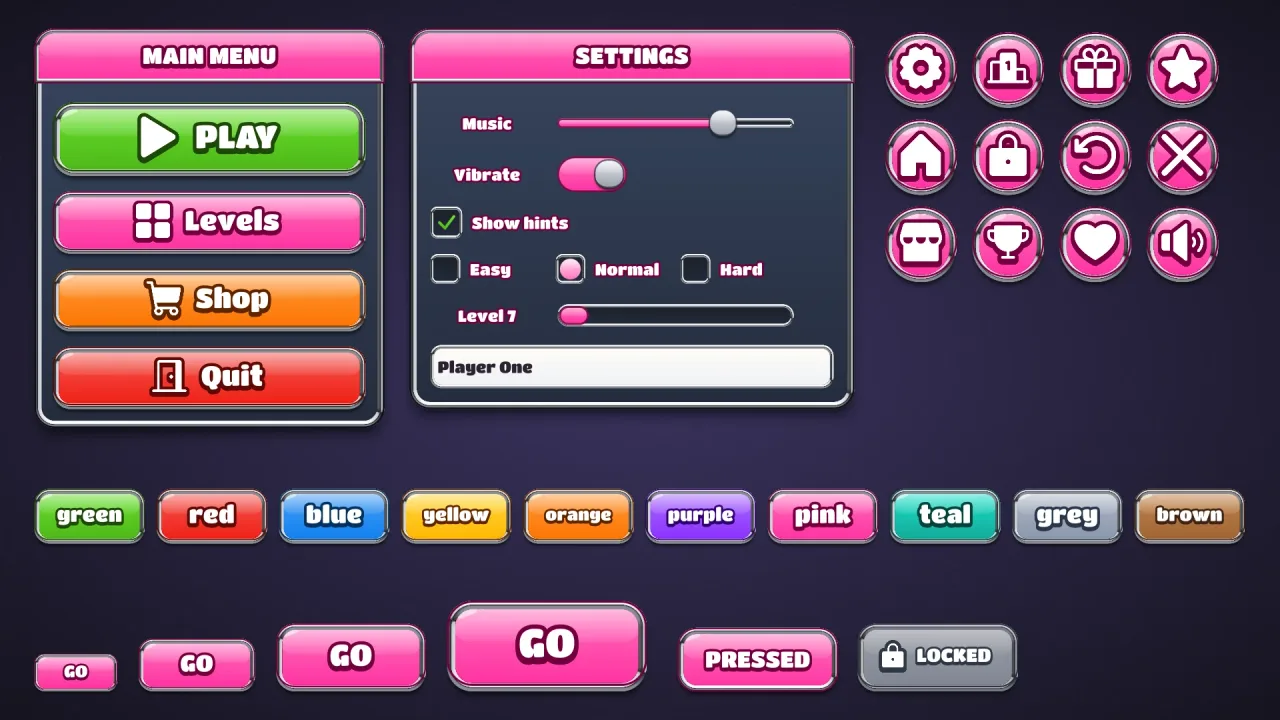
Set game.ui.theme = 'bezel' and every widget the ui pack draws wears it, from buttons in every colour to windows,
sliders, checkboxes, fields and lists. A button is a candy face with a jelly highlight, glints and a slow shine, in a
chrome rim that reflects a bright sky over a dark horizon, sitting on a lip. Windows sit in a wider bezel of the same
metal, and slider knobs are chrome balls. It is style data, not images, and one button style fits every height.
Features
- Chrome bezels — the
chromerim finish on every button, with a dark line between the face and the metal. - A trim colour — silver by default, gold with
'#ffd21f', copper in orange. - One metal throughout — windows, title bars, slider tracks, checkboxes, fields and scrollbar thumbs share it.
- Candy faces — a jelly highlight, glints and a shine every six seconds, under white Titan One captions.
- A button per colour —
default,good,warn,bad,flatand ten named colours, with a matching speech box.
Good for
- Casino and slot-machine screens, with spin buttons framed in metal.
- Arcade prize and reward screens, chrome and gold round every button.
- Match-3 and casual games that want their buttons framed in metal.
- VIP and special-offer buttons in gold among silver ones.
Make it yours
The options are color (pink by default), trim (the bezel), accent (title bars, slider fills, dots and selected
rows), surface for the windows (a dark navy), radius (18), depth (4), roles, extra colors and
designHeight. Keep pink faces in silver for an arcade prize screen, or make blue faces in gold bezels with orange
accents for a slot game, with one purple vip button given a gold rim of its own.
A quick look
// manifest: … typography, ui, ui-skins, ui-skin-bezel
game.ui.theme = 'bezel';
game.ui.button({ text: 'SPIN', style: 'good', icon: 'play', onClick: spin });                  // sized to its caption and icon
game.skins.use({ material: 'bezel', color: 'blue', trim: '#ffd21f', accent: 'orange', name: 'gold' });  // gold bezels, live
game.ui.defineStyle('vip', game.skins.style('bezel', 'purple', { borderColor: '#ffd21f' }));       // one gold button
Works with
ui-skins— required; the generator andgame.skins, overuiandtypography.ui-skin-metal— brushed steel all through, for a harder, industrial look.ui-skin-candy— the same sweet faces with a white rim instead of metal.
Good to know
- One trim per theme: for a mix of metals, make a second theme or override
borderColoron the styles that differ. - The chrome is a shading of the rim, not a reflection of the scene.
- Titan One comes from the CDN when the skin is first chosen; characters outside its Latin, Greek and Cyrillic set use the typography pack's fallback font.
- The caption stroke and extrusion redraw the text: fine on buttons, wasteful on a label rewritten every frame.
Changes
3.0.0-2 (2026-10-21)
- Changed: the skin loads the catalog's re-baked copy of its font, Titan One. Its text looks the same.