
What it does
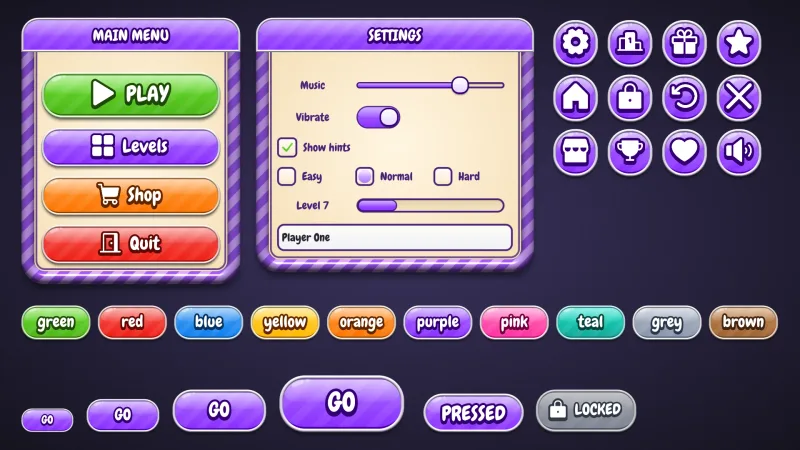
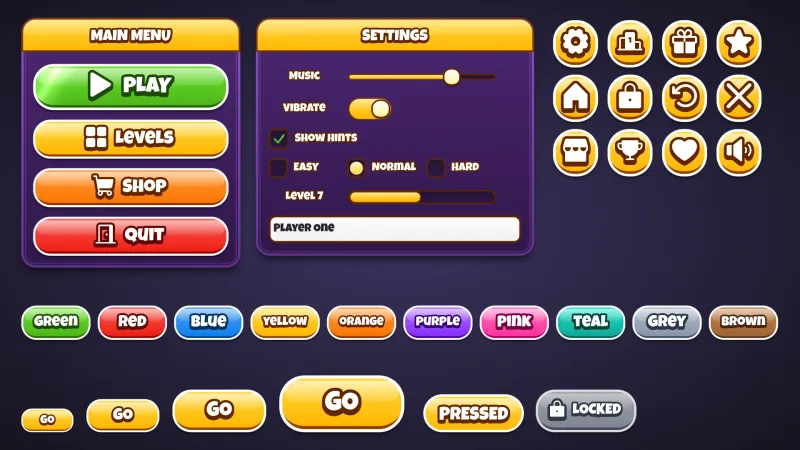
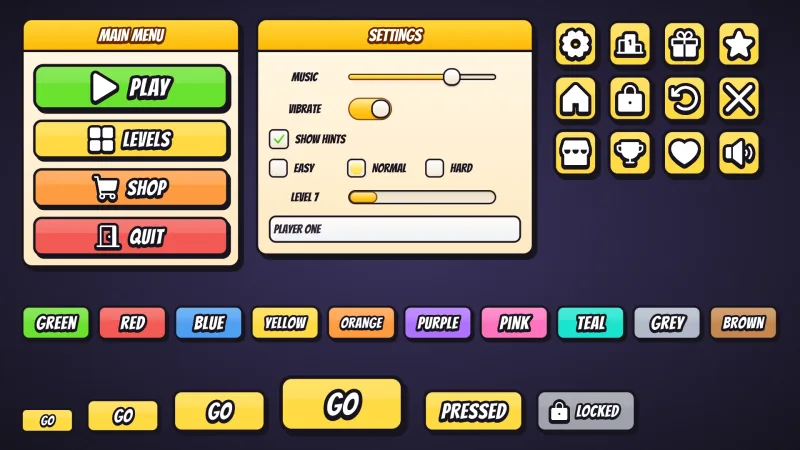
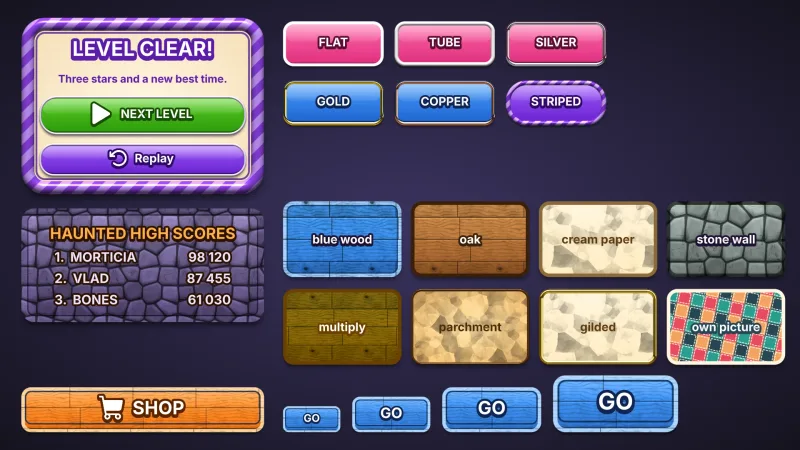
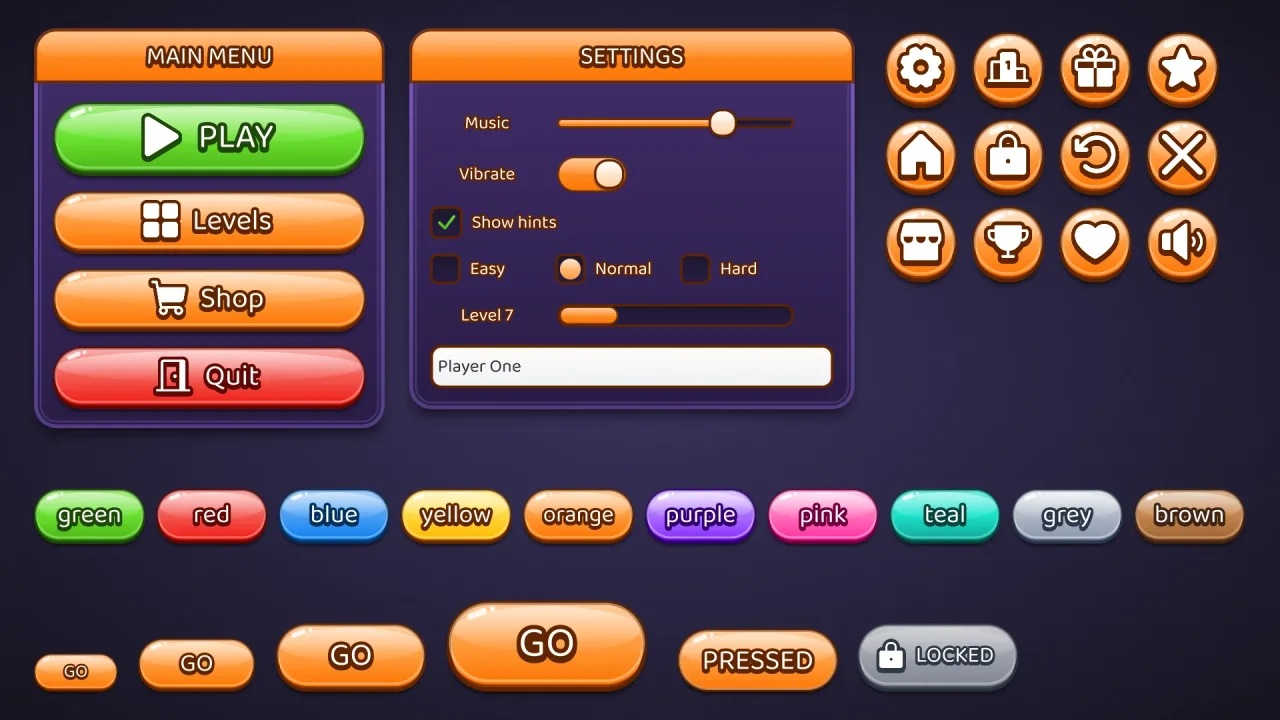
Set game.ui.theme = 'bubble' and every widget the ui pack draws wears it: buttons in every colour, round icon
buttons, windows and title bars, sliders, toggles, progress bars, checkboxes, radios, text fields and lists. A button's
face runs through three stops, from a light top through its colour to a deeper base, with a dome of light across its
upper half, glints, a dark outline with a bright ring just inside it, and a lip. Its corners are a pill by default, so
a square icon button becomes a sphere. It is style data, not images, and one button style fits every height.
Features
- The sphere — a
domegloss, glints, a three-stop face and an inner ring, lit from above. - Round by default — pill corners, so icon buttons are circles and captioned buttons are capsules.
- Baloo 2 captions — white, stroked and extruded in the button's own ink.
- A button per colour —
default,good,warn,bad,flatand ten named colours, with a matching speech box.
Good for
- HUDs of round icon buttons — settings, sound, shop and pause along a screen edge.
- Soft, toy-like menus, every button lit like a ball.
- Casual mobile games that want glossy, rounded buttons throughout.
- Result screens of big round choices — retry, home and next as large icon spheres.
Make it yours
The options are color (orange by default), surface for the windows (a violet), accent, radius ('pill'),
depth (5), roles, extra colors and designHeight; the material has no trim. Keep orange marbles on violet
windows for a toy-box game, or give the buttons 16 px corners so captioned buttons become lit, rounded tiles while the
round icon buttons stay spheres.
A quick look
// manifest: … typography, ui, ui-skins, ui-skin-bubble
game.ui.theme = 'bubble';
game.ui.button({ text: 'PLAY', style: 'good', icon: 'play', onClick: start });   // sized to its caption and icon
game.ui.button({ h: 72, icon: 'settings', style: 'icon' });                     // the round icon button
game.skins.use({ material: 'bubble', color: 'pink', name: 'pink-bubble' });     // another colour, live
Works with
ui-skins— required; the generator andgame.skins, overuiandtypography.ui-skin-glossy— glossy pills with an inset highlight, for captioned buttons first.ui-skin-candy— pills with a white rim and a passing shine.
Good to know
- The options recolour and reshape the look but do not change it; for another, compose another skin.
- Baloo 2 comes from the CDN when the skin is first chosen, and covers Latin, Greek and Cyrillic.
- The caption stroke and extrusion redraw the text: fine on buttons, wasteful on a label rewritten every frame.
Changes
3.0.0-2 (2026-10-21)
- Fixed: the skin's font, Baloo 2, loads a re-baked copy with fewer specks at sharp corners and where strokes cross, which showed in large titles and buttons.