
What it does
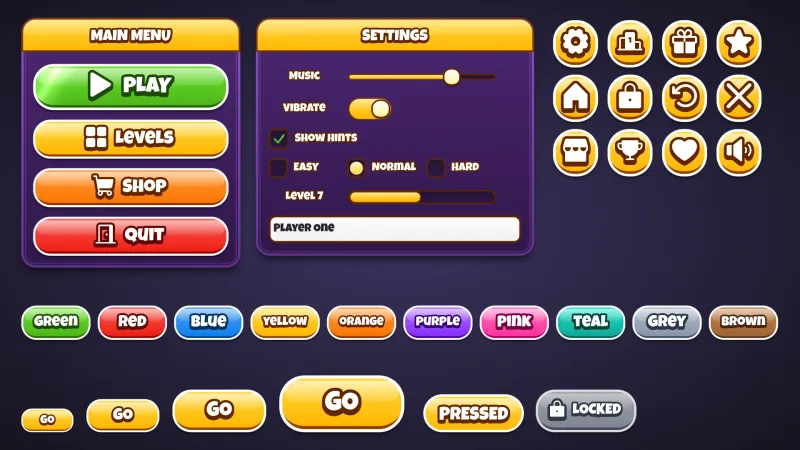
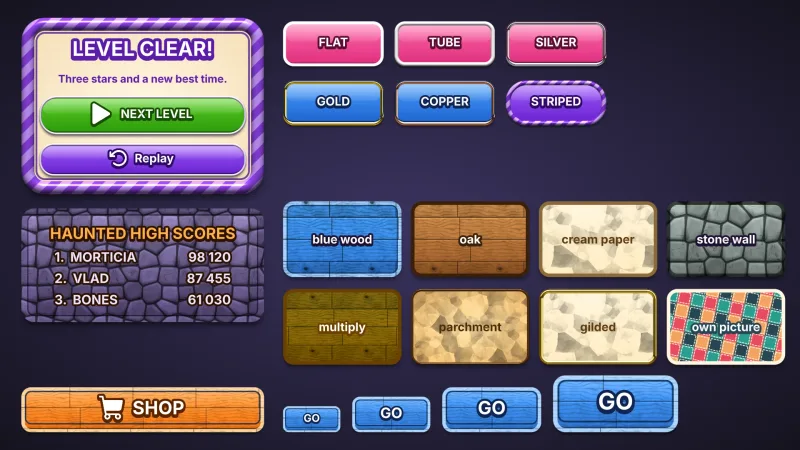
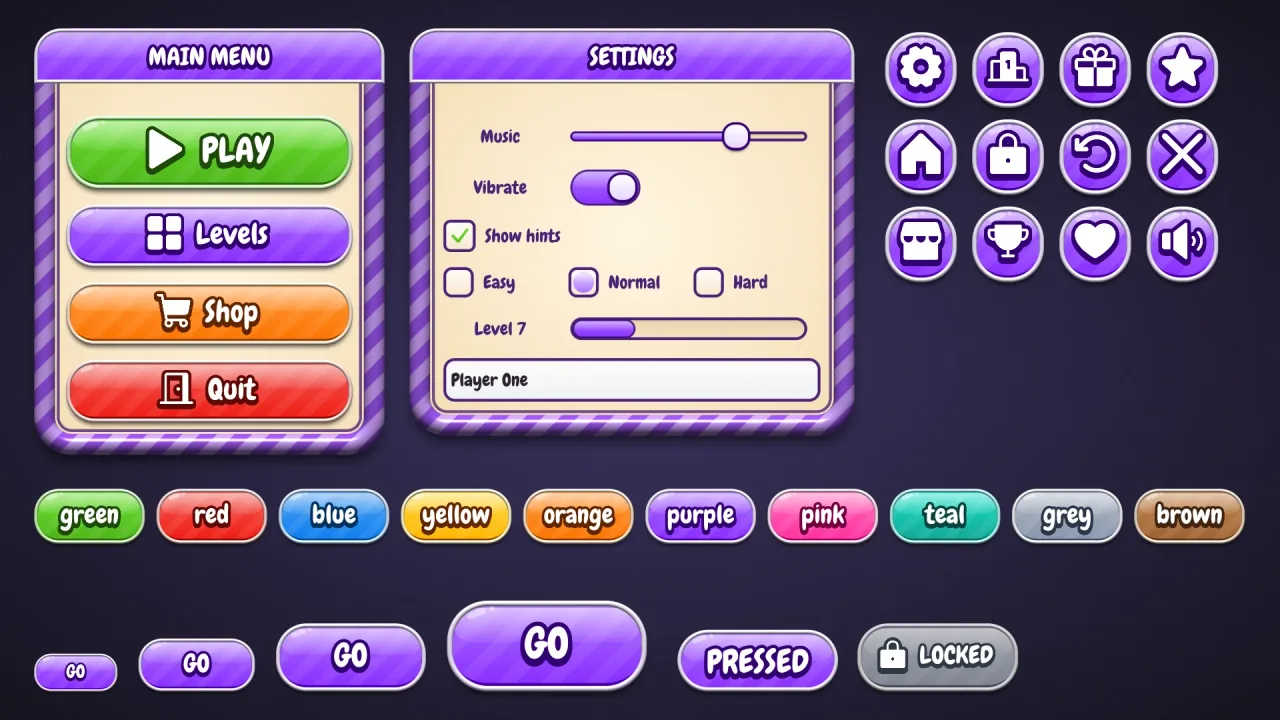
Set game.ui.theme = 'candystripe' and every widget the ui pack draws wears it. Buttons are pills with a light,
tube-shaded outline, a jelly highlight, glints, faint diagonal stripes and a lip. Windows are cream, shaded from the
centre, in a 22 px frame striped in the surface colour and a lighter shade of it, with a dark line inside; panels are
white cards in a narrower frame. Because the windows are light, labels, list rows, checkboxes and fields inside them
use dark text, and the frame keeps a window's children clear of itself. It is style data, not images, and one button
style fits every height.
Features
- The striped frame — a wide tube-shaded rim with diagonal stripes, in any colour.
- Cream cards — light windows and white panels, with dark text inside them.
- Pill buttons — a light tube outline, a jelly highlight, glints and faint stripes, with Chewy captions.
- A button per colour —
default,good,warn,bad,flatand ten named colours, with a matching speech box.
Good for
- Sweet-shop and candy-themed games, with dialogs in a candy-striped frame.
- Puzzle and kids' games, with friendly, readable cards.
- Reward and level-complete dialogs — a cream card in a striped frame with pill buttons under it.
- Casual mobile games that want light dialogs rather than the dark windows of most skins.
Make it yours
The options are color for the pills (purple by default), surface for the frame (a purple, striped in a lighter
shade of itself; the cream inside stays cream), accent for title bars, slider fills, knobs, dots and selected rows,
radius ('pill'), depth (6), roles, extra colors and designHeight; the material has no trim. Keep purple
pills in a purple frame for a sweet shop, or make pink pills in a teal frame for a mint-coloured version.
A quick look
A level-complete window that sizes itself to its contents:
// manifest: … typography, ui, ui-skins, ui-skin-candystripe
game.ui.theme = 'candystripe';
const win = game.ui.window({ w: 420, h: 'auto', title: 'LEVEL CLEAR', titleHeight: 56, layout: { gap: 14, align: 'stretch' } });
game.ui.label({ parent: win, h: 32, text: 'You found every sweet!' });                // dark text on cream
game.ui.button({ parent: win, h: 64, text: 'NEXT', style: 'good', icon: 'play' });
game.skins.use({ material: 'candystripe', color: 'pink', surface: 'teal', name: 'mint' });  // a teal-striped frame, pink pills
Works with
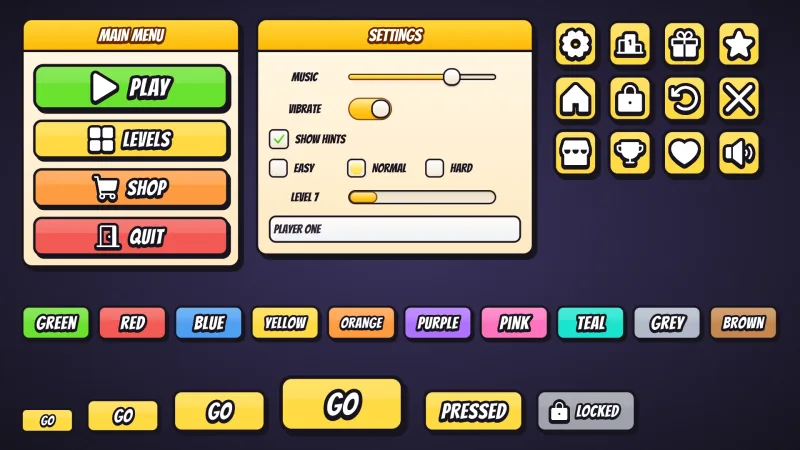
ui-skins— required; the generator andgame.skins, overuiandtypography.ui-skin-candy— candy pills on plain, darker windows.ui-skin-cartoon— cream windows too, with a comic ink outline.
Good to know
- The frame is 22 px and a window keeps 14 px more clear inside it, on top of its layout's padding: give fixed-width rows that much less room, or let them stretch.
- A window's title bar spans its full width, over the top of the frame.
- Chewy comes from the CDN when the skin is first chosen; characters outside its Latin, Greek and Cyrillic set use the typography pack's fallback font.
- The caption stroke and extrusion redraw the text: fine on buttons, wasteful on a label rewritten every frame.
Changes
3.0.0-2 (2026-10-21)
- Changed: the skin loads the catalog's re-baked copy of its font, Chewy. Its text looks the same.