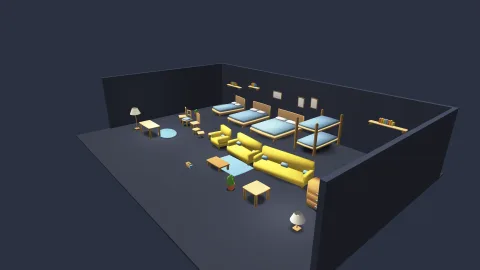

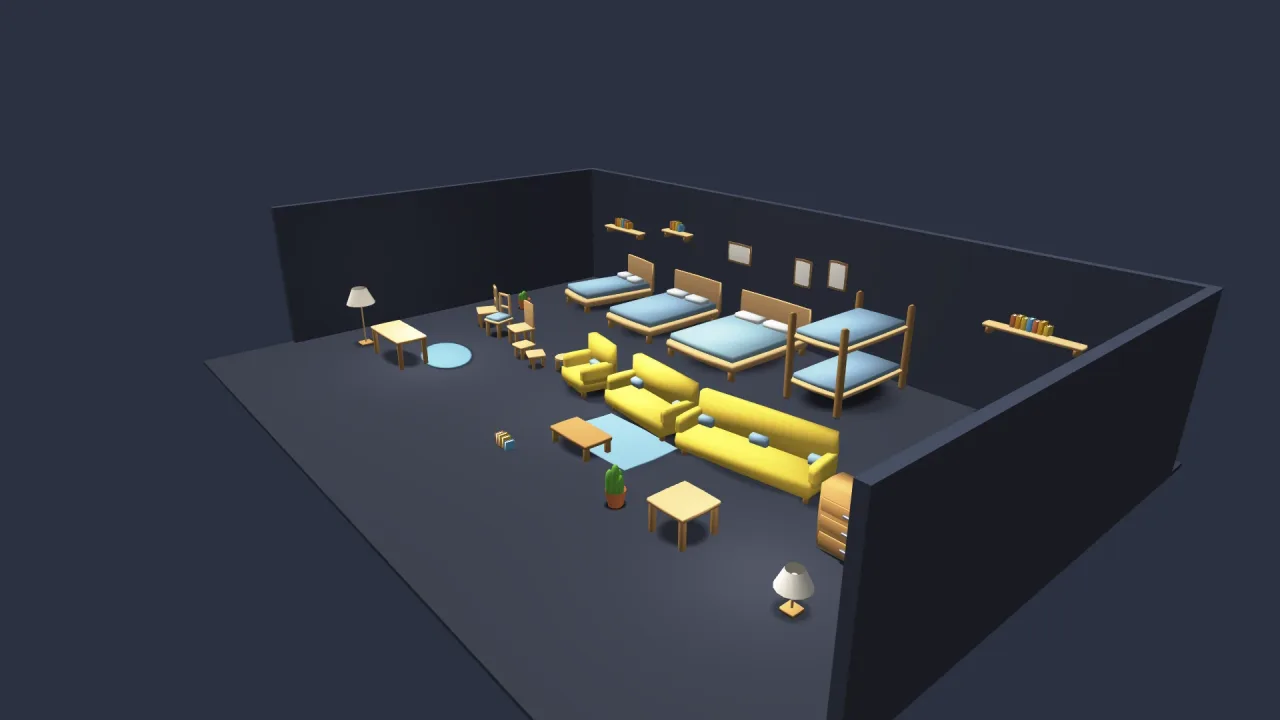
What it does
Every 3D object with a mesh, or only those carrying a tag you choose, gets an elliptical blob sized from its own footprint and turned with it, so a thin wall gets a thin shadow that hugs it rather than a circle that pokes out past both ends. The ellipse spans about 1.2 times the caster, a slim feathered rim round the shape that stays clear of the neighbours' feet. As an object rises the blob fades and tightens, as a real contact shadow does. Hand it your terrain's height function and the blobs follow the ground; without one they sit on a flat plane.
Three things stop an object casting, because a blob is a contact shadow: a footprint too big to be an object, such as a floor or a plaza; sitting below the ground; and floating higher than the fade height, where a hard ghost on the ground would read as a bug. Blobs are depth-tested, so one behind a wall is hidden, but never write depth, and they fog with the rest of the scene.
Features
- Automatic casting — every mesh object, or every object with a
tag, gets a blob with no per-object setup. - Elliptical and rotating — the footprint follows the caster's width, depth and yaw.
- Fades with height — the blob lightens and shrinks as the object rises, and vanishes at
fade. - Follows the ground —
groundAttakes your terrain's height function. - Hand-placed blobs —
addplaces one with its own radii, yaw and darkness for anything the automatic rule misses. - One instanced draw — no shadow map and no extra pass, with
alpha,max,fadeandenabledlive.
Good for
- Any 3D game without a shadow map, where objects otherwise seem to float.
- Board and tabletop games in 3D, with pieces that must sit clearly on their squares.
- Room and furniture scenes, where chairs, tables and props need to stand on the floor.
- Platformers and characters jumping, where a fading blob shows how high they are and where they will land.
- Scenes with a shadow map, for the small props a camera-following map cannot resolve.
Make it yours
The options set alpha, the darkness at full contact (0.38 by default); max, the widest footprint that still casts
(12 world units); fade, the height at which a blob has gone (6); lift, the clearance that stops it flickering
against the ground; tag, to limit casting to tagged objects; groundAt; and enabled. Two different uses: a dense
office scene where every desk, chair and plant casts a light blob on a flat floor; and an outdoor 3D world where only
objects tagged as characters cast, darker, following the terrain's height and fading as they jump.
Works with
render-3d— required: the blobs draw into its scene and test its depth, instead of or beside its shadow map.terrain-3d— its height function, given togroundAt, puts blobs on hills and valleys.lighting-3d— point and spot lights, which cast no shadows of their own, so blobs ground what they light.
Good to know
- A blob always falls straight down and is always an ellipse: the sun's angle does not skew it, and a complex silhouette still gets an oval.
- It knows only the ground you give it, so a blob under a bridge lands on the terrain below, not the deck.
- Objects shadow the ground but never each other.
- A mesh whose look differs a lot from its bounds, such as a wide tree on a narrow trunk, wants a hand-placed blob.