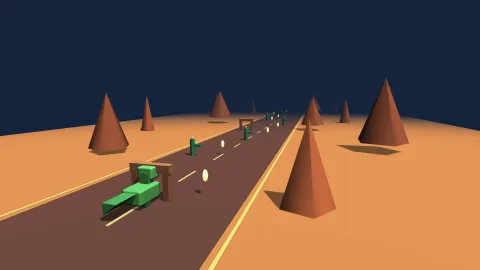

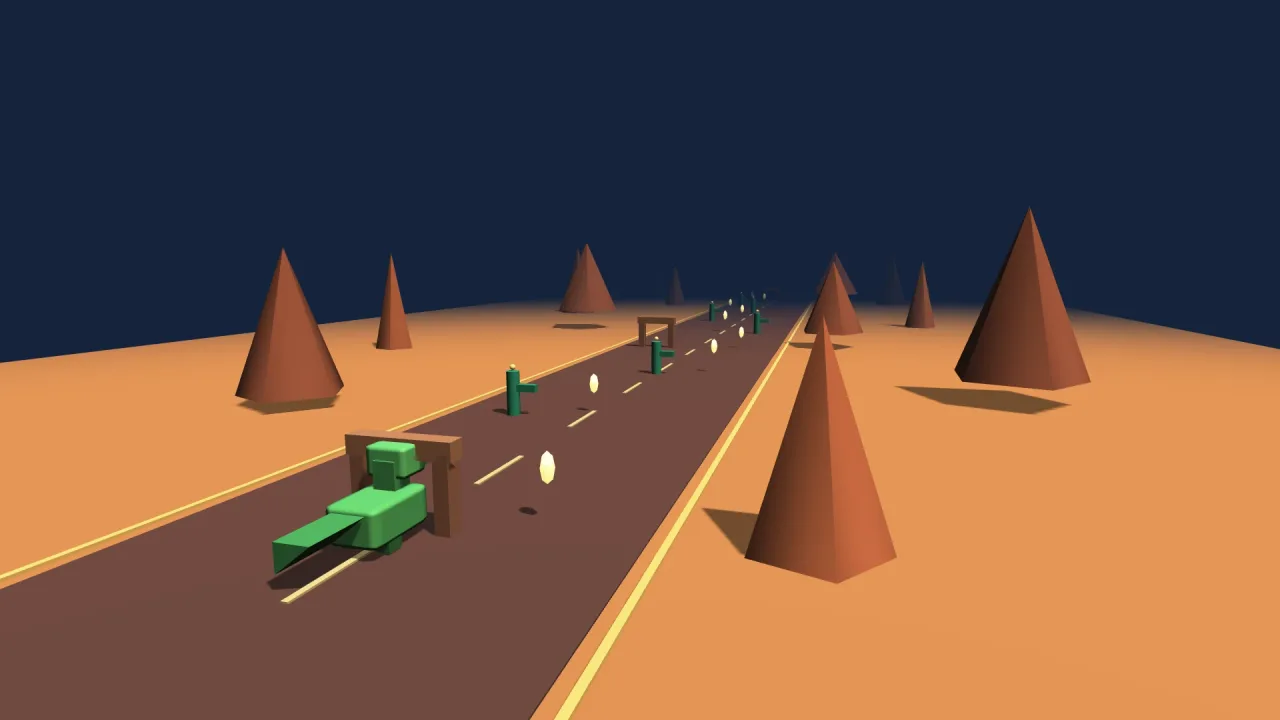
What it does
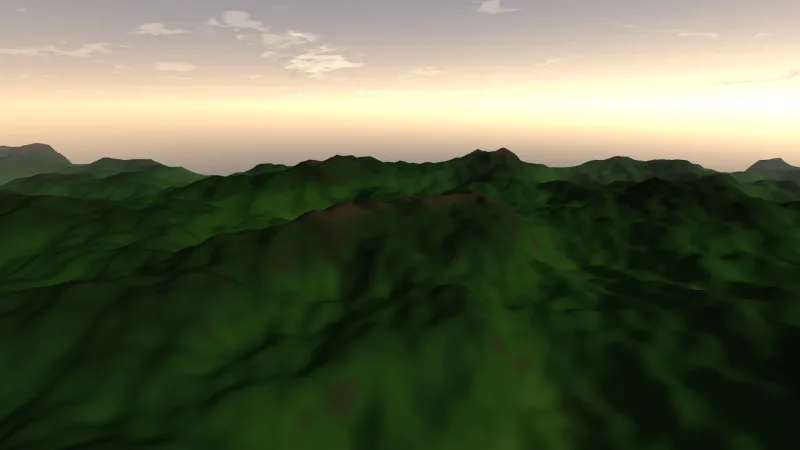
The space is fixed and simple: y is up, it is right-handed, and a camera at yaw 0 looks along +z, with increasing yaw
turning right. Every 3D object is an ordinary object in the game, the same kind as a sprite, that also carries a pose,
yaw, pitch, roll and a scale on three axes, and the mesh it wears. Scenes, tweens, tags, queries and timers work on it
unchanged, and spawning a mesh through game.spawn means other packs' spawn data, a collider or a physics body, comes
with it.
The camera has one model for the common rigs. With distance at 0, its position is the eye, for first person and
free flight; above 0, the eye pulls back along the view so the position is the point it orbits or chases. roll
banks the view for a flyer turning hard. Rig packs drive it, so a game rarely touches it by hand.
From the screen back into the world, toGround and groundAt find where a tap meets the ground or any horizontal
plane, screenRay gives the world ray under a point, and pick and pickAll find the objects it passes through. A
turret aims at the pointer at its own height in two lines. The pack draws nothing itself: it gathers what is in view,
near to far with frustum culling, and render-3d draws it. A 2D game never composes it, so a 2D build ships no 3D
code.
Features
- Meshes as game objects — a pose, a mesh, a colour, a texture or a material, and billboarding, on the same objects scenes, tweens and queries already handle.
- Primitives and your own meshes —
meshbuilds or reuses a primitive,defineMeshregisters your own vertices, and packs can register, replace and update meshes of their own. - Named materials — metallic, roughness, emission, unlit, texture maps, shadow casting, soft translucency and
procedural patterns, with
materialAtchanging every object that wears one at once. - One camera for every view — first person at distance 0, orbit and chase above it, with field of view, pitch and roll.
- Screen to world —
toScreen,toGround,groundAtandscreenRay. - Picking —
pickfor the nearest object under a point andpickAllfor everything along the ray, both with a filter. - Facing —
lookAtturns an object to a world point once, upright if you ask. - Frustum culling — on by default, switchable live, with a count of what it dropped.
Good for
- Third-person action and chase-camera games — the camera orbits or follows at a distance.
- First-person games and free-flight cameras — the camera at distance 0 is the player's eye.
- 3D board and tabletop games —
pickfinds the piece under a tap andgroundAtthe square. - Tower defence and turret games —
groundAtat the turret's height, thenlookAt, aims at the pointer. - Flight games — the camera's roll banks into the turns.
- Prototypes from primitives — boxes and coloured, patterned materials stand in before any model is made.
Make it yours
The options name the draw layers back to front, set the near and far clip planes, and switch CPU culling on or off. Beyond that, a game's look is its meshes and materials: primitives, your own vertices, and materials whose roughness or metalness you can change live for every object wearing them.
The same world serves very different games. A first-person maze keeps the camera at distance 0, driven by
rig-fps, with walls as box meshes. A tabletop strategy game pulls the camera back into an orbit over the board and
uses pick to select units and groundAt to send them to the square under the pointer.
A quick look
A patterned floor, and a turret turned to face the pointer at its own height:
const tiles = game.world3d.material({ name: 'tiles', rough: 0.9, pattern: { kind: 'checker', colors: ['#8a3a2a'], scale: 0.5 } });
game.spawn({ id: 'floor', mesh: 'box', x: 0, y: -0.05, z: 0, size: [12, 0.1, 12], color: '#e8d8b8', material: tiles });
const p = game.input.pointer;
const at = p ? game.world3d.groundAt(p.x, p.y, 1) : null;     // the pointer at the turret's height
if (at) game.world3d.lookAt(turret, at.x, at.y, at.z, true);
Works with
core-3d— includes it with the renderer, lighting, an orbit camera, models and collisions, so most 3D games have it already.render-3d— required beside it; it draws what this world gathers.world-screen— a HUD drawn over the 3D view.rig-orbit,rig-fpsandrig-minecraft— the camera rigs that move the view.aim-3d— keeps a turret or a head facing the pointer;turntablespins a dragged object.pointer— tap and hover handlers on individual objects.
Good to know
- Ray picking tests each object's oriented box, which is exact for a box and generous for a sphere or a model;
render-3doffers picking against the real geometry. pickAllis linear in the number of objects, so a very large scene should filter its candidates.toGroundreturns world x and z in an{ x, y }pair, the same shape as the 2D transform.- It needs a backend that draws meshes; the build refuses one that does not.