
What it does
Set game.turntable.target to an object and the pack turns it as the player drags: yaw for side-to-side movement and,
with tilt on, pitch for up and down. The direction comes from the kernel's dragToSpin, shared with every other 3D
control, so drag right turns the object right and it cannot be wired backwards here on its own.
The flick is the part games get wrong. Letting go should let the object carry on and slow down, but taking the last
frame's movement as the throw throws nothing most of the time, because a hand usually stops for a frame or two before it
lifts. The velocity here is averaged over a short window, so a flick that ends in a pause still flicks, while a
deliberate pause still places the object without flinging it. With snap set, it settles on the facing the coast would
have reached, so a hard flick moves on by a facing instead of springing back.
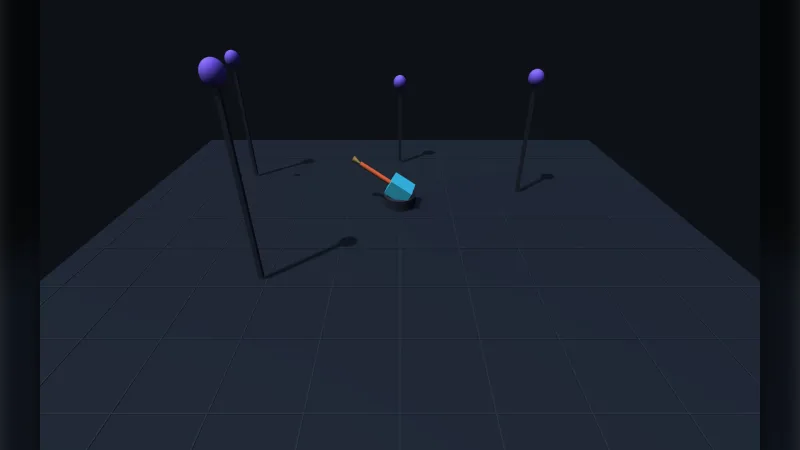
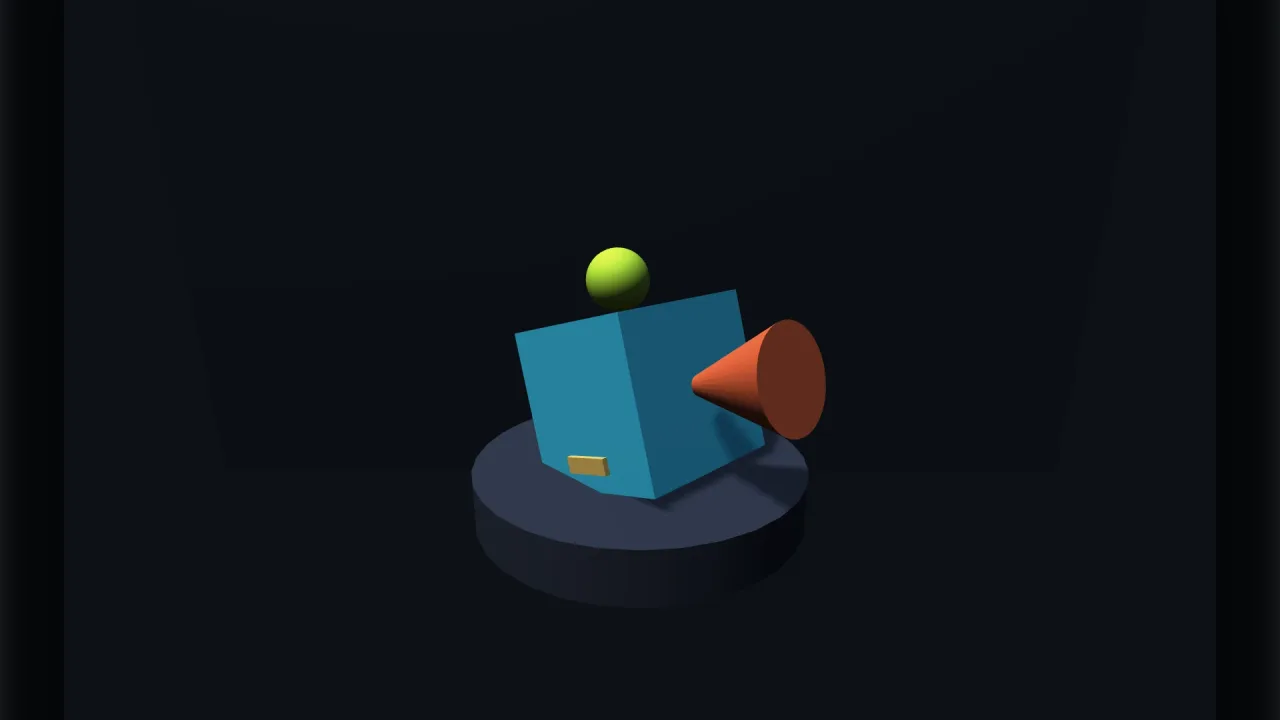
It is not an orbit camera, though the picture looks the same: an orbit camera circles a still subject, while a
turntable turns the subject, so a lit set and a backdrop stay still around it. Nor is it an aim control; for an object
that should face the cursor, use aim-3d.
Features
- Drag to turn and tilt —
sensitivityin radians per pixel, with tilt held betweenminPitchandmaxPitchshort of vertical. - A flick that works — throw velocity averaged over a short window, coasting down over
inertiaseconds. - Snapping — to
snapequally spaced facings, settling insnapTime, on the facing the flick aimed at. - Idle spin —
autoSpinradians a second, resuming afterautoDelayseconds without input. - Live state —
yaw,pitch,dragging,coastingandenabled, andresetto ease back to square on.
Good for
- Character select screens, turning the chosen hero on the spot.
- Model and product viewers where the subject spins and the lighting stays put.
- Trophy rooms and collectibles on a plinth, with a slow idle spin.
- Objects to inspect in a puzzle or adventure game, snapping to each face in turn.
Make it yours
The options are sensitivity (0.01), inertia (0.7 seconds), tilt (on), minPitch and maxPitch (-1.2 and 1.2),
autoSpin (off), autoDelay (2 seconds), snap (off), snapTime (0.25 seconds) and enabled. Two different uses: a
showroom with free spin, a long coast and a slow idle spin that comes back two seconds after the player lets go; and a
character select with tilt off and snap: 4, so however hard the player flicks, the hero comes to rest square on to
the front, a side or the back.
A quick look
A model to spin, an idle turn, and a reset:
game.turntable.target = model;      // what spins; null parks the control
game.turntable.autoSpin = 0.3;      // idle spin, radians a second
game.turntable.reset();             // ease back to square on
Works with
rig-orbit— when the camera should circle and explore a scene instead.aim-3d— when an object should face the pointer rather than spin.attach-3d— to spin several things as one group.core-3d— the 3D world it needs.
Good to know
- One target at a time.
- It writes
yawandpitchon the object every step, so a tween or a physics body driving them is in a fight; park it withenabled = falsewhile something else is in charge. - It reads the first pointer anywhere on screen, so switch it off while the pointer is over a panel beside the viewer.
- It needs a 3D world, and headless it does nothing.