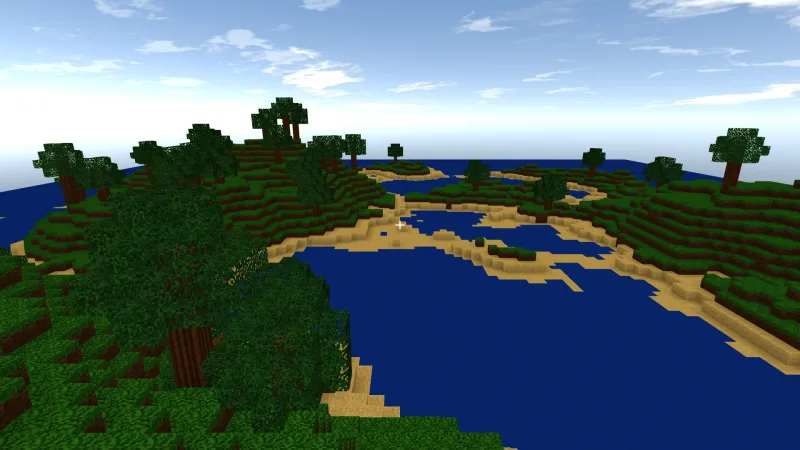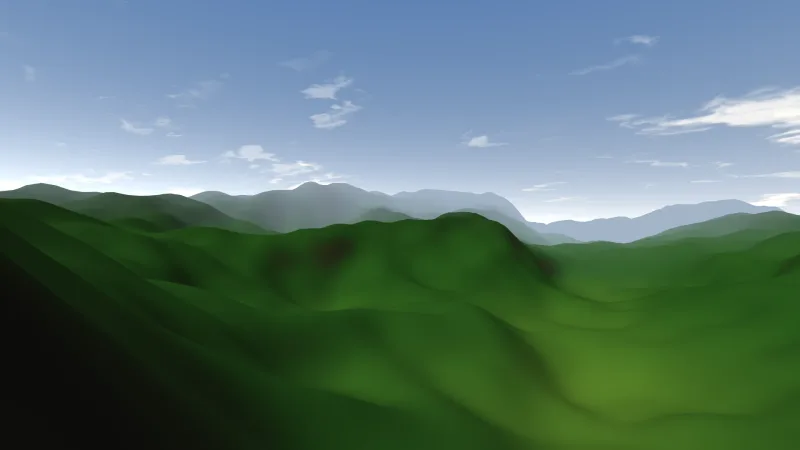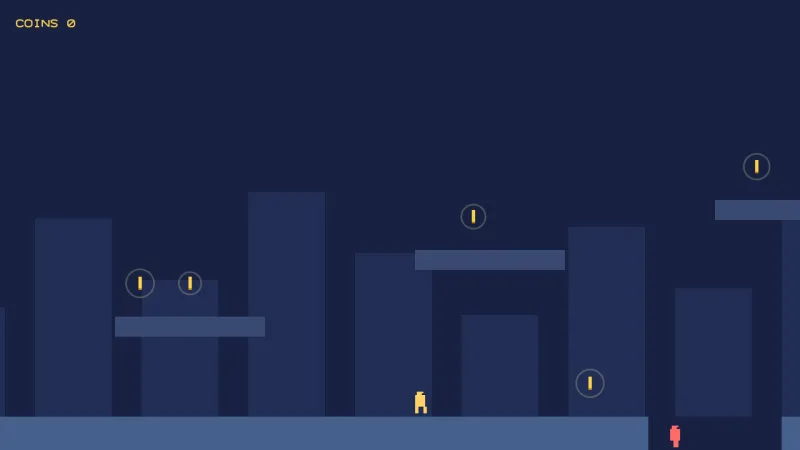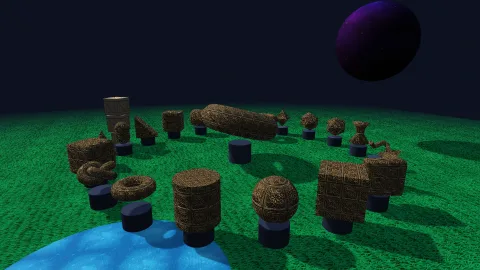

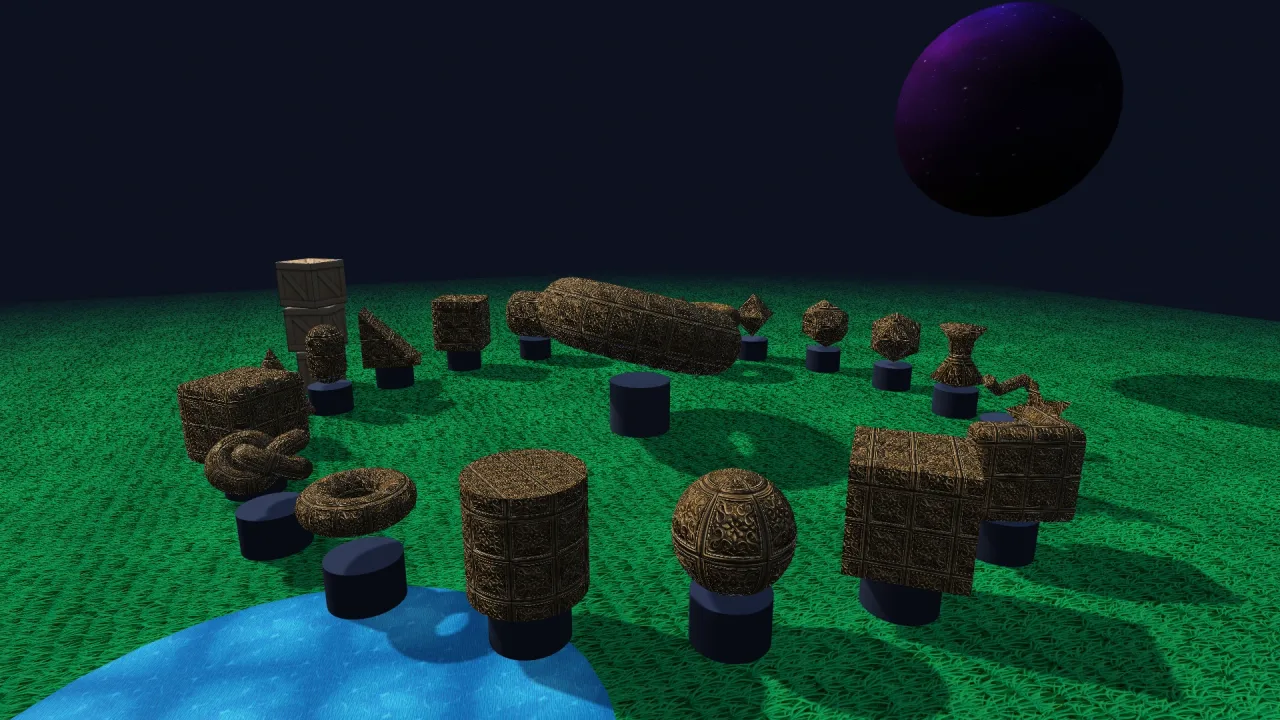
What it does
The rig keeps a focus point and sits the eye back from it at a distance, a yaw and a pitch. Dragging turns the
eye around the focus. The wheel dollies towards the point under the cursor rather than the middle of the screen, so a
zoom keeps the thing you are looking at under the pointer instead of needing a pan afterwards. Right-drag or
shift-drag pans the focus across the screen, one pixel of drag to one pixel of world.
follow(player) eases the focus onto an object every step, with height aiming at its head rather than its feet,
and smoothing deciding how lazy or rigid the chase is: a different camera is one number, not different code.
minPitch and maxPitch stop a drag swinging under the floor or past straight down, and a floor function, such as
the terrain's height, keeps the eye above the ground, raising the pitch so a low orbit glides along a hillside instead
of tunnelling into it.
With fly on, WASD, the arrows and Q and E move the camera through the world, three times faster with shift. The
first fly key puts the rig into explore mode, where a drag looks around from where the camera is rather than swinging
it about the focus, which is the only model that still makes sense once you have left what you were orbiting.
autoRotate adds an idle spin for a showcase shot that pauses under the hand.
Features
- Drag to orbit — around the focus, with sensitivity and an inverted vertical option.
- Zoom to the cursor — the wheel dollies towards the point under the pointer, between a nearest and furthest distance.
- Pan — right-drag or shift-drag moves the focus in the screen plane.
- Follow — the focus eases onto an object every step, at a height above it, with one smoothing number.
- Pitch limits — a drag cannot reach under the floor or past straight down.
- Ground clamp —
floorandfloorMarginkeep the eye above the terrain. - Fly and explore — WASD, arrows, Q and E, with a look-around mode once you have flown.
- Idle spin —
autoRotatefor showcase and title shots. - Live limits — distance and pitch limits, wheel speed, drag and panning can all change while the game runs.
Good for
- Third-person adventures — a chase camera that follows the hero and orbits on a drag.
- Model viewers and inspectors — orbit, zoom to the cursor and pan around an object.
- Builders and level editors — fly through the scene, then orbit what you are placing.
- Strategy and tabletop views — a high pitch over the board, zooming where the player points.
- Driving and flying games — a lazy or rigid chase on the vehicle, clamped above the ground.
- Showcase and title screens — an idle spin around the scene's centrepiece.
Make it yours
The options set the starting distance, yaw and pitch, the zoom and pitch limits, drag sensitivity and inversion, the wheel speed (0 turns the wheel off), the follow smoothing, whether dragging orbits at all, panning, zoom-to-cursor, idle spin, flying and fly speed. Most are live properties as well, so the rig can change as the game does.
Because the limits are live, one rig can be two cameras. A third-person game follows the player at a distance of 12
with a lazy smoothing; set the nearest and furthest distance to zero and widen the pitch range, and the same rig is a
first-person eye, with no second rig to keep in step. A model viewer instead fixes the focus with focus, turns on
autoRotate, and leaves panning and zoom-to-cursor on for a closer look.
A quick look
A chase camera on the player that never dips into the terrain:
game.rig.follow(player);
game.rig.height = 1.5;                               // aim at the head, not the feet
game.rig.floor = (x, z) => game.terrain.heightAt(x, z);
game.rig.floorMargin = 1.5;                          // the eye stays this far above it
Works with
core-3d— includes it with dragging and the wheel off until a game turns them on.world-3d— the 3D world whose camera it drives.terrain-3d— a height function for the ground clamp.rig-fps— the alternative for a first-person eye with pointer-locked mouse look; a game has one or the other.turntable— to spin a dragged object rather than the camera.
Good to know
- One rig per game, and it owns the camera while composed: set
dragoff, or drive the world camera directly, if something else needs to take over. - There is no camera collision: the eye passes through geometry rather than pulling in to avoid it.
- There is no pointer lock, so a drag needs a held button; first-person mouse look belongs to
rig-fps.