
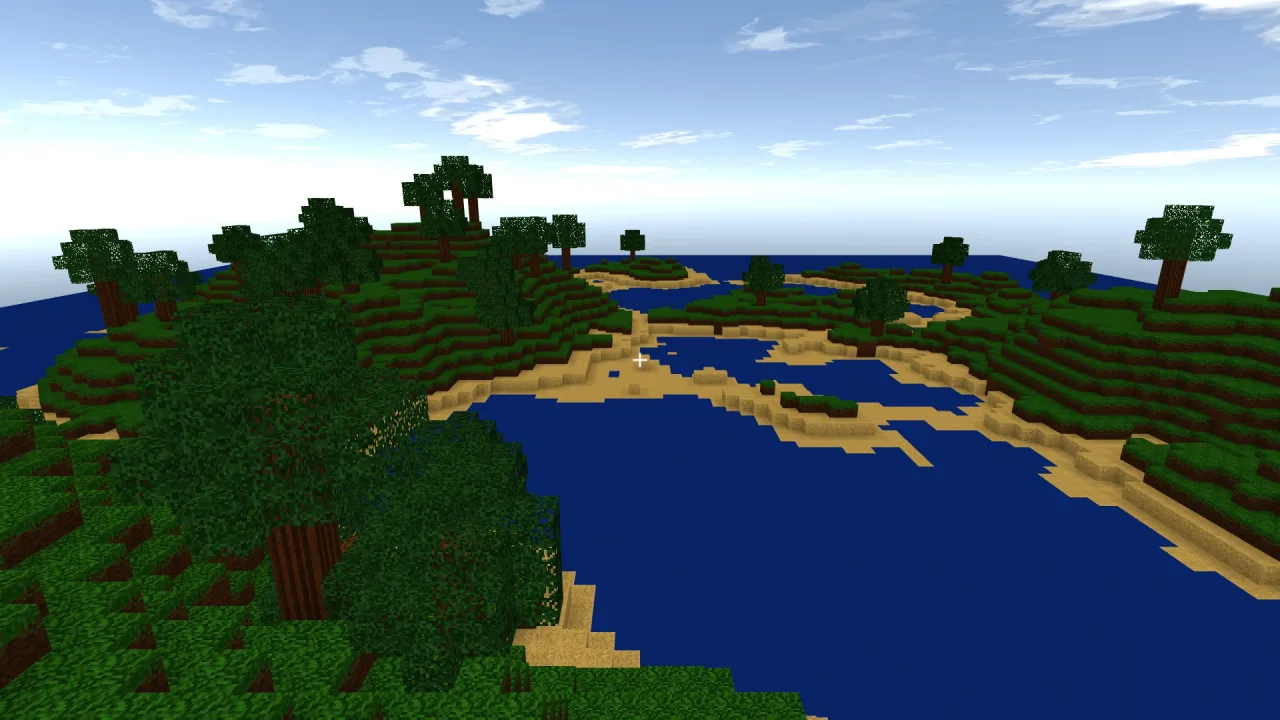
What it does
On a computer, a click locks the pointer and the mouse then looks freely until Esc releases it. WASD or the arrows move relative to the view, a double-tap of W or a held Ctrl sprints, Space jumps when walking and rises when flying, and Shift sneaks or sinks. A double-tap of Space toggles flying when the game allows it. The left and right buttons break and place while held, and the number keys and the wheel pick a hotbar slot. The buttons only report while the pointer is locked, so the click that grabs the pointer never also punches a hole in the world.
On a touch screen the same rig switches scheme by itself, the moment a touch arrives or the device reports a coarse pointer. The left half of the screen is a floating joystick whose base is wherever the thumb lands; the right half drags to look; a quick, still tap places, and a still finger held a moment breaks and keeps breaking. Jump and sneak buttons and a hotbar strip complete it. A finger's role is fixed where it lands, so sliding off the joystick never starts looking, and moving the look finger cancels a pending tap, so looking around never places a block.
The rig owns only the look and the intent, and never moves anything itself. walkStep applies the intent to a body,
choosing the speed from sneak and sprint; flyStep applies it to a free camera; firstPerson puts the camera in a
body's eyes; and mining, placing and forward() are what a block editor reads. That separation is what lets one
rig drive a creative flyer and a survival walker with no branch in your code.
Features
- The keyboard and mouse scheme — pointer-locked look, WASD and arrows, sprint, jump, sneak and a fly toggle.
- Break and place while held — each switchable with
canBreakandcanPlace. - A hotbar — the number keys and the wheel pick a slot, from as many slots as you set.
- Touch, automatically — a floating joystick, drag-to-look, tap to place, hold to break, jump and sneak buttons and a tappable hotbar, with no second code path.
- Controls you draw yourself —
layoutgives every control's geometry in screen pixels andstickthe live joystick, laid out from the smaller screen dimension so it fits portrait and landscape. - Intent, not effect — forward, strafe and vertical axes and the button states, applied by
walkStep,flyStepandfirstPerson. - Walk speeds — sneak, walk and sprint in blocks a second, with defaults you can override per call.
- Fair diagonals — the move vector is normalised, so moving diagonally is no faster than moving straight.
Good for
- Survival block games — walking and jumping, with breaking and placing on.
- Creative building modes — flying by default, with a double-tap of Space to land and take off again when
canFlyallows it. - Mining games — breaking held down, placing left off.
- Block games on phones and tablets — the touch scheme with no extra input code.
- Fly-throughs of block worlds — a free camera with breaking and placing both turned off.
Make it yours
The options set the starting look, what Space and Shift mean (jump for walking or fly for creative), whether a
double-tap of Space may switch between them, whether breaking and placing are enabled, how many hotbar slots there
are, and the mouse sensitivity, which stays live for a settings menu. Flying and the selected slot are live too.
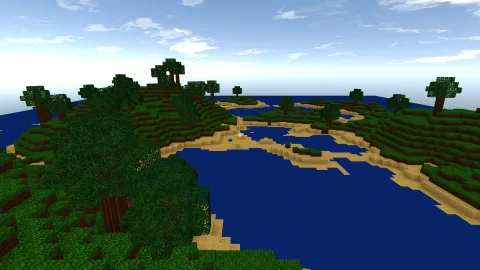
Two quite different games from the same rig: a survival walker with vertical: 'jump', flying disallowed and
placing turned on, its intent applied to a voxel body with walkStep and the camera in the body's eyes; and a
creative builder that starts flying, may toggle to walking, moves a free eye with flyStep, and has a short hotbar of
five slots.
Works with
voxels-3d— the block world and the character body thatwalkStepmoves.voxel-edit-3d— reads the break and place buttons and the look direction to change the block in view.vector-2d— draws the touch controls on screen, about one line per control.rig-fps— the general first-person rig, for a 3D game that is not a block game.
Good to know
- It draws no HUD: the hotbar is a number and the touch controls are geometry, for the game to draw in its own art.
- The touch scheme never touches the page: it reads the engine's pointers, so there are no listeners or gesture libraries involved.
- Pitch stops just short of straight up and down, where yaw would stop meaning anything.
- On a computer the mouse buttons only work while the pointer is locked; touch has no such gate, and its layout keeps the buttons apart from the world instead.