
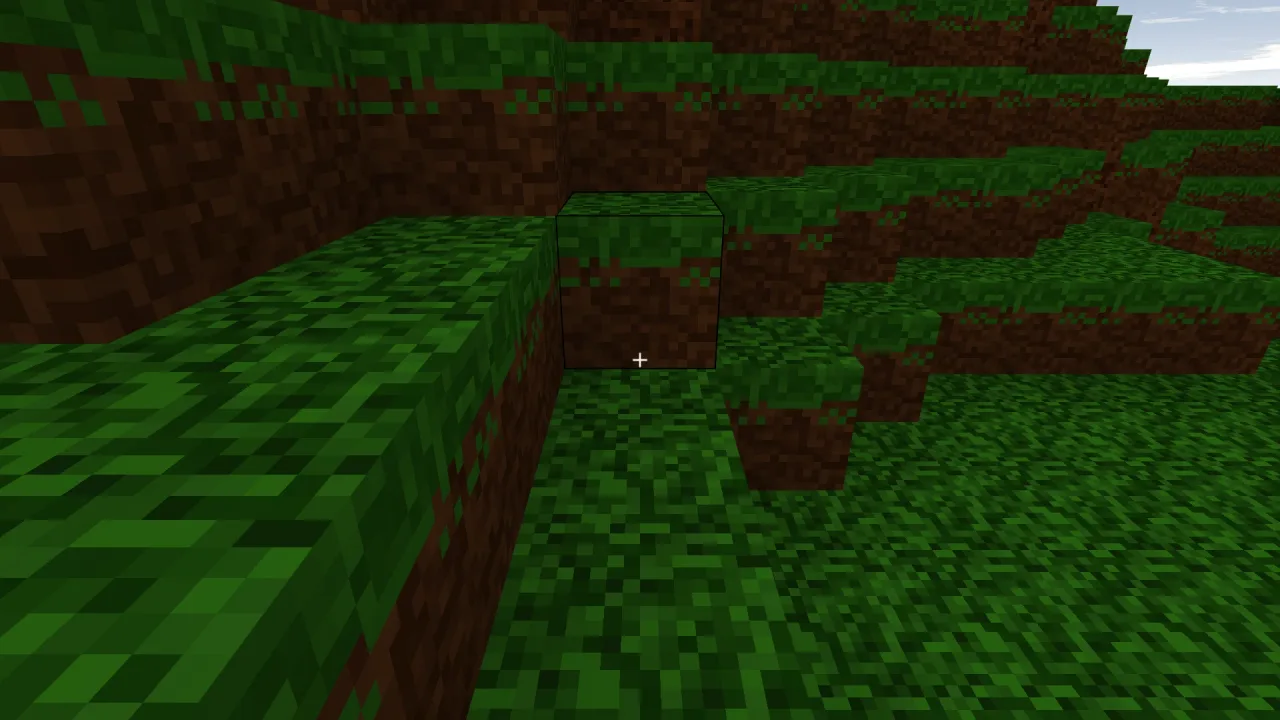
What it does
Each frame you call update(dt, input) with a ray, usually from the eye along the camera, and whether the break and
place buttons are held. The editor casts the ray into the voxel world within reach, commits a target, and returns it
with the empty cell a place would fill, whether that place is refused, and anything hit, broken or placed this frame.
The same events reach onHit, onBreak and onPlace.
Four rules make it feel right. The target is debounced: a new target must hold for a few frames before it commits, so
the outline does not flip between two cells at a seam where one pixel of aim decides. The cadence timer persists across
a change of target: breaking a block reveals the one behind it, and resetting the timer then would let a held button
break one block per frame and dig straight down; only the per-block progress resets. Hardness says how many hits a
block takes, one by default for creative mining, and anything more makes onHit report a rising progress for a crack
overlay. And forbid marks cells a place must not fill, usually the player's own body, with blocked reported so a
placement ghost can turn red.
It draws nothing and plays nothing. Debris, dropped items, sounds and scores are your game's, written in the
callbacks. cubeOutline gives the twelve edges of a unit cube as polylines, for drawing the target outline and the
placement ghost.
Features
- Debounced targeting —
debounceframes before a new target commits, 3 by default, 0 for instant. - Held-button cadence —
breakRateandplaceRateseconds between actions, 0.15 and 0.2 by default. - Hardness — hits needed per block id, with progress from 0 to 1 on every hit.
- An anti-embed guard —
forbidrefuses places into cells such as the player's body, and reportsblocked. - Hotbar-ready —
blocksets what a place drops andreachthe ray's length in blocks, 8 by default, both live. - Events, not effects —
onHit,onBreakandonPlace, and the same in whatupdatereturns. - An outline shape —
cubeOutlinefor the target outline and the ghost.
Good for
- Block-building sandbox games in the style of Minecraft, in creative or survival play.
- Survival mining, where harder blocks take several hits and report their progress for a crack overlay.
- Creative build modes with instant breaking and a hotbar of blocks.
- Digging and voxel puzzle games where the player carves a way through a block world.
Make it yours
The options are reach, block, breakRate, placeRate and debounce, and block, reach, hardness and
forbid can be changed while the game runs. Two different uses: a creative mode with every block breaking in one hit,
a long reach and a quick place rate for building; and a survival mode with a hardness function that makes soft blocks
one hit and stone several, debris and a dropped item spawned in onBreak, and a crack overlay drawn from each hit's
progress.
A quick look
Debris on every break, a guard round the player, and one frame of editing:
game.voxelEdit.onBreak(e => spawnDebris(e.x, e.y, e.z, e.id));
game.voxelEdit.forbid((x, y, z) => insidePlayer(x, y, z));
const r = game.voxelEdit.update(dt, { origin: eye, dir: mc.forward(), mining: mc.mining, placing: mc.placing });
if (r.target) moveOutlineTo(r.target);
Works with
voxels-3d— the block world it edits, which it needs.rig-minecraft— the first-person block-game controls that say when break and place are held.vector-3d— wireframe lines to draw the target outline and the placement ghost.particles-3d— debris when a block breaks.
Good to know
- It owns no visuals: the outline and the ghost are yours to draw, and the editor only says where they go.
- One ray, one target: there is no area edit, fill or undo; build those on the voxel world's own block setter.
- It finds the voxel world through the registry and does nothing until one is composed.