
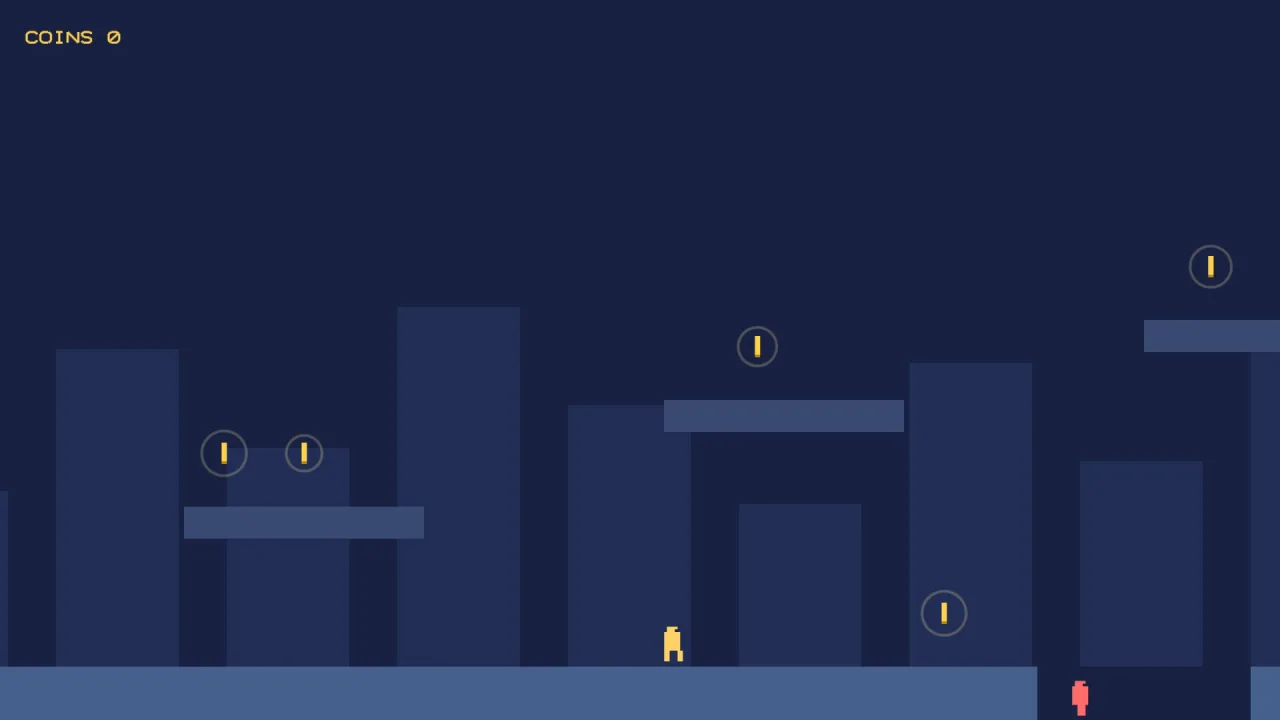
What it does
game.rig.follow(player) is all it takes. Each step the camera works out where it wants to look and closes a
fraction of the gap, the smoothing, so it accelerates after a moving player and eases to a stop behind one who has
stopped. A deadzone around the centre of the screen lets the player move a little before the camera moves at all,
which keeps small jumps and turns from jiggling the view.
offset frames a point beside the target, more sky above a platformer's hero than ground below, and lookAhead
leads by a fraction of a second of the target's motion, so the player sees where they are going. Hand follow an
array and the camera frames the middle of everyone; with fit set, it zooms out as they part and back in as they
close, between the limits you give it.
bounds keeps the view inside a rectangle, such as a tilemap's bounds, and a level smaller than the screen is simply
centred. When a target jumps further than snapDistance in one step, a respawn or a level change, the camera cuts
to it instead of sweeping across the world. In a wrap-around world it measures through the seam, so it never takes
the long way round. Followed objects and bounds belong to the scene, so they are cleared when it ends.
Features
- Deadzone — a square or a rectangle the target may roam in before the camera moves.
- Smoothing — the fraction of the gap closed each step, from locked to instant; zoom eases at the same rate.
- Offset and look-ahead — frame a point beside the target, and lead by seconds of its motion.
- Several targets — frame the middle of a group, and zoom to fit with padding, a minimum and a maximum zoom.
- Bounds — the view never leaves the level, and a small level is centred.
- Cut on teleport — a jump over
snapDistancesnaps rather than sweeps. - Wrap-aware — measures across a wrapping world's seam.
- Live settings — widen the deadzone in a boss room, or turn look-ahead off on a ladder, mid-game.
Good for
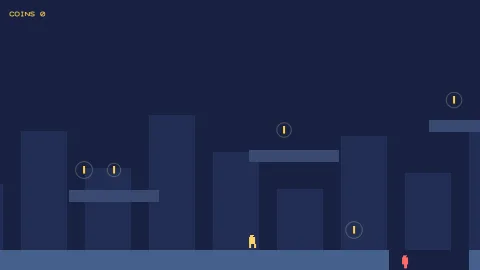
- Platformers — an offset for more sky, a deadzone that ignores small hops, and the level's bounds.
- Top-down adventures — a smooth camera over a map larger than the screen.
- Scrolling shooters — look-ahead in the direction of flight.
- Two players on one screen — the camera frames both and zooms out as they part.
- Wrap-around arenas — a camera that follows the ship straight across the seam.
- Respawns and level warps — a clean cut to the new position rather than a sweep across the map.
Make it yours
Every option, deadzone, smoothing, offset, lookAhead, snapDistance and fit, is also a live property, so
the camera can change with the moment. A platformer might use a wide, short deadzone, an offset upwards and a little
look-ahead, clamped to the tilemap's bounds. A two-player arena brawler follows both players with fit set, padding
around them, and a minimum zoom so the view never pulls back too far.
A quick look
A platformer camera, then the same rig framing two players:
game.rig.follow(player);
game.rig.deadzone = { w: 160, h: 90 };       // the box the player may roam in
game.rig.smoothing = 0.08;
game.rig.offset = { x: 0, y: -40 };          // more sky above the hero than ground below
game.rig.lookAhead = 0.4;                    // 0.4 s of their motion ahead
game.rig.bounds(map.bounds());               // the view never leaves the tilemap

game.rig.fit = { padding: 64, minZoom: 0.5, maxZoom: 1 };
game.rig.follow([p1, p2]);                   // frames the middle, zooms out as they part
Works with
core-2dandcore-vector— both include it, so most 2D games have it already.world-sideorworld-topdown— the 2D world whose camera it drives.tiles-2d— a tilemap's bounds to clamp to.controls-2d— the input that moves the player it follows.feel— camera shake on top.rig-orbitorrig-fps— the cameras for a 3D world.
Good to know
- One camera: split screen with a camera per player needs its own rig.
- Look-ahead lags by one step behind game code that moves the target after the camera; move the player before the
camera's step, or with
physics-2d, which already runs first. - Zoom-to-fit acts only with two or more live targets; with one, the zoom is the game's.
- 2D only.