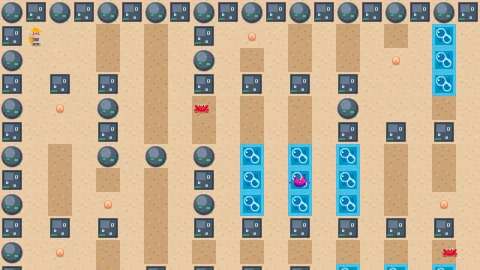

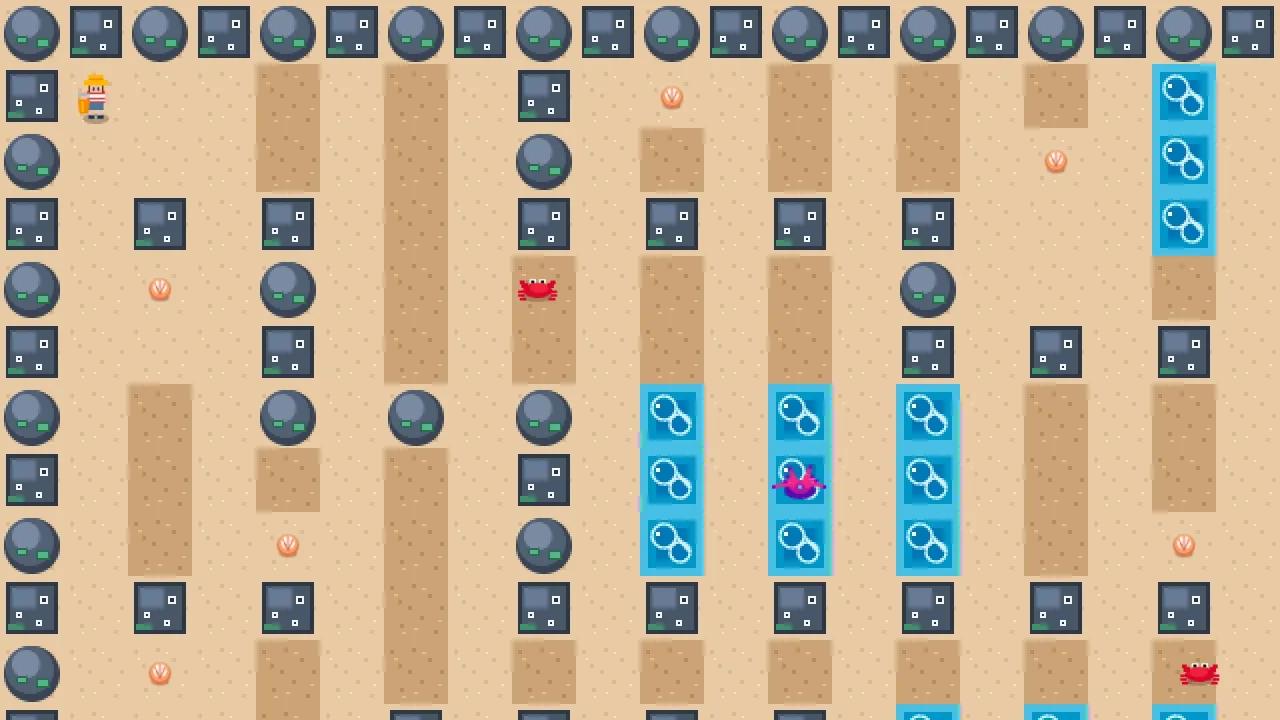
What it does
Objects live on named layers, by default floor, world and fx, drawn back to front. Within a layer, each object
sorts by its feet: its y plus half its scaled height, which is the bottom edge of the sprite. Move a character up
the screen and it passes behind the tree it was in front of. You never sort; you choose a layer, and nudge the odd
object with z, which is added to its feet.
It installs the shared 2D camera, with pan, zoom and bounds, and toWorld and toScreen to convert between screen
pixels and world units, so a click finds the tile it landed on. view, vw and vh give the rectangle the camera is
looking at and points a fraction across it.
Set wrap and the world becomes a torus. Positions wrap, everything draws at its nearest image to the camera, the
camera follows across the seam, and nearby-object queries and collisions see across it too. Game code never wraps a
coordinate itself.
Features
- Feet sorting — objects in a layer draw by their bottom edge, so depth follows position on screen.
- A
znudge — added to the feet, for tall sprites and things that should sit just in front or behind. - Your own layers — floors, the world, effects, fog of war, each drawn in order; an unknown layer throws at spawn.
- The 2D camera — pan, zoom and bounds, with
toWorldandtoScreen. - Wrap-around worlds —
wrap: { w, h }makes positions, drawing, the camera, queries and collision cross the edges.
Good for
- Action adventures — heroes walking behind trees, pillars and houses, in the style of Zelda.
- Twin-stick shooters — an overhead arena where the player and the enemies overlap correctly.
- Farming and life games — crops, fences and villagers that layer themselves as they move.
- Dungeon crawlers and RPG towns — walls, props and characters sorted by where they stand.
- Maze games — a floor layer for the maze and a world layer for everything that moves through it.
Make it yours
The options are the layer list and the wrap size. An adventure might declare a floor, a world layer for everything
that stands, an effects layer and a final darkness layer that the lights do not shine through. A wrap-around arena
sets wrap, so a ship that leaves one edge comes back on the other with no wrapping code. A game built on core-2d
that names this world gets it in place of the side-on world the bundle would bring.
A quick look
A tree in the world layer, a shadow on the floor beneath it, and a click converted into the world:
game.spawn({ id: 'tree', x, y, layer: 'world', width: 32, height: 48 });
game.spawn({ id: 'shadow', x, y, layer: 'floor' });      // always under 'world'
const w = game.world.toWorld(pointer.x, pointer.y);      // screen → world
Works with
rig-follow— the camera that follows the player;controls-2d— the input.world-screen— a HUD over it, and an underlay that sits just above its floor.collision— overlaps between what walks around;grid-move— tile-locked movement.lighting-2dandfog— lights, darkness and fog of war on layers of their own.world-side— the alternative when depth should be declared by hand rather than taken from position.
Good to know
- Sorting uses the sprite's bottom edge, so a tall sprite whose feet are not at its bottom needs a
zto correct it. - A sheet the size of the screen, such as a floor of tiles, has its feet at the bottom of the screen and covers its
layer: give it a large negative
z, or a layer of its own. - Wrapping is all or nothing; a world cannot wrap on one axis only.
- The 2D camera does not rotate, and there is one 2D world per game.