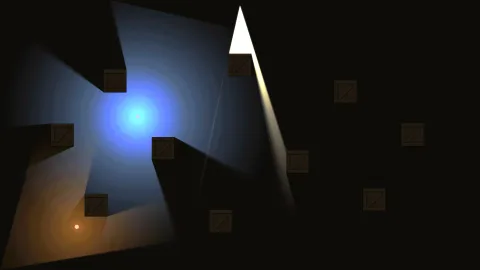

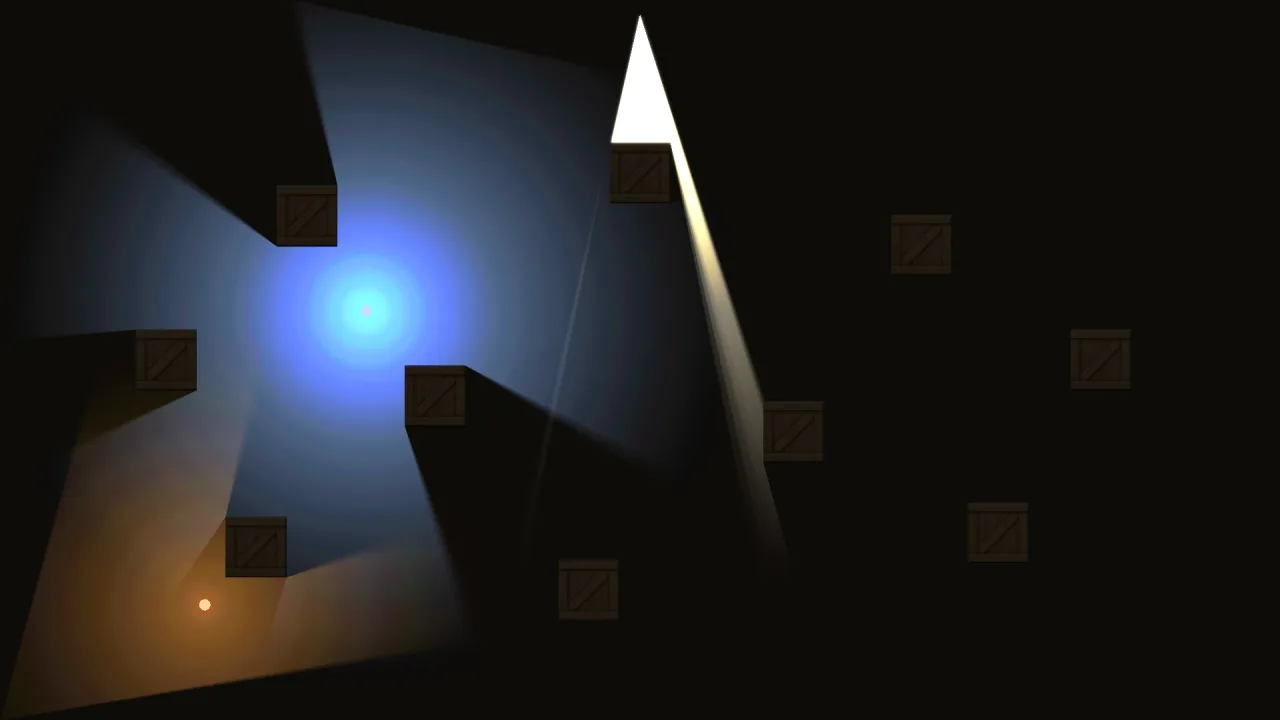
What it does
You set an ambient colour, and the lit part of the world is multiplied down to it, so unlit places go dim rather than black. Each light then brightens what it reaches, with a falloff you choose and a colour that mixes where lights overlap, and an intensity above one over-brightens for a torch or a muzzle flash. A spot light adds a direction and a cone. A flicker made of two layered waves on the game's clock makes flames waver, and pauses and replays with the game. The HUD and anything drawn in screen space are never lit or darkened.
A light is a roster object with a light sub-object, so it has an id, it can follow a sprite, be tweened or killed,
and it shows up in the snapshot and the editor like anything else. Shadows are opt-in per light: a shadowed light
casts against the walls you add to occluders, hard-edged or with a soft penumbra. A plain glow costs two triangles,
so thousands are affordable; shadowed lights are kept to dozens.
The default look is a glow, each light adding its colour on top of the dimmed scene. modulate switches to lamp
light: the lights multiply the scene through a light map, so stone stays stone under a torch and only the warmth of
the light is added on top. Lights can also be drawn under the sprites, lighting the floor beneath them, which is how a
ball keeps a glow underneath it in a dark room. Naming the last lit layer in unlitAbove draws every layer above it
after the lighting, exactly as authored, so a fog-of-war or darkness overlay stays dark under a torch.
Features
- Point and spot lights — radius, colour, intensity, falloff, and a direction and cone for spots, all live.
- Ambient tint — the scene sinks to a colour of your choosing, scoped to the scene that set it.
- Flicker — strength, speed and a per-light phase so a row of torches does not pulse together.
- Shadows — hard or soft shadows from walls added to
occluders, opt-in per light. - Lamp light —
modulatelights surfaces in their own colour and texture, with a tint for warmth on top. - Under lights — a glow on the floor beneath the sprites, undimmed by the ambient, with
floorfor floors made of sprites. - Unlit layers —
unlitAbovekeeps fog of war, darkness overlays and anything above it out of the lighting. - Lights as objects — follow a sprite, tween, kill, snapshot and edit a light like any other object.
- Counts for the profiler —
count,visibleandvisibleShadowreport what was drawn.
Good for
- Dungeon crawlers and roguelikes — torches with flicker and shadows off the walls.
- Stealth games — a guard's lantern or a searchlight cone, with fog of war above the lighting.
- Night and rain scenes — street lamps and headlights over a dark ambient.
- Caves and mines — a lamp on the player that lights stone in its own colour.
- Arcade games with a glow — a lit ball in a dark breakout, a muzzle flash in a shooter.
- Horror games — a flashlight cone and almost everything else in the dark.
Make it yours
Each light's radius, colour, intensity, falloff, flicker, layer, shadows and softness are options when it is made and
live after. The pack's options set the starting ambient, start in lamp light at a tint, name the last lit layer in
unlitAbove, and name the last floor layer for under lights. ambient and modulate can also be changed per scene,
and the previous value returns when the scene exits.
Two very different scenes: a stealth level in an additive glow, with a near-black ambient, a soft-shadowed lantern following each guard, the walls as occluders and a fog-of-war layer above the lighting; and a castle keep in lamp light at a warm tint, where flickering torches show the flagstones in their own colour and texture, and a glowing title card in the next scene switches back to the glow.
A quick look
A dark ambient, a flickering torch with soft shadows, a spot lamp and a glow under the ball:
game.lights.ambient('#1a1a2a');
const torch = game.lights.point({ follow: player, radius: 220, color: '#ffb060', intensity: 1.2, flicker: 0.35,
    shadows: true, softness: 8 });
game.lights.spot({ x: 90, y: 60, radius: 380, dir: 0.8, cone: 0.7, color: '#7ab0ff', shadows: true, softness: 0 });
game.lights.point({ follow: ball, radius: 90, color: '#ff6a3d', layer: 'under', falloff: 1.2 });
game.lights.occluders.addRect(x - 16, y - 16, 32, 32);
Works with
world-topdownandworld-side— the 2D worlds and their layers that the lighting dims and lights.visibility-2d— its class is the occluder set shadows are cast against, imported for you rather than composed.fog— the fog-of-war state, drawn in a layer aboveunlitAbove.lighting-3d— lights for 3D worlds.
Good to know
- Shadows come only from the walls you add to
occluders, never from sprites, and the pack has one occluder set for every light. - Soft shadows cost twelve visibility fans per light per frame, and a hard one costs one, so keep shadowed lights to dozens.
- In the glow mode a light adds colour even to black, so a dark overlay in a lit layer glows; put it above
unlitAboveor use lamp light. - Under lights need an opaque background to work as intended.
- The ambient can only darken: for a lit floor use an under light or a backdrop.