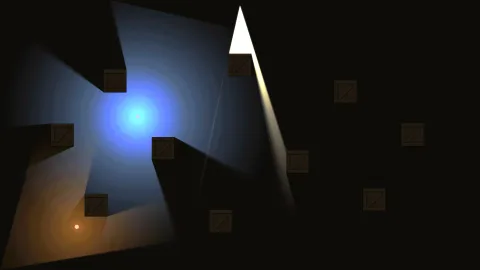

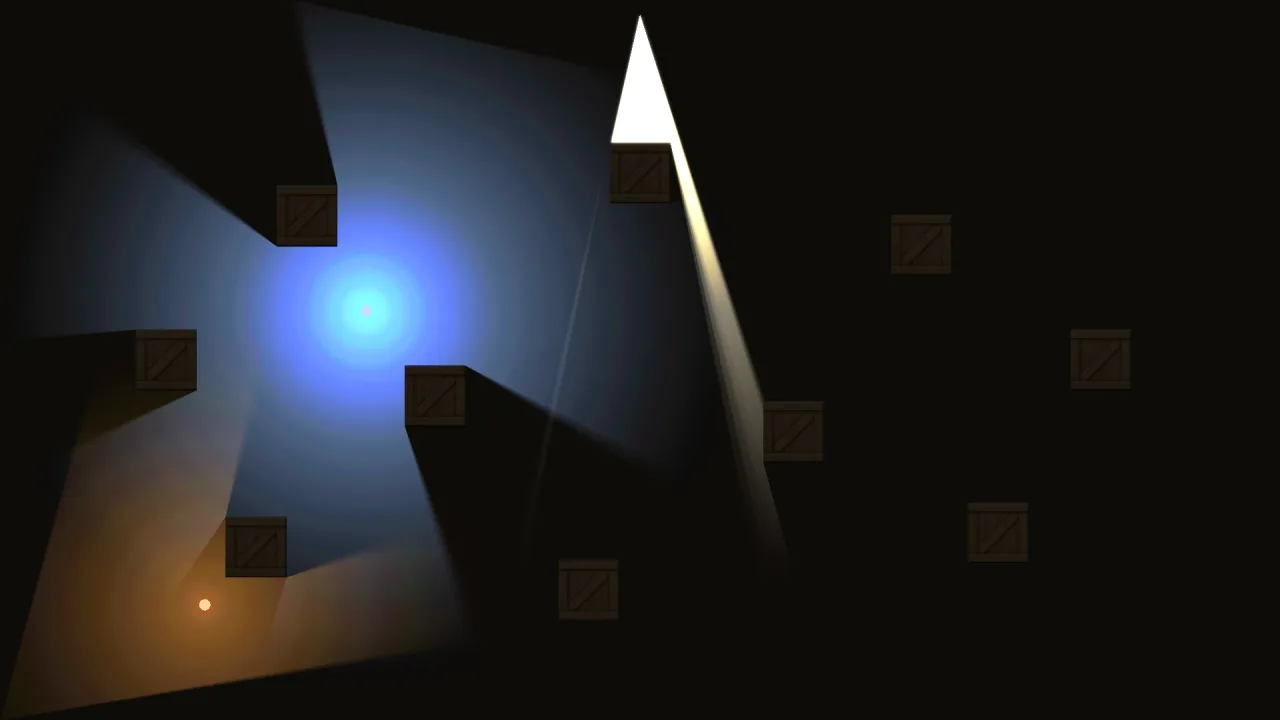
The pack
lighting2d
function lighting2d(opts: Lighting2dOptions = {}): Pack<{ lights: Lighting2dApi }, {}, { light: LightData }>The 2D lighting pack: additive point and spot lights with falloff, flicker, hard or soft shadows off
occluders, an over/under layer per light, and an ambient the scene is multiplied down to. Lights are
roster objects with a light sub-object. Each light is a fan of triangles (its visibility polygon when it
casts shadows, a quad when it does not) with per-pixel falloff in the fragment stage, additive so colors mix.
Passes: lighting-under before sprites (it clears the target's alpha, so the sprites leave their coverage in it),
and lighting after them and before sprites-over, post and screen: the ambient (or, modulating, the light
map's multiply and tint), the under lights where no sprite covers the floor, alpha back to 1, then the over lights.
A HUD is never lit, nor a world layer above unlitAbove. A lighting-2d.follow simulate step pins following lights.
Types
LightData
interface LightDataThe light sub-object on a light's handle: the pack's columns, live. Numbers are world units unless said.
type: number— 0 point, 1 spot. Set bypoint()/spot().radius: number— Reach; the falloff reaches 0 here. Point default 240, spot 360.color: string— CSS hex;#rgb,#rrggbbor#rrggbbaa(alpha ignored). Default '#ffffff'.intensity: number— Peak brightness; 1 plain, above 1 over-brightens. Default 1.falloff: number— Falloff exponent: 1 is linear, 2 a softer core, higher tighter; clamped to at least 0.25. Default 2.dir: number— Spot facing, radians (spot only). Default 0.cone: number— Spot full cone angle, radians (spot only). Default 0.9.flicker: number— Flicker amount 0..1 (candles, torches); 0 steady. Default 0.flickerSpeed: number— Flicker speed multiplier. Default 1.phase: number— Per-light flicker phase so many flames do not sync. Default 0.layer: number— WHEN the light is drawn, not which layers it lights. 0 'over': after the lit world layers, so it brightens every sprite under it (a street lamp). 1 'under': beneath every sprite, on the backdrop, so opaque sprites hide it and translucent ones show it through (a glow under the ball); the ambient does not dim it (on a transparent background it does). Default 0. Keep a world layer out of the light with the pack'sunlitAbove.shadows: number— 1: cast shadows offgame.lights.occluders(a visibility fan per light, per frame). 0: a cheap radial glow — thousands are affordable. Default 0.softness: number— Penumbra size whenshadowsis on: the light is sampled as a disc of this radius (12 samples), so edges go soft; 0 razor-hard. Default 6.on: number— 1 lit, 0 skipped that frame. Default 1.
LightHandle
type LightHandle = Handle & { light: LightData }A light is a roster handle with a light sub-object.
Lighting2dApi
interface Lighting2dApigame.lights.
point(o?: PointOptions): LightHandle— Spawn a point light (owner 'lighting-2d', tag 'light', invisible) and return its handle.spot(o?: SpotOptions): LightHandle— Spawn a spot light (a cone) and return its handle.ambient(color: string): void— The color the scene is multiplied down to where no light reaches, CSS hex: '#ffffff' is no darkening, '#000000' black unlit. Scene-scoped: the previous ambient returns on exit.modulate(tint?: number | false): void— Light the way a lamp lights a room. The 'over' lights MULTIPLY the lit world layers instead of adding to them: scene × (ambient + (1 − ambient) × the lights' summed brightness, capped at 1), so what a light falls on shows its own color and texture, exactly its own under a full light, and what it misses sinks to the ambient. The lights' colors are then added on top attint(0..1, default 0.3) for their warmth; 0 adds none.modulate(false)returns to the default, the additive glow: the scene multiplied down to the ambient and the lights' color added over it, which over a dark ambient reads as a haze. Scene-scoped likeambient: the previous mode returns on exit. The target's alpha is untouched. 'under' lights stay a glow on the floor; the world layers aboveunlitAbovestay unlit.readonly modulating: number | null— The light mode in force: the tint while modulating, null for the additive glow.readonly occluders: Visibility2d— The walls shadowed lights cast against. Add rects, polys, segments; move them by mutating. Bounds are set to the view each frame.readonly count: number— Live lights, on or off.readonly visible: number— Lights drawn last frame after view culling.readonly visibleShadow: number— Of those, how many cast shadows (the expensive ones).readonly unlitAbove: LayerName | null— The manifest'sunlitAbove: the last world layer lighting touches, or null when it touches them all.readonly floor: LayerName | null— The manifest'sfloor: the last world layer under lights light, or null when only the backdrop is floor.
Lighting2dOptions
interface Lighting2dOptionsManifest options.
ambient?: string— The starting ambient, CSS hex. Default '#ffffff' (no darkening untilambient()is called).modulate?: number— Start modulating at this tint (0..1), asmodulate(tint)would. Default: none, the additive glow.unlitAbove?: LayerName— The last 2D world layer lighting touches. It and the layers below it are dimmed to the ambient and lit; every world layer above it (and world-screen'sunderlay, if it sits above it) is drawn after the lighting, exactly as authored: fog of war, a darkness mask, a not-seen-yet overlay, labels in the world. Default: none, every world layer is lit. Needs a renderer with asprites-overpass (render-webgpu 3.0.0-2, render-webgl2 3.0.0-3 or later).floor?: LayerName— The last 2D world layer that is floor to the under lights: they light it and the layers below it, and the sprites in the layers above it hide them. For a floor made of sprites (tiles, flagstones). Default: none, only the backdrop is floor and every sprite hides an under light. At or belowunlitAbove. Needs a renderer that lists the 'world-floor' feature (render-webgpu 3.0.0-3, render-webgl2 3.0.0-5 or later).
PointOptions
interface PointOptionsWhat point() takes.
x?: number— World x; defaultfollow's x, else 0.y?: number— World y; defaultfollow's y, else 0.radius?: number— Reach in world units. Point default 240, spot 360.color?: string— CSS hex. Default '#ffffff'.intensity?: number— Peak brightness. Default 1.falloff?: number— Falloff exponent, 1 linear, higher tighter. Default 2.flicker?: number— Flicker amount 0..1. Default 0.flickerSpeed?: number— Flicker speed multiplier. Default 1.phase?: number— Flicker phase. Default 0.layer?: 'over' | 'under'— 'over' (default) is drawn after the lit world layers and brightens their sprites; 'under' lights the backdrop beneath every sprite, undimmed by the ambient. Neither keeps a layer unlit: that is the pack'sunlitAbove.shadows?: boolean— Cast shadows off the occluders. Default false.softness?: number— Penumbra radius in world units whenshadowsis on; 0 hard. Default 6.follow?: Handle— Keep the light on this object each step; the light is killed when the object dies.
SpotOptions
interface SpotOptions extends PointOptionsWhat spot() takes: a point light with a cone.
dir?: number— Facing, radians. Default 0 (along +x).cone?: number— Full cone angle, radians. Default 0.9.