
What it does
The pack comes in two parts that share no state. The lane component, game.grid.lane(h, spec), puts a 2D object on
the lanes in world pixels. You give it a walls(c, r) function and a speed; it reads the arrows and WASD itself, or
takes want() calls from an enemy's brain, a swipe or a replay. With a physics body on the object it sets the body's
velocity, so walls stay solid to the physics and contacts still fire; without one it moves the position directly.
Grid movement looks simple and is easy to get subtly wrong, so the lane component keeps five rules. The most recent key wins, so holding left and tapping up at a junction turns up. A turn is taken when the object is within a tolerance of the lane, and reversing needs no alignment. If the turn is open but the object stopped a few pixels short, it slides onto the lane and then turns. A lane centre still ahead is always reachable, even when the tile beyond it is a wall. And blocked ahead, it stops exactly on the centre, never a fraction past, so the next turn is aligned.
The second part is the grid walker, createGridWalker, re-exported from the grid-walker pack. It works in tiles and
tiles per second on a state of its own, with no world or renderer, and has buffered turns, arcade early and late
cornering, wrap portals, timed travel pieces and snapshots. The maze-chase, bomb and excavation rules packs move their
actors with it.
Features
- A lane component —
lane,want,halt,cell,centre,free,canGo,laneXandlaneYongame.grid. - Keyboard or manual steering — arrows and WASD by default, keys of your own per direction, or
input: 'manual'for enemies, swipes and replays. - Two movement modes —
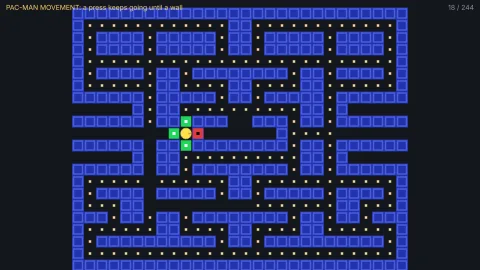
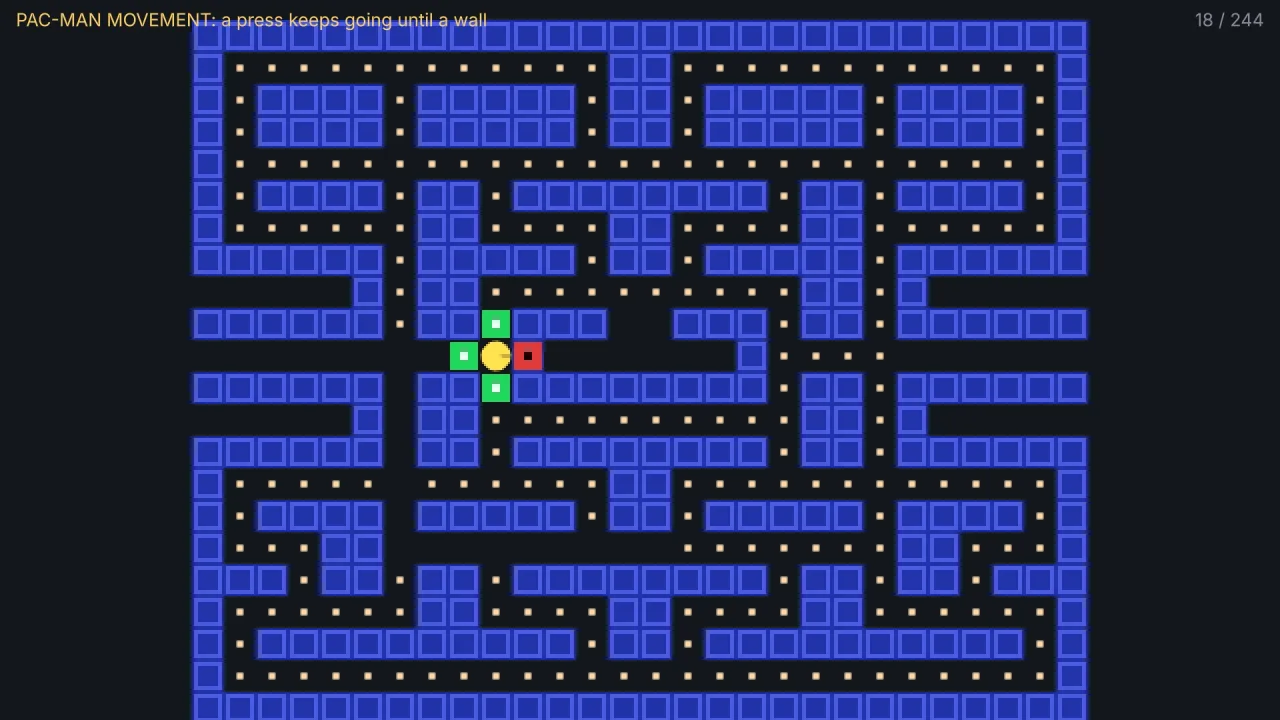
'remember', where a press keeps the object going until a wall, and'held', where it moves only while a key is down. - Cornering assist — an object that stopped short of a turn slides onto the lane, within a reach you set.
- Exact stops — blocked ahead, it stops on the tile centre, so later turns line up.
- Physics or not — drives a body's velocity when there is one, and moves the position when there is not.
- Direction columns —
h.grid.dxanddysay which way it is moving andwxandwywhich way it wants to go, for choosing sprite frames. - The grid walker — a pure walker in tile units, with arcade cornering windows, wrap portals and snapshots.
Good for
- Maze chases in the style of Pac-Man, with the player in remember mode and each enemy steered by
want(). - Bomb-laying grid games in the style of Bomberman, moving on lanes between blocks.
- Ice-block and digging games in the style of Pengo or Dig Dug.
- Block-pushing puzzles in the style of Sokoban, and snakes, with smooth motion between tiles.
- Top-down or side-on grid levels where a tilemap's solid tiles are the walls.
- New grid rules packs that need movement in tiles with no renderer, through the walker.
Make it yours
The pack options set the grid: tile size (16 by default), originX and originY for where tile (0, 0) sits,
turnTolerance (3 pixels) and assist (half a tile; 0 turns it off). Every one can be overridden per lane, so objects
on grids of different sizes can share a game. Each lane also chooses its walls function, speed, mode, input and keys.
Two different uses: a maze chase on 16-pixel tiles where the player is in remember mode and keeps moving until a wall,
while each enemy is on input: 'manual' and picks among the directions free() allows at every junction; and a
held-mode puzzle on 32-pixel tiles where the character moves only while a key is down, steered by keys of the game's
choosing, with a tilemap's map.solid as the walls.
A quick look
A hero on the lanes, steered by the keyboard, and an enemy steered by its own choices:
const hero = game.spawn({ id: 'hero', x, y, width: 16, height: 16, body: { shape: 'box', friction: 0, fixedRotation: true } });
game.grid.lane(hero, { walls: (c, r) => MAZE[r]?.[c] === '#', speed: 88, mode: 'remember' });

game.grid.lane(ghost, { walls: map.solid, speed: 70, input: 'manual' });
const options = [[1, 0], [-1, 0], [0, 1], [0, -1]].filter(([dx, dy]) => game.grid.free(ghost, dx, dy));
game.grid.want(ghost, ...pick(options));
if (caught) game.grid.halt(ghost);
Works with
tiles-2d—map.solidis a ready-made walls function.physics-2d— when the object has a body, the lane component sets its velocity so walls stay solid.grid-walker— the pure walker in tile units, for rules code with no world.maze-chase,grid-bombs,grid-kickandexcavation— rules packs whose actors move on the walker.controls-2d— for free movement instead, such as a twin-stick hero.
Good to know
- Four directions only, with no diagonals and no speed ramps, in both parts.
- The lane component has no wrap or portals: a tunnel needs the world's own wrapping. The walker has portals.
- The two parts use different units, pixels on an object and tiles on the walker's own state; map the walker's tiles to the world yourself.
- With a body, the wall it stops at must also be solid to the physics; give the body
friction: 0andfixedRotation: true, or corners catch. - Lanes have no snapshot of their own: the
h.gridcolumns and the object's position are the state.