
What it does
A level is the versioned phaser-ae.physics2d format: a name, a world size, gravity, a grid, which of the four edges
have walls, a list of items and a list of links. An item has a kind, a position, a size, a clockwise angle, a material,
whether it is fixed, and rounded corners. Plain geometry (boxes, circles, triangles, capsules and polygons of three to
eight sides) sits beside twelve prefabs: crate, plank, ball, ramp, domino, bumper, anchor, buggy, pendulum, seesaw,
bridge and ragdoll, the ones made of several parts bringing their own joints. The materials are wood, rubber, ice and
steel, each with its own density, friction and bounce. Links join any two items with a rope, a spring or a hinge.
The pack splits the work into steps a game or a tool can use separately. cleanPhysicsLevel turns any input into a
valid level, bounded and idempotent, dropping references that point nowhere. expandPhysicsLevel lays out every piece
and joint without loading Box2D, which is what an editor's preview needs. createPhysicsLevel builds the level in an
independent Box2D world, through the physics-box2d library, and binds every body and joint; you step it at 1/120
second with a drive value from −1 to 1 that powers the buggies' wheels, read the live poses of its pieces, and dispose
it when you are done.
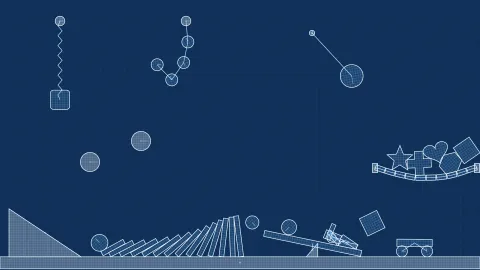
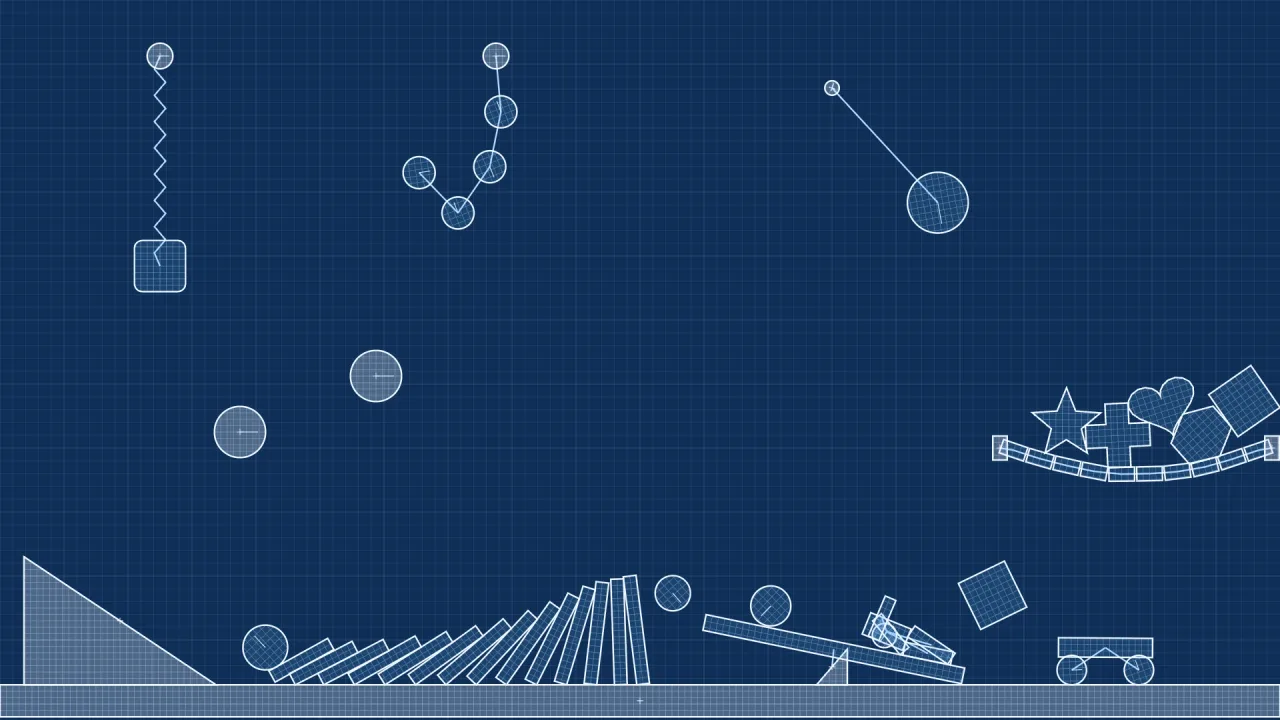
The painter, paintPhysicsAssembly, draws the built-in blueprint artwork to a 2D canvas: vector outlines that scale to
each piece, shared with the editor, with no image files. A game can use it as it is, or dress the live poses in art of
its own.
Features
- A versioned level format — world size, gravity, grid, edge walls, items and links, as plain JSON.
- Twelve prefabs — crate, plank, ball, ramp, domino, bumper, anchor, buggy, pendulum, seesaw, bridge and ragdoll.
- Four materials — wood, rubber, ice and steel, each a preset of density, friction and bounce.
- Links — rope, spring and hinge between any two items; a prefab's own joints come with it.
- Cleaning —
cleanPhysicsLevelmakes any input valid and bounded, and never changes the input it was given. - Previews without physics —
expandPhysicsLevellays out pieces and joints without loading Box2D. - A live runtime —
createPhysicsLevelreturns pieces with live poses, joints, bodies by id, the world,step(dt, drive)anddispose(). - Blueprint painting —
paintPhysicsAssemblyandpaintPhysicsPiecedraw the vector art, with an optional selection. - Starters —
physicsStartermakesdominoes,buggy,playgroundandblanklevels to begin from.
Good for
- Domino runs and chain reactions — pieces placed as data and set going by a pendulum or a ball.
- Contraption sandboxes — seesaws, ramps, bumpers, bridges and ragdolls to arrange and set off.
- Buggy levels — a powered buggy driven by one number from the player's input.
- Level editors and tools — clean, preview and paint levels without a running game.
- Games built from designed levels — a ladder of levels made in an editor and played with the same runtime.
Make it yours
The pack has no options: a level is its configuration. The world can be from 16 to a million pixels on each side, 1600
by 896 by default; the grid sets the unit new pieces are sized in; and each edge's wall is on or off on its own. Every
item chooses its kind, size, angle, material, rounded corners and whether it is fixed, and links tie any two together.
A game may use the painter or draw the live poses its own way, and can pick pieces up and throw them with the world's
grab.
Two different uses: a domino run that begins from the dominoes starter and adds a pendulum to knock the first one
over, shown in a viewer with the blueprint painter; and a buggy game whose levels are steel buggies, ramps and bridges,
driven by the player's left and right keys through step(dt, drive) and drawn in the game's own art from the live
poses.
A quick look
A starter level built, stepped and drawn, then disposed:
const pw = game.physicsWorkshop;
const level = await pw.createPhysicsLevel(pw.physicsStarter('dominoes'));   // or a level from an editor
step(dt => { level.step(dt, input.x); for (const p of level.pieces) draw(p); });
// later
level.dispose();
Works with
physics-box2d— the Box2D library each level's world is built with; compose it directly to bind your own objects.physics-2d— the engine's own solver, for platformer physics written by hand.
Good to know
- A level holds at most 250 items and 250 links.
- Each level is its own world: it does not attach to
game.box2dor the scene's lifecycle, so dispose it on exit, and do not also step itsworld. - Rewinding a level means disposing its world and loading the same config again.
- The built-in art is vector outlines on a 2D canvas; for another look, draw the live poses yourself.