
What it does
game.tiles.map(spec) builds a map from arrays of tile indices. Each layer is one object in a world layer and draws
only the tiles in the camera's view: 80,000 tiles across three layers cost about 750 drawn instances a frame at zoom 1,
and the world holds three objects rather than eighty thousand. A layer has a parallax distance, can repeat forever
in both directions for a scrolling backdrop, takes a tint, and animates tiles by index on one clock for the map, so
every water tile ripples together. Layers sit among the world's layers like any object, so a foreground the hero walks
behind is the same map with one layer moved to the front.
Collision is a grid of its own. Open cells are 0 and solid cells 1, and solid tiles merge into runs and rectangles, so
a long floor becomes one static body and a character never catches on a seam. Other values look up a small table of
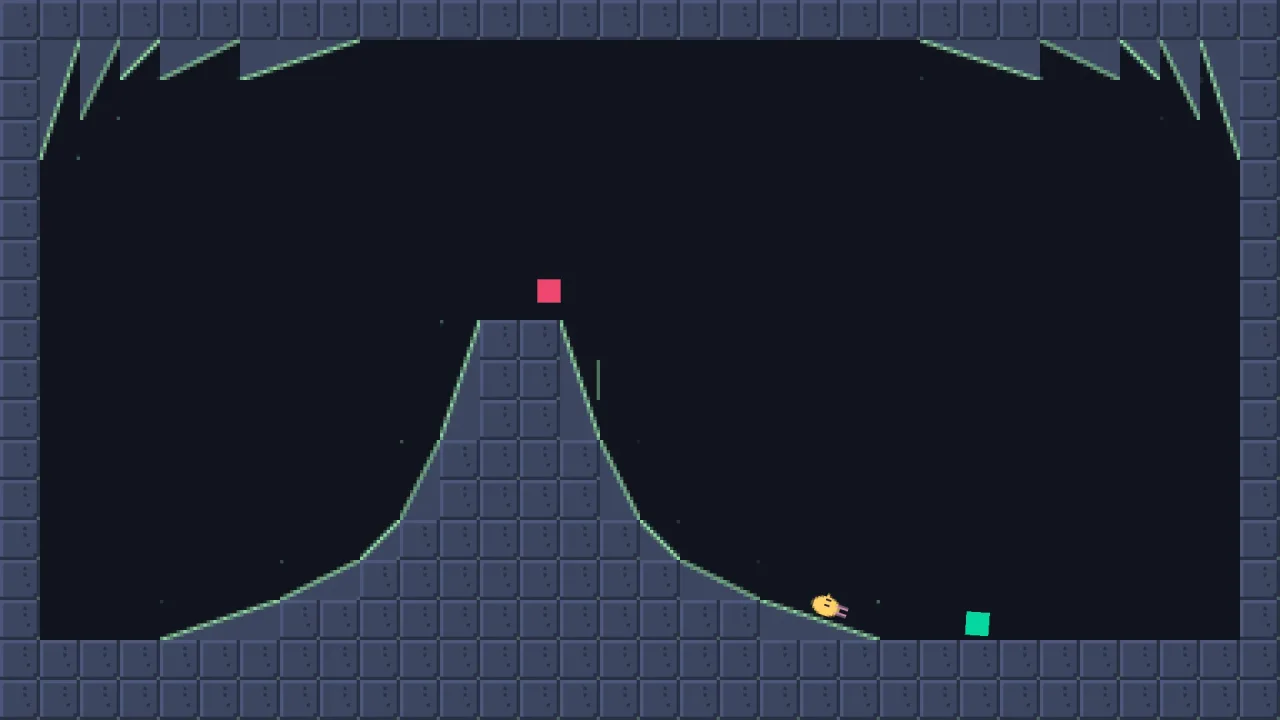
lines across a tile. The built-in table has 35 entries, ramps at 15, 22, 45, 67 and 75 degrees in all four diagonal
directions and one-way edges in all four directions, and TILE names the common ones so a map carries no magic
numbers. A rising ramp sits one row above the ground it leaves and a falling one in the row it leaves, so ramps meet
the flats with no step. With physics-2d composed the bodies have real slopes and one-ways; with collision alone
they are plain tagged boxes.
Maps can change while the game runs: set changes a tile with nothing to rebuild, and setCollision changes the
collision and rebuilds the bodies. tiles.load reads a level file of named layers, one of them called 'collision',
and returns its spawn list for your game to place, rather than constructing anything the file names.
Features
- Culled tile layers — any size of map, drawn at the cost of the tiles in view, with
layer.drawnsaying what the last frame cost. - Parallax and repeat — a
distanceper layer, and endless tiling for backgrounds. - Animated tiles — a sequence and a frame time per tile index, live, retuning every tile with that index at once.
- Layering — each layer's world layer is live, so a map can pass in front of the sprites or behind them.
- Merged collision — solid tiles become a few static bodies, with no seams to catch on.
- Slopes and one-ways — 35 built-in definitions, named by
TILE, plus definitions of your own for any line across a tile. - Live editing — change tiles freely, and change collision with an automatic rebuild.
- Level files —
loadbuilds a map from named layers and hands back the spawn list. - Map queries —
cell(x, y),solid(c, r),collisionAt(c, r)andbounds()for the camera's limits. - Palette swaps — writing a layer's
firstFramepoints it at another part of the tileset in one go.
Good for
- Platformers — floors, walls, ramps and one-way ledges from a collision grid, with
physics-2dfor the character. - Top-down worlds and dungeons — layers of floor, walls and decoration, with collision as plain boxes or bodies.
- Mazes —
map.solidis the walls function for four-way lane movement. - Parallax scrollers — a far layer repeating at half speed behind the playfield.
- Destructible levels — cracked tiles removed from both the layer and the collision as the player breaks them.
- Generated levels — any grid of indices, from a generator or an editor.
Make it yours
The pack has no options; a map's spec is its configuration. Choose the tile size, the map's position, as many layers as you like (all with the same rows and columns), each with its world layer, first frame, distance, repeat, tint, visibility and animations, and a collision grid with its own tags and definitions. Definitions extend or replace the built-in table, for a half-height ramp or any other line across a tile.
Two different uses: a side-scrolling platformer with a far background layer at distance: 2 repeating forever, a world
layer with animated water, a collision grid of solids, ramps and one-ways on physics-2d, and the camera clamped to
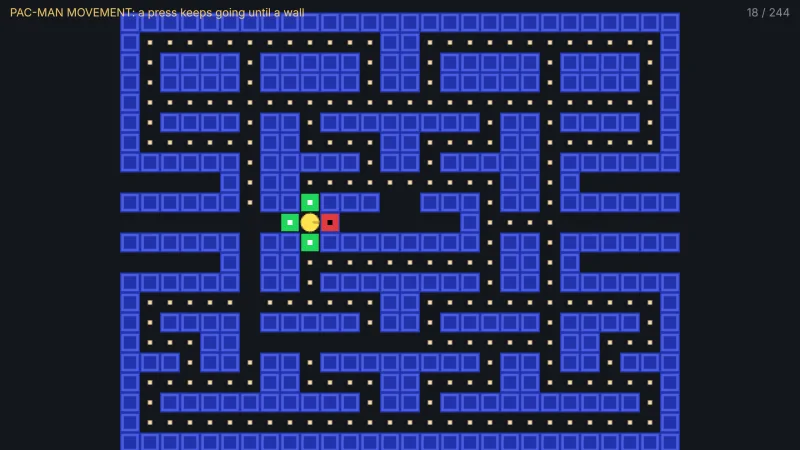
map.bounds(); and a top-down maze with a single layer and plain solid collision on collision alone, its map.solid
handed to grid-move as the walls.
A quick look
A tileset, a map with a parallax back layer and an animated world layer, and edits while the game runs:
const set = await game.assets.loadImage('tiles', '/assets/gridtiles.png', 32, 32, { cols: 14, rows: 10 });
const map = game.tiles.map({
    tile: 32,
    layers: [
        { layer: 'back',  data: FAR,   firstFrame: set.first, distance: 2, repeat: true },   // half scroll speed, forever
        { layer: 'world', data: LEVEL, firstFrame: set.first, animations: { 7: { time: 0.2, seq: [7, 8] } } },
    ],
    collision: { data: SOLIDS },
});
map.layer('world').set(c, r, 0);  // edit a tile; nothing to rebuild
map.setCollision(c, r, 0);        // edit collision; the bodies rebuild
game.rig.bounds(map.bounds());    // the camera never shows past the map's edge
Works with
physics-2d— makes the collision real bodies, with ramps and one-ways a character stands on and jumps through.collision— without physics, the collision is plain tagged boxes forsolid()rules.grid-move—map.solidis its walls function.rig-follow—map.bounds()clamps the camera to the map.
Good to know
- Tiles are square, one size a map, and every layer of a map shares its rows and columns; a backdrop on another grid is a second map.
- Slopes and one-ways need
physics-2d: without it they become full tile boxes and solid strips, and the pack says so once in the console. - A one-way edge is a 4-unit-thick box, so a fast body can pass through it without
bullet. setCollisionrebuilds every body of the map, so keep collision coarse in a level that changes every frame.- It is 2D only, and builds from arrays rather than Tiled files: parse Tiled JSON into the data yourself.