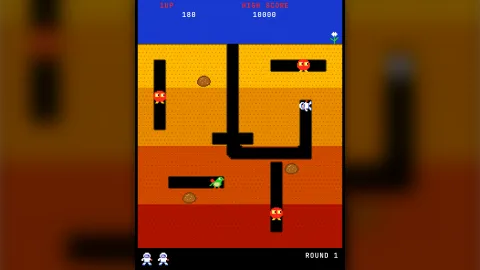

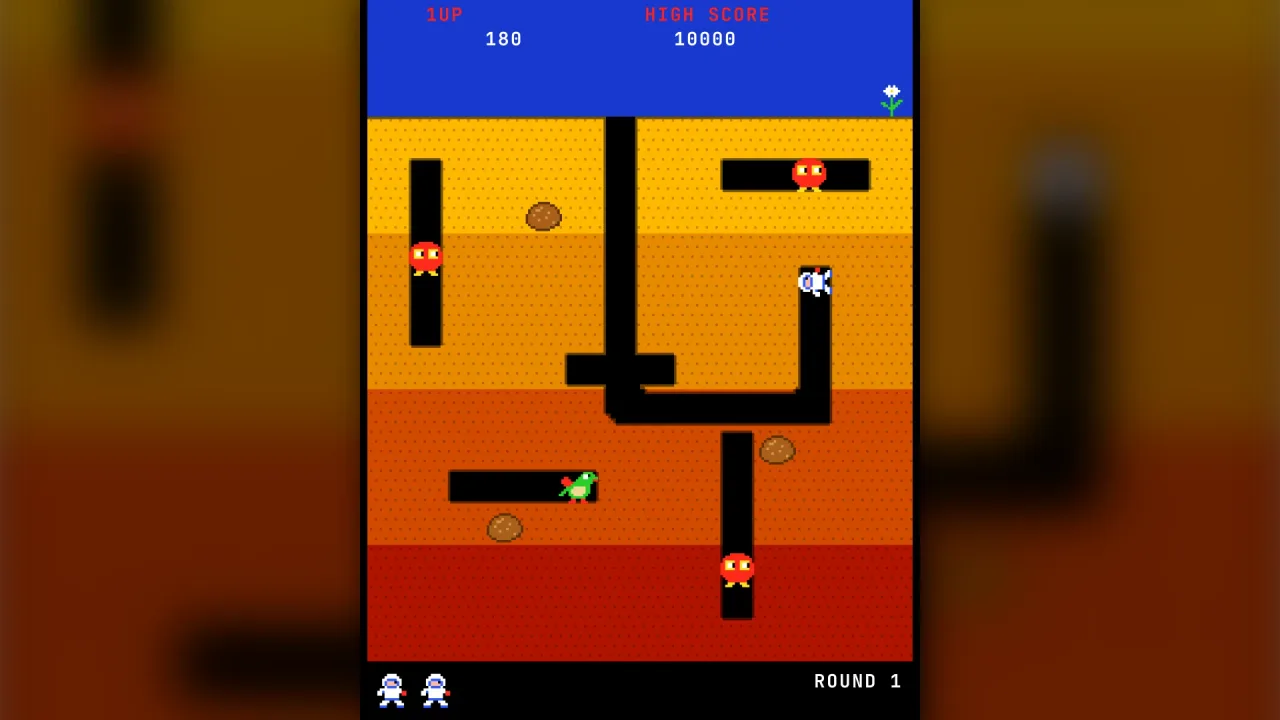
What it does
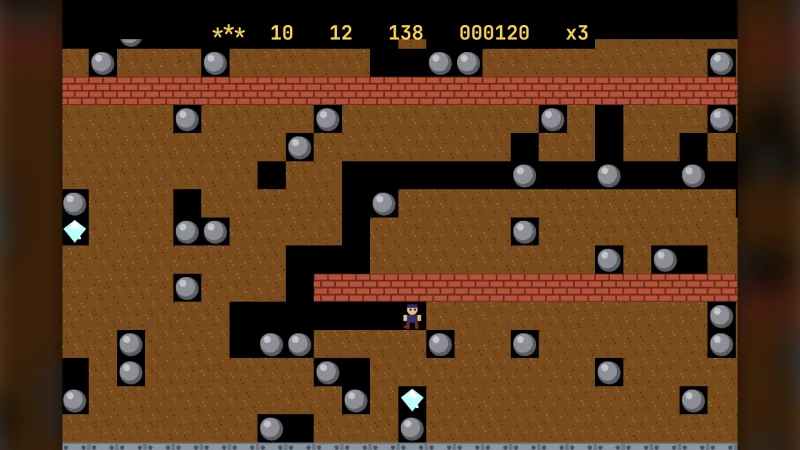
The field is a grid of cells, each split into sub-cells, built from rows of text: earth, pre-dug tunnel, sky and bedrock
that never digs. A body in dig mode carves the earth in thin slices as it glides between cell centres, carving a
tunnel narrower than a cell so two parallel tunnels keep a wall of earth between them. A body in tunnel mode can only
move where dug connections lead, and a cell only admits it once its centre is dug through, which is exactly what keeps
enemies out of a tunnel until the player breaks into it. A body in ghost mode floats through the earth towards a
target and lands in an open cell chosen by a policy: anywhere, only in another tunnel system, only in the target's, only
on a given row, or never too close to the target.
Loose objects behave the way digging games need. Dig out from under a rock and it wobbles for a moment, unless a body it is set to rest on is standing beneath it, then falls, carrying and crushing what is below, and lands whole or breaks depending on how far it fell. Objects can be pushed sideways along tunnels, and collectibles are picked up by bodies that collect.
For AI, the field answers tunnel questions directly: whether two cells connect, which way the openings lead, which
connected region a cell is in, the shortest route between two cells and a distance field to a target, cached until the
earth changes. For drawing, takeChanges lists the cells changed since you last asked, so the earth can be painted once
and touched up a few cells a frame. Every grid body moves on grid-walker's walker, with immediate reversal and
optional cornering windows.
Features
- Earth at sub-cell resolution — 2 to 16 sub-cells a cell edge, strata, bedrock, sky and pre-dug tunnels, up to four million sub-cells.
- Smooth digging — earth removed in slices as bodies move, with a tunnel width that leaves walls between parallel tunnels.
- Four body modes —
dig,tunnel,ghostandfixed, with held or automatic control. - Ghosting with landing policies — minimum and maximum time, which region to land in, a set row and a keep-away distance.
- Falling objects — wobble, fall speed, bodies that hold them up, break-after distance, crumble time, pushing and catch width, per kind.
- Collectibles — items buried in the dirt and picked up within a radius.
- Tunnel queries — connections, openings, regions, shortest routes and distance fields.
- Forgiving turns — per-body cornering windows, so a player's late turn is still taken.
- Change tracking —
takeChangesfor cheap repainting of only what was dug. - Deterministic — fixed-step, seeded, with snapshot and restore.
Good for
- Top-down tunnelling games in the style of Dig Dug or Mr. Do!, with
dig-combaton top for the fight. - Treasure digs with no enemies: diggers, buried items and falling rocks as the hazard.
- Mole and mining games, where the earth is the level and the player shapes it.
- The earth layer of a side-view game, with ladders and walking from the platform packs.
- Enemy AI that lives in tunnels, with routes and distance fields ready to use.
Make it yours
ExcavationConfig sets the map and its legend, sub-cells per cell, tunnel width, strata, pre-dug tunnels, object kinds,
starting objects and items, collect radius and seed. Each body sets its kind, start, direction, mode, control, speed,
digging factor, carve width, cornering windows, and whether it collects, pushes, can be crushed or blocks others. Bodies
can be steered, frozen, sped up, switched between modes, sent ghosting and respawned while the game runs.
Two different uses: a top-down digging game where a player carves the earth and enemies follow tunnels or ghost through
dirt, with rocks that crush; and a side-view mining game whose earth lives here with ladders authored as bedrock, while
platform-map and platform-walker handle walking and climbing and the newly dug cells are mirrored into the map each
step.
A quick look
A small field with a rock and a gem, a digging player and a mole that follows tunnels towards the player:
const field = game.excavation.createExcavation({
  map: ['~~~~~~~~', '########', '###  ###', '########'],   // ~ sky, # earth, space a tunnel
  subdivisions: 8, tunnelWidth: 0.75, strata: [1, 3],
  objectKinds: { rock: { wobbleSeconds: 0.6, heldBy: ['player'], breakAfter: 0 } },
  objects: [{ id: 'r1', kind: 'rock', at: { x: 5, y: 1 } }],
  items: [{ id: 'gem', kind: 'gem', at: { x: 1, y: 3 } }],
});
field.addBody({ id: 'player', kind: 'player', at: { x: 4, y: 0 }, mode: 'dig', control: 'held', speed: 3.25, collects: true });
field.addBody({ id: 'mole', at: { x: 4, y: 2 }, speed: 2 });
Works with
grid-walker— the continuous grid walker that moves every body; on its own, for mazes whose walls never change.dig-combat— weapons, enemy AI, scoring and rounds on top of this field.platform-mapandplatform-walker— walking and ladders for a side-view digging game.render-texture— paint the earth once and repaint only the changed cells.boulder-dash— for a cave stepped a cell at a time with rolling boulders.
Good to know
- Grid bodies turn on cell-centre lines, with per-body cornering windows; ghosts move freely.
- A half-dug cell does not admit tunnel bodies or falling objects until its centre is dug.
- Objects fill one cell, fall straight down and do not roll off each other.
- Bodies do not collide with each other except through blocking; contact rules belong to your game.
- Fields above four million sub-cells are refused with a readable error.