
What it does
Mouse look works locked or unlocked. The first click asks the browser for pointer lock, which hides the cursor and reports raw movement; before that, or on a browser that refuses, a held drag turns the view just the same. A game is playable the moment it loads rather than after a click. Pitch is clamped so the view cannot roll over.
WASD or the arrows move relative to where the player looks, and shift sprints. While walking, movement is flattened
to the ground, so looking up never lifts anyone off the floor, and the eye stays at eyeHeight. With fly on,
forward follows the view up and down, and space and control rise and fall. The rig keeps the world camera at
distance 0, which is what makes it an eye rather than an orbit, and writes only the camera's position, yaw and pitch.
Walls are the game's business. Each step the rig publishes intent, where the player is trying to go, and
previous, where they started; a game with geometry reads both, decides where the player may actually stand, and
calls moveTo. With nobody clamping, the proposal is simply taken. For terrain, set floor to a height function and
walking follows the ground, and canMove can refuse a step for a slope, a cliff, a tree trunk or the edge of the
world.
Features
- Mouse look from the first moment — pointer lock on the first click, and drag-to-look before it or without it.
- View-relative movement — WASD and the arrows, flattened while walking, with a sprint multiplier on shift.
- Optional flight — forward follows the view, with space and control to rise and fall.
- Intent for walls —
intentandpreviouseach step, andmoveToto place the player where the game allows. - Ground and limits —
floorfor terrain height andcanMoveto refuse a step. - Comfort settings — sensitivity, inverted vertical look and pitch limits.
Good for
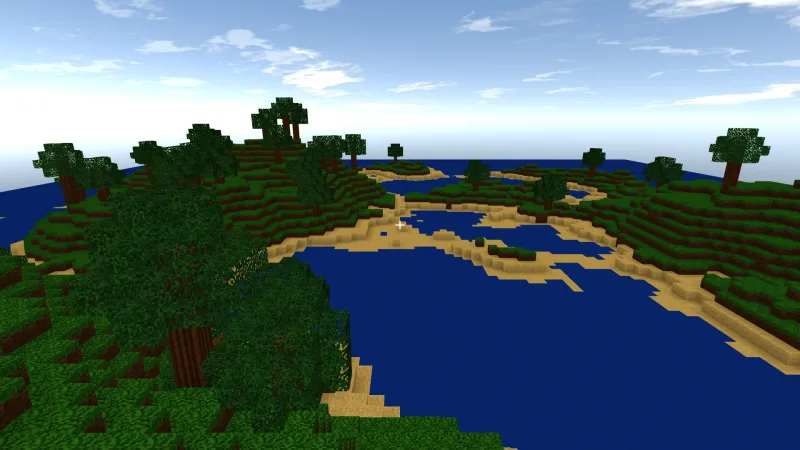
- First-person exploration — walking over hills and through forests with the eye on the ground.
- First-person shooters and mazes — walls handled by your own collision through
intentandmoveTo. - Architectural and scene tours — a walk-through or a fly-through of a model or a level.
- Free flight over a landscape — forward follows the view, with space and control for height.
- Games that must play instantly — drag-to-look works before any click.
Make it yours
The options set the walking speed and sprint multiplier, the eyeHeight, whether the player starts flying,
mouse sensitivity and invertY, the minPitch and maxPitch limits, whether to lock the pointer at all, and the
start position. speed, fly, eyeHeight, the position and the look are live properties too.
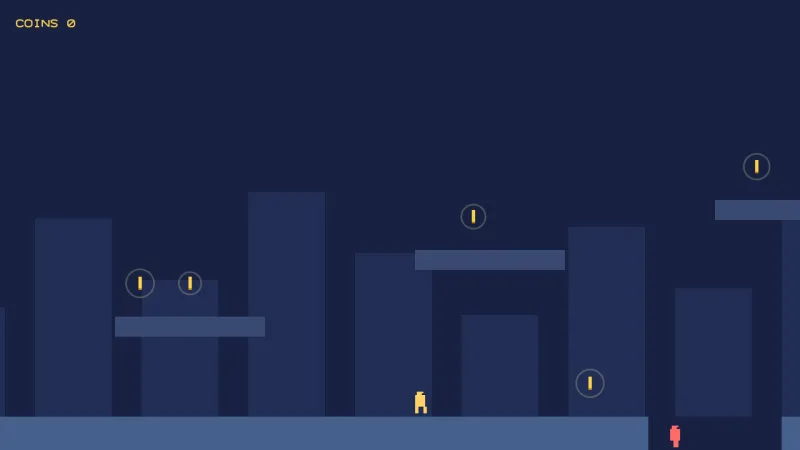
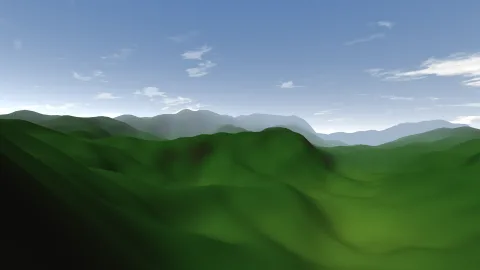
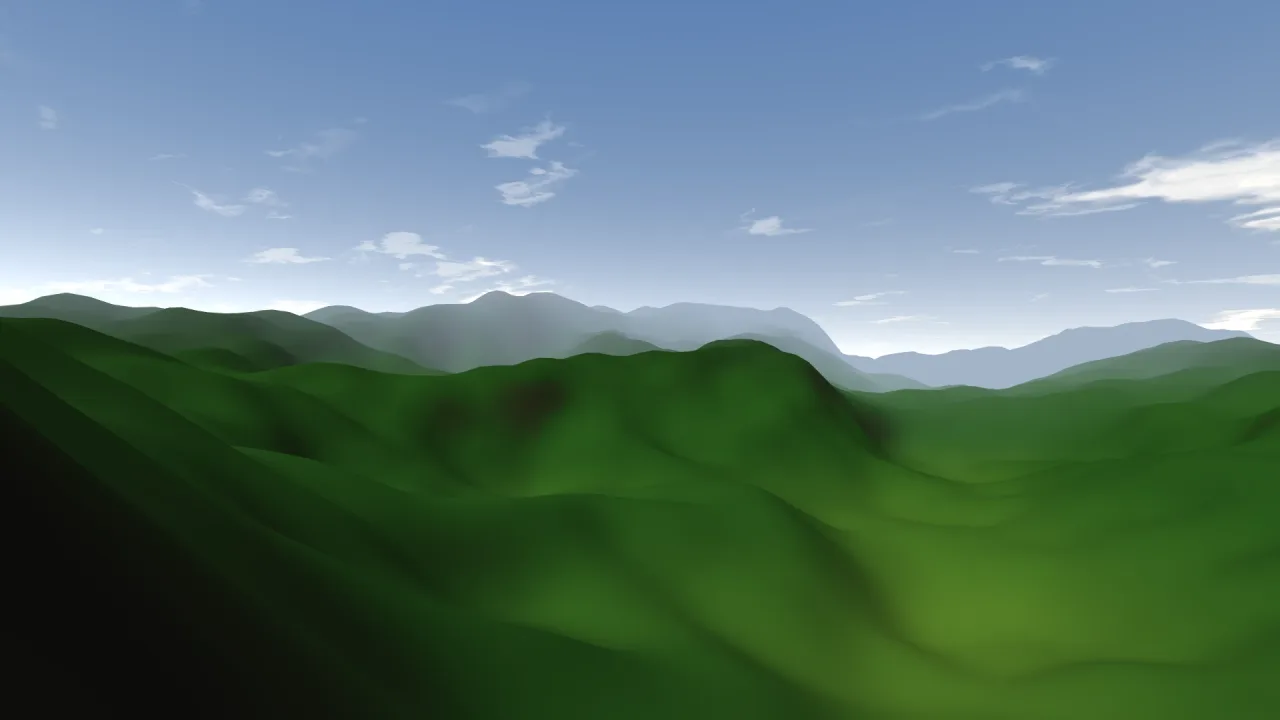
Two quite different games: a hillside walk where floor reads the terrain's height and canMove refuses slopes too
steep to climb, so the player follows the ground and turns back at cliffs; and a maze shooter on a flat floor whose
own grid collision reads intent and previous each step and calls moveTo with the nearest position clear of the
walls.
A quick look
Walking a terrain, with steep slopes refused:
game.rig.floor = (x, z) => game.terrain.heightAt(x, z);
game.rig.canMove = (from, to) => game.terrain.slopeAt(to.x, to.z) < 0.5;
Works with
world-3d— the 3D world whose camera it drives.terrain-3dandterrain-world-3d— the ground heights that walking follows.rig-orbit— the alternative for a camera that looks at something from outside; a game has one or the other.rig-minecraft— the block-game scheme, with jumping, breaking and placing.
Good to know
- It has no collision, gravity, jumping or step-up of its own:
intentis where your game adds them. - Pointer lock needs a user gesture, so the first click arms it; if the browser refuses, drag-look keeps working.
- The keys are WASD and the arrows with shift to sprint, and they cannot be rebound yet.