
What it does
The pack is a bundle. Naming it in a manifest composes twenty-one packs in the right order: the renderer that picks
WebGPU or WebGL2 for the device, a side-on world with 'back', 'world' and 'front' layers, screen layers for the
HUD, text, sound, tweens, maths and colour, saving, background gradients and stars, render textures, particle
pictures and particles, camera shake and flash, collisions, pointer events on objects, the follow camera and the 2D
controls. All of it hangs off one object, game, documented on a single page.
Then it adds three calls of its own. game.text puts a line of text on the HUD, centred on a point unless you say
otherwise, in sans, serif or mono, with an outline and a hard shadow. game.background sets what is behind
everything: a flat colour, a vertical gradient, a twinkling starfield over either, or a picture fitted by cover,
contain or stretch. game.graphics is a picture you draw on while the game runs, with the ordinary 2D canvas context
or short forms such as rect, line and circle, for trails, beams and meters.
The idea that holds it together is that a scene owns what it makes. Sprites, text, graphics, backgrounds, steps,
timers, tweens, collision rules and the camera's target all belong to the scene that made them, so leaving it removes
them, and game.scenes.go('play') again is a clean restart with nothing to tidy by hand. Time is the game's too:
steps run at a fixed rate, and game.after, game.every and game.rng stand in for setTimeout and
Math.random, so pausing the game pauses everything at once.
Features
- One line, twenty-one packs — every pack above, configured and in order, with nothing to wire up.
- Pictures by name —
game.paintdraws a picture once with the canvas 2D context, at twice its density so it stays sharp on high-density screens, with frames for animations and states;game.pixelsturns rows of characters into pixel art. - Sprites with tags and data — spawn on a layer, find things by tag or position with
game.roster, keep each thing's state on itsdata, and play frame animations. - Text, backgrounds and graphics — three families with bold weights, outline, shadow and spacing; a colour, gradient, stars or picture per scene; and a canvas for what moves too freely to be a sprite.
- Input and controls — keys, pointer, gamepads, swipes and taps, and
game.controlsreading the arrows, WASD and a stick as one move axis, with two to four players on their own keys and pads. - Motion and juice — tweens you can await, screen shake, flash, hit-stop and zoom punch, and pooled particle bursts on every hit.
- Collisions — overlap rules and solid walls by tag, with circle or box shapes taken from each sprite's size.
- Sound — effects and tunes defined as data, music files, and master, music and sfx volume buses.
- Buttons and menus —
game.uiwindows, panels, buttons, toggles and sliders that answer the keyboard and a gamepad as well as the pointer, in a skin you can recolour or swap. - Scenes that clean up after themselves — go, push and pop, with a pause menu held over the game beneath it.
- Screen fit and pixel art — letterbox, height, fill or fixed fitting to the window, and
pixelArtfor crisp scaled pixels.
Good for
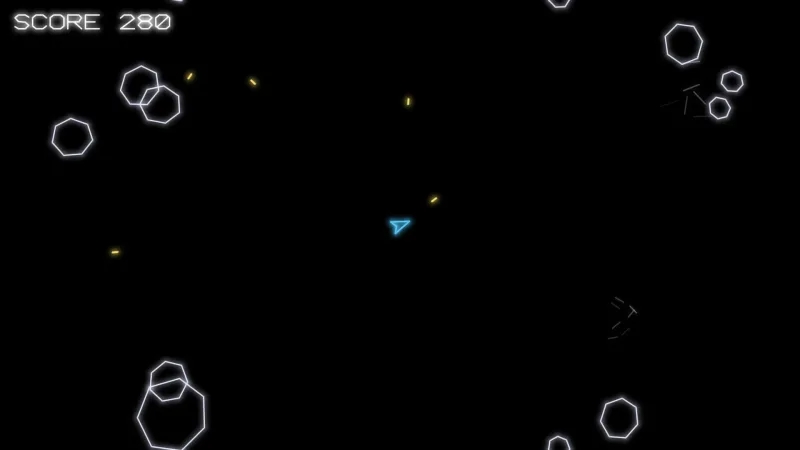
- Arcade dodge-and-score games — falling rocks and a ship fit on one page with nothing else added.
- Top-down games — twin-stick shooters, farms, mazes and adventures in the style of Zelda, with
world-topdownin place of the side-on world so characters sort by their feet. - Platformers and side-scrollers — the side-on world, a follow camera held inside the level's bounds, and
physics-2dortiles-2dwhen the level needs them. - Pixel-art games —
game.pixelsandpixelArtkeep every scaled pixel square and sharp. - Portrait phone games — a letterboxed 720 by 1280 screen, swipes and taps, and
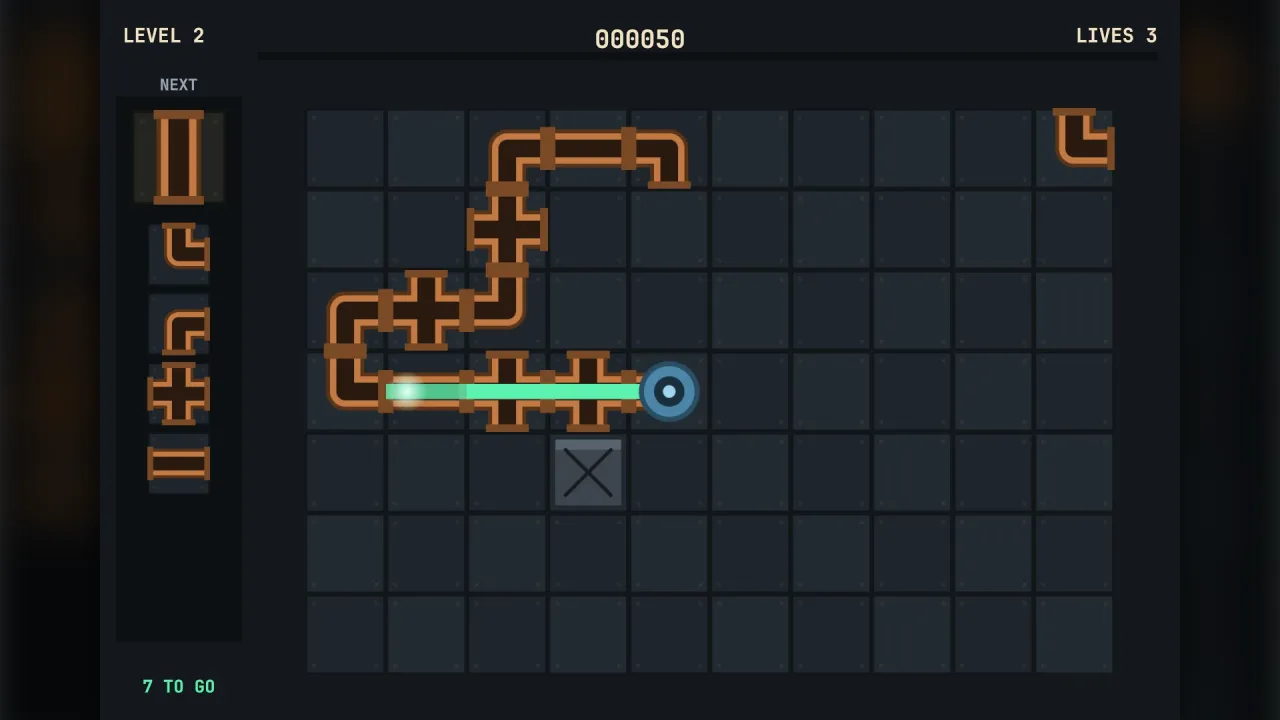
controls-touchfor a thumb stick and buttons. - Puzzle and casual games — tweens, bursts and skinned menus around a rules pack such as
match3.
Make it yours
The pack has no options of its own; you shape it through the packs it composes. Name one of them in the manifest with
your own options and it replaces the one the bundle would compose, options and all, and world-topdown takes the
side-on world's place. The manifest's screen sets the game's size, how it meets the window and whether scaled
pixels stay sharp, and the world's wrap option turns the field into a torus whose collisions and camera see across
the seam. Menus wear a skin pack, recoloured with
that pack's options or swapped for another.
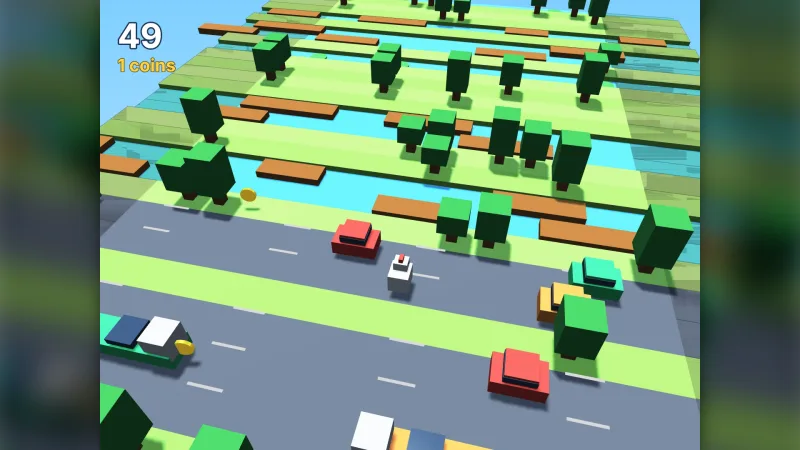
Two very different games start from the same line. A landscape side-scroller on the side-on world, a gradient sky with
stars behind it and the follow camera kept inside a level 4000 pixels wide. And a portrait phone game seen from above,
with world-topdown in the world's place, a 720 by 1280 letterbox screen, pixelArt on and a thumb stick from
controls-touch bound beside the arrow keys.
A quick look
A scene with a sky, a ship, a title, falling rocks and a collision:
game.scenes.register({ name: 'play', enter() {
    game.background.gradient('#0b1030', '#3a2a6a');
    game.background.stars({ density: 0.6 });
    const ship = game.spawn({ id: 'ship', texture: 'ship', x: W / 2, y: H - 80, layer: 'world', tags: ['ship'] });
    game.text('Dodge!', W / 2, 40, { size: 36, stroke: { color: '#000000', width: 2 } });
    game.every(0.6, () => game.spawn({ id: 'rock', texture: 'rock', x: game.rng.between(20, W - 20), y: -20, layer: 'world', tags: ['rock'] }));
    game.step('play', dt => { if (game.input.keyDown('ArrowLeft')) ship.x -= 300 * dt; });
    game.collide.on('ship', 'rock', () => { game.feel.shake(10, 0.4); game.scenes.go('over'); });
} });
Works with
world-topdown— takes the side-on world's place for a game seen from above.controls-touch— a thumb stick and buttons for phones, bound beside the keys.physics-2d— rigid bodies when overlap rules and solid walls are not enough.tiles-2d— tile maps for levels.bars— health, timers and meters on the HUD.lighting-2dandpost— 2D lights and full-screen post effects.transitionandtitle-screen— scene changes that cover the screen, and a whole title screen as data.core-3dandcore-vector— the same start for a 3D game or a game in glowing line art.
Good to know
- It has no options itself: change a part by naming its pack in the manifest.
- Collisions are overlap rules and solid separation with no dynamics; things that bounce, stack and swing need
physics-2d. game.textsets a single line in sans, serif or mono; rich paragraphs are thetypographypack's own calls.- Game code avoids
document,window,Math.random,setTimeoutandDate.now; the engine provides each of them.