
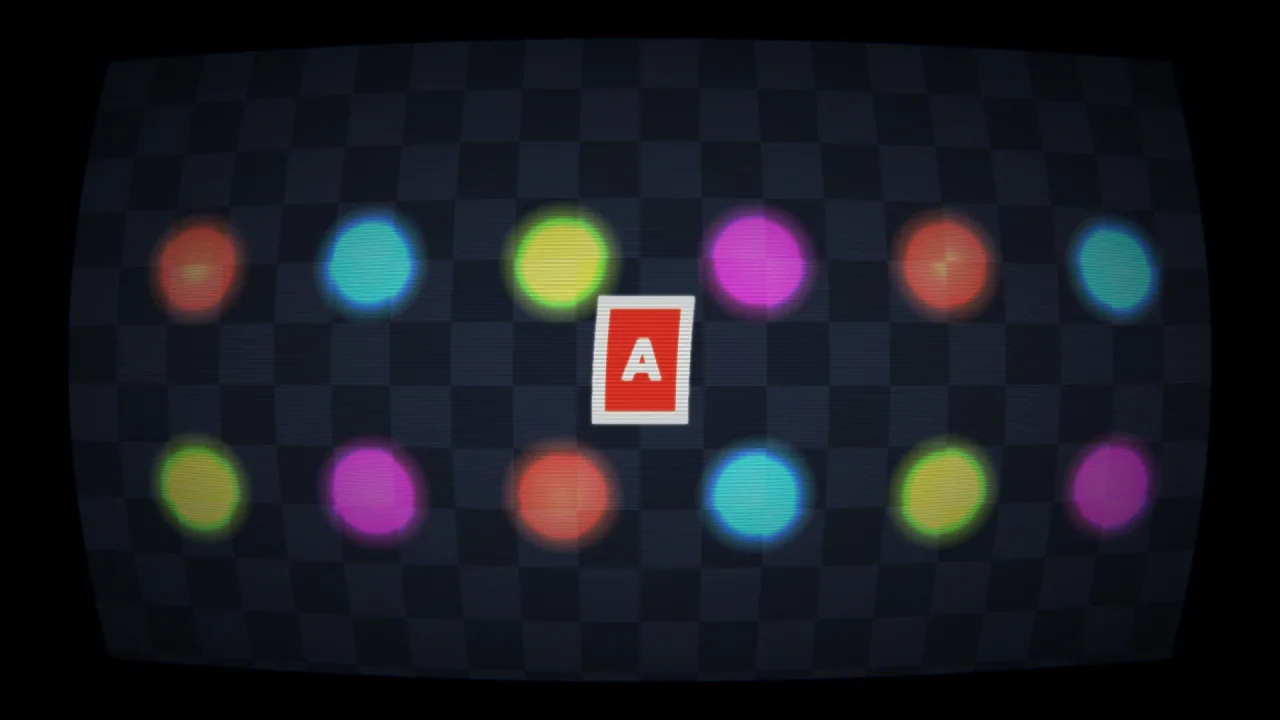
What it does
After the world and its lighting are drawn, the chain copies the frame into a pair of textures and runs each effect
as one fragment pass that reads the previous result; the last pass writes the screen. Effects run in the order you add
them, and the order is part of the look: pixelate then bloom glows the blocks, bloom then pixelate pixelates
the glow, and a CRT belongs last. The HUD on world-screen is drawn after the chain, so score text never blooms,
curves or pixelates.
Each add returns a handle, and its params change on any frame. A param is a number, a colour or a vector, and its
default decides which: a colour takes any CSS colour, a vector takes an array or one number for every component. The
wrong kind of value throws, so a typo never silently turns the screen black, and adding an effect no composed pack
provides throws with the list of what is available and the pack to add. Handles belong to the scene, so its teardown
removes them.
Writing a look of your own is one call. registerPostEffect takes a name, a one-line description, a table of default
params and a WGSL snippet that reads the previous result through tex(p) and leaves the new pixel in color.
checkPostEffect checks a definition with no GPU: its name, its params and the sixteen slots they share, that the
code sets color and avoids unbounded loops and stray texture calls, and that it translates for WebGL2, which catches
a misspelt name or a param read by name instead of by slot.
Features
- An ordered chain — effects run in add order, each reading the last;
chainandavailablelist them. - Live handles —
setchanges a param on any frame,removetakes the effect out, andclearempties the chain. - Typed params — numbers, CSS colours and vectors of two to four numbers, checked on every
addandset. - Effects of your own —
registerPostEffectturns a WGSL snippet into an effect you add by name, from a game or from a pack. - Checked before drawing —
checkPostEffectreturns the problem in one sentence; an effect that still fails to compile on a device is reported once and skipped, so the rest of the chain draws. - The HUD stays crisp —
world-screen's HUD and overlay draw above the chain. - 2D and 3D, WebGPU and WebGL2 — it runs over whatever the world drew, and WebGL2 translates each snippet.
- Reachable from other packs — through the kernel registry, which is how
title-screenadds its bloom and vignette.
Good for
- Neon, vector and synthwave games — bloom on from the first frame, from
post-bloom. - Retro and arcade looks — a curved CRT tube, scanlines, pixelate and posterize, from
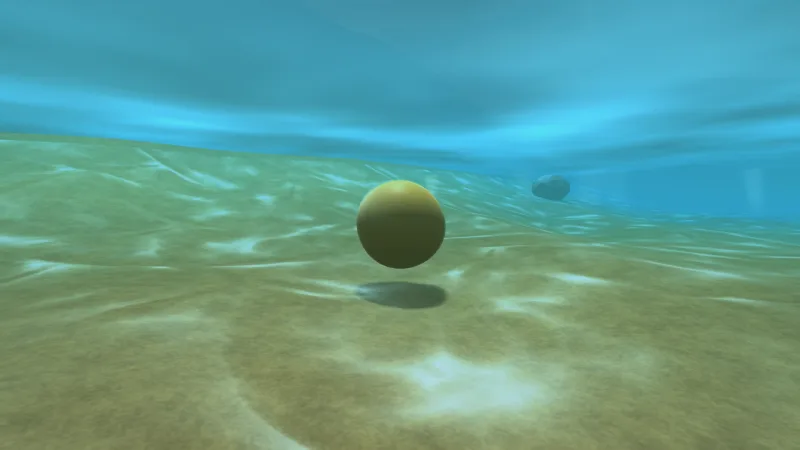
post-looks. - Moody and cinematic games — a colour grade and film grain for noir, horror or a golden hour.
- Game feel — a hit that pushes a colour split up and back, a low-health vignette, a pause that drains the colour.
- A house style — a sepia, palette or tint effect of your own, registered once and added by name.
Make it yours
The chain is built entirely from add calls, so its make-up and order are the game's to choose, and any param can be
tweened. There are no pack options. A game's own effects get the same treatment as the packs' effects: up to sixteen
slots, live params, and the same checks.
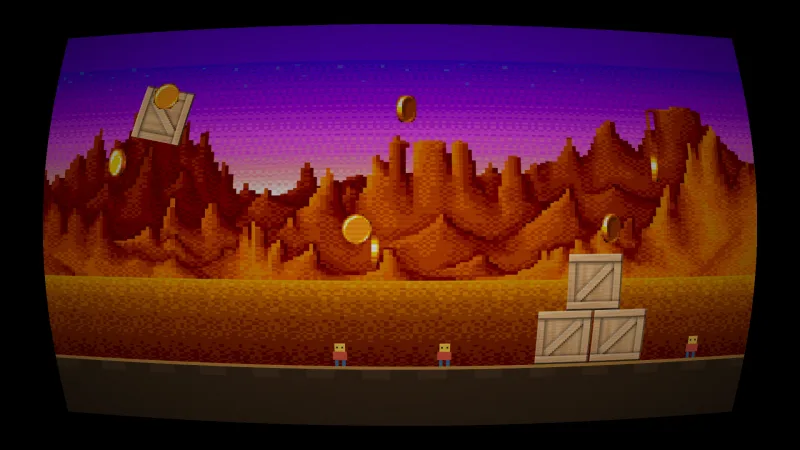
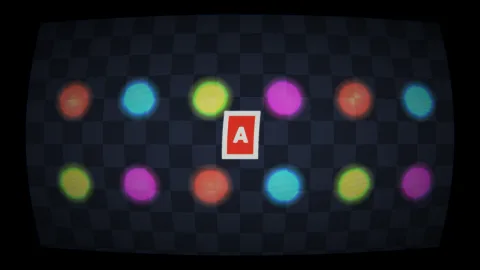
Two very different chains: an arcade shooter adds pixelate, then bloom, then crt last, so the glowing blocks sit
on a curved tube; a noir adventure adds a black-and-white grade, then grain, then a strong vignette, and adds a
sepia effect of its own for its flashbacks.
A quick look
Two effects from packs, a param changed live, and an effect of the game's own:
import { registerPostEffect } from '@phaser-ae/post';

const bloom = game.post.add('bloom', { strength: 1.2 });   // params override the pack's defaults
bloom.set('threshold', 0.4);                                // live, any frame
game.post.add('vignette', { color: '#5a0008' });            // a colour param takes a CSS string

registerPostEffect(game.kernel, { name: 'sepia', description: 'old photograph', params: { amount: 0.8 },
    code: `let g = dot(color.rgb, vec3(0.299, 0.587, 0.114)); color = vec4(mix(color.rgb, vec3(g * 1.07, g * 0.74, g * 0.43), p0), color.a);` });
game.post.add('sepia');
Works with
post-looks— crt, scanlines, chroma, grayscale, pixelate, posterize, vignette and wave.post-bloom,post-gradeandpost-grain— bloom, a colour grade and film grain.world-screen— the HUD layers drawn above the chain.tween— to animate a param.effects-2d— for a look on one sprite rather than the whole frame.god-rays-3d,flare-3d,underwater-3dandssao-3d— 3D effects that need the scene's depth, in passes of their own.post-trippatron— psychedelic arena distortion, in a pass of its own.transition— for transitions between scenes.
Good to know
- Every effect is a full-screen pass, so eight effects cost eight passes; keep the chain short on a low-end GPU.
- An effect sees only the previous result, never the original frame or the scene's depth, so a multi-resolution bloom or a depth-aware effect needs a pack with passes of its own.
- Sixteen slots an effect: a number takes one, a colour three and a vector its width. Colours are RGB only.
- The check is the WebGL2 translator's, not the browser's WGSL compiler, so try a new effect on WebGPU once.
- Against the 3D packs' own full-screen passes, the chain runs in the order the packs are composed: compose
postafter them to run it over their result.