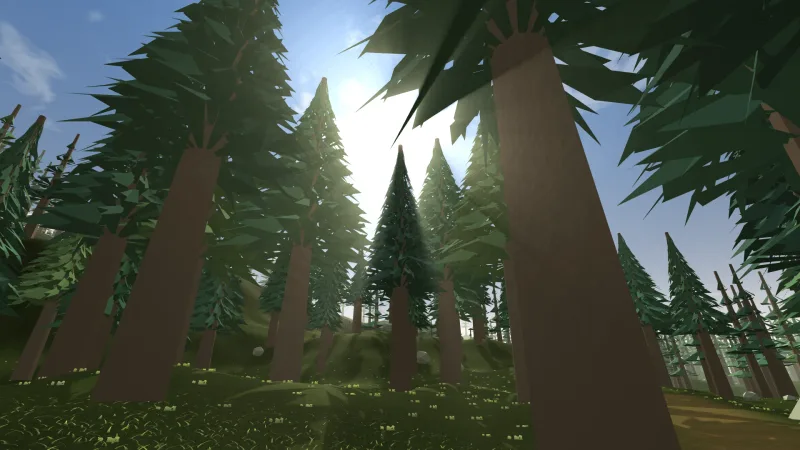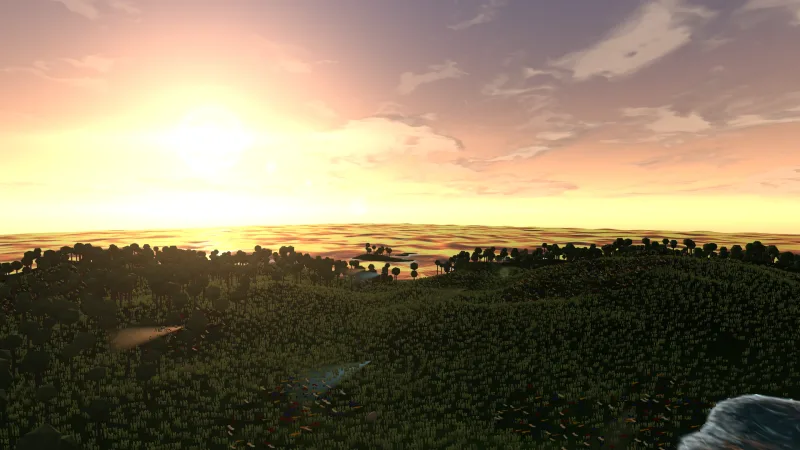

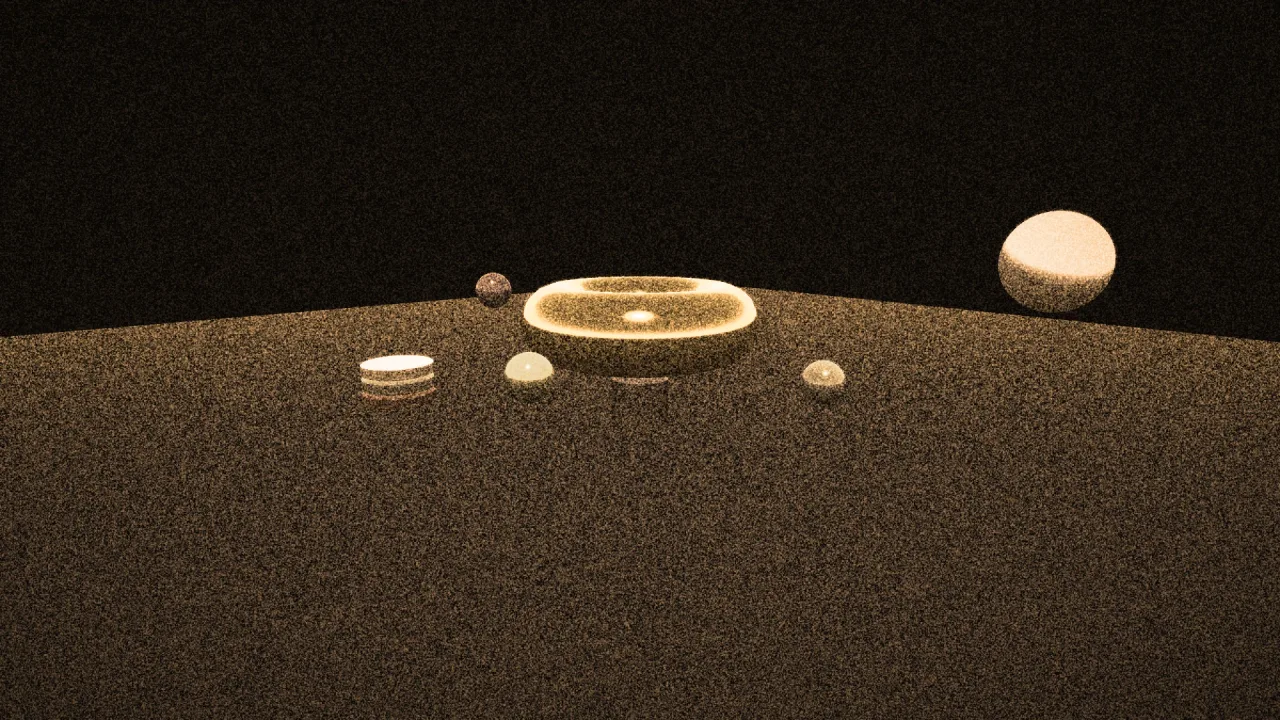
What it does
grain is an effect for the post chain. It draws soft clumps of noise a pixel or two across, as strong between
the points of its lattice as on them, so no grid shows. The pattern changes speed times a second on the game's
clock: 24 is film, 12 is calmer, and 0 holds one pattern still. It freezes when the game is paused, and slows in slow
motion.
A response curve keeps the grain in the mid-tones, about a third as strong in black and none in pure white, and a
colored dial runs from black-and-white stock to independent grain in each channel. The grain is built from integer
hashes, so WebGPU and WebGL2 draw exactly the same pattern, and it reads no extra textures.
Features
- Amount — 0.02 is barely there, 0.04 a 35 mm print, 0.08 heavy 16 mm, and 0.15 and up an old newsreel.
- Size — the clump size in display pixels, the same at every pixel ratio.
- Speed — new patterns a second, from still to fizzing.
- Colour —
coloredmixes mono and chroma grain. - Response — how closely the grain follows the picture's brightness, from filmic to flat.
- Cheap — one pass with no extra texture reads.
Good for
- Noir — heavier grain on a black-and-white grade.
- Horror and found footage — coarse, colourful grain at a faster rate.
- War and period pieces, and flashbacks — the picture of an older film stock.
- Title screens — a quiet grain that makes a screen feel shot rather than drawn.
- Smooth dark gradients — fog, skies and vignettes, where grain hides banding.
Make it yours
Every param is live. Noir takes { amount: 0.06, size: 1.6 } after a black-and-white grade; found footage takes
{ amount: 0.1, size: 2, colored: 0.6, speed: 30 }; a quiet title screen takes { amount: 0.025, speed: 12 }. A
flashback can raise amount while it lasts, and speed: 0 freezes the pattern.
A quick look
const grain = game.post.add('grain', { amount: 0.04, size: 1.5 });
grain.set('amount', 0.1);      // live: heavier grain for a flashback
grain.set('speed', 0);         // freeze the pattern
Works with
post— required; the chain that runs it.post-grade— before the grain, so the grain sits on the graded picture.post-looks— its vignette after the grain, so the corners darken the grain with everything else.
Good to know
- Leave it off crisp pixel art and text-heavy screens, where it muddies the pixels.
- It adds to the colour and clamps, so heavy grain lifts black and lowers white a little.
- The pattern follows the screen, not the world, so it does not move with the camera, as grain on a lens would not.