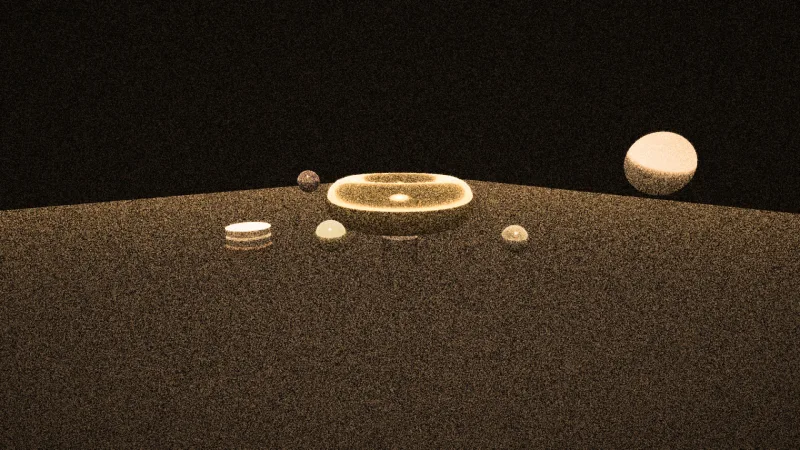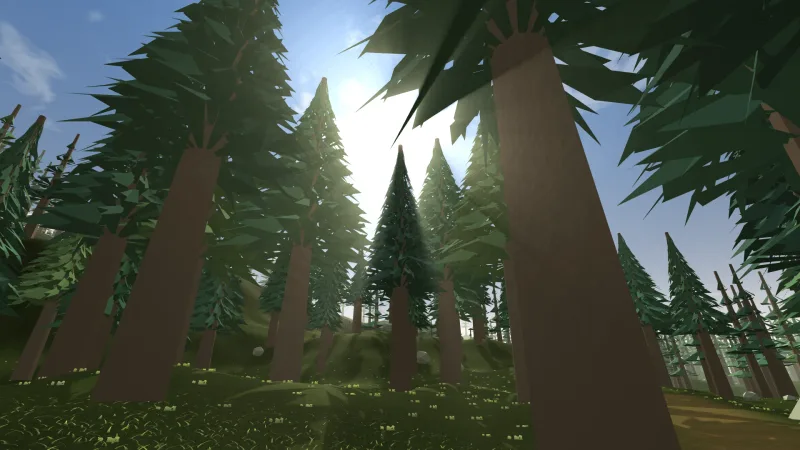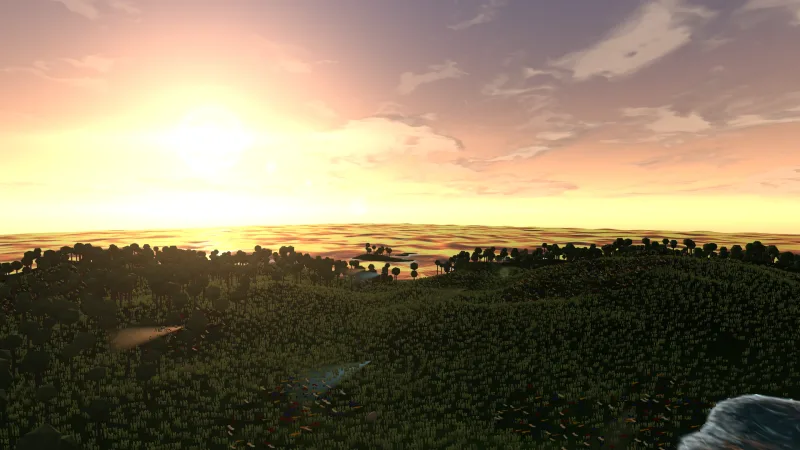


What it does
grade is an effect for the post chain. Lift moves the blacks and leaves white where it is, gain scales toward
white and leaves black where it is, and gamma bends the mid-tones between them; each takes a red, green and blue value
or one number for all three, so a per-channel grade tints the shadows one way and the highlights another. Contrast is
an S-curve through mid-grey that holds black and white in place, and a tint tones the picture toward one colour at
each pixel's own brightness, up to a fully toned print whose brightest tones run to cream and white.
The order is fixed, as a colourist works: temperature, then lift, gamma and gain, then contrast, saturation and tint. Every param is identity by default and live through the handle, so a story beat is a tween: the colour drains as the world dies, or the temperature cools as night falls.
Features
- Lift, gamma and gain — the three-way corrector, per channel or for all three at once.
- Contrast that does not clip — an S-curve with black and white held.
- Saturation — from black and white at 0 to vivid above 1.
- Temperature — white balance from cool to warm, with brightness kept.
- Tint — any CSS colour with an amount, from a light cast to a sepia or cyanotype print.
- Live and cheap — one pass of plain arithmetic, with every param changeable on any frame.
Good for
- Horror games — a cold, drained, slightly green picture.
- Noir and detective stories — black and white with deep contrast, under grain and a vignette.
- Action and cinematic games — a teal-and-orange blockbuster grade.
- Day-night and time-of-day changes — a golden hour, or a night made from a day scene.
- Mixed art sets — a light tint that pulls assets from different sources toward one palette.
Make it yours
Every look is a set of params. Noir is { saturation: 0, contrast: 1.4, gamma: 1.1 }, with grain and a strong
vignette after it; night from day is { temperature: -0.7, gain: 0.65, gamma: 0.8, saturation: 0.5 }; sepia is
{ tint: '#a87a48', tintAmount: 0.9, contrast: 1.1, lift: 0.03 }. Horror, teal and orange, faded film and golden hour
are just as short.
Two very different uses: a horror game runs one fixed cold, desaturated grade for its whole length; a game with a day
cycle tweens temperature, gain and saturation from a golden hour into night as the clock turns.
A quick look
const grade = game.post.add('grade', {
    lift: [-0.02, 0.02, 0.05],   // shadows toward teal
    gain: [1.1, 1.0, 0.88],      // highlights toward amber
    saturation: 1.15,
    contrast: 1.15,
});
grade.set('temperature', -0.4);  // live: cooler
Works with
post— required; the chain that runs it.post-grain— after the grade, so the grain sits on the graded picture and hides banding.post-looks— its vignette after the grade, and its greyscale look for a plain fade to grey.post-bloom— before the grade if the glow should be graded too.tween— to move a param over a story beat.
Good to know
- It works on each pixel's display colour, 8 bits a channel, not on scene light: a strong gain clips highlights it cannot get back, and heavy lift, gamma or contrast on a dark gradient can band.
- The same grade covers the whole frame: no masks, no curves per hue and no lookup table. For one object's colour, use that object's tint.
- It uses all sixteen of the chain's param slots.
- The HUD is drawn above the chain, so it is never graded.