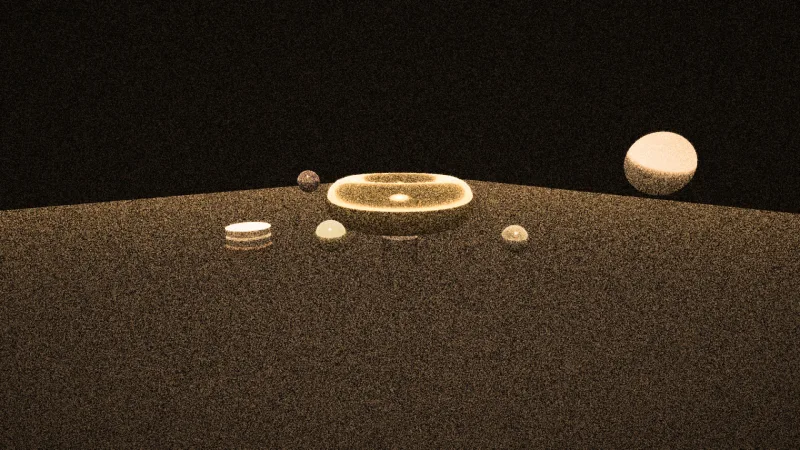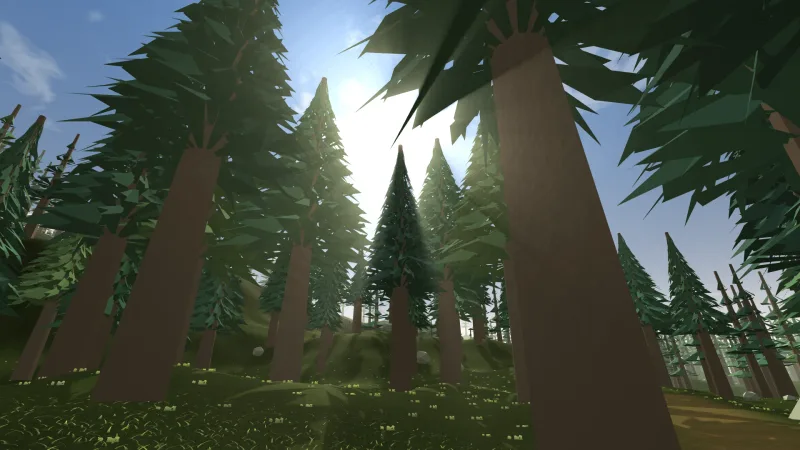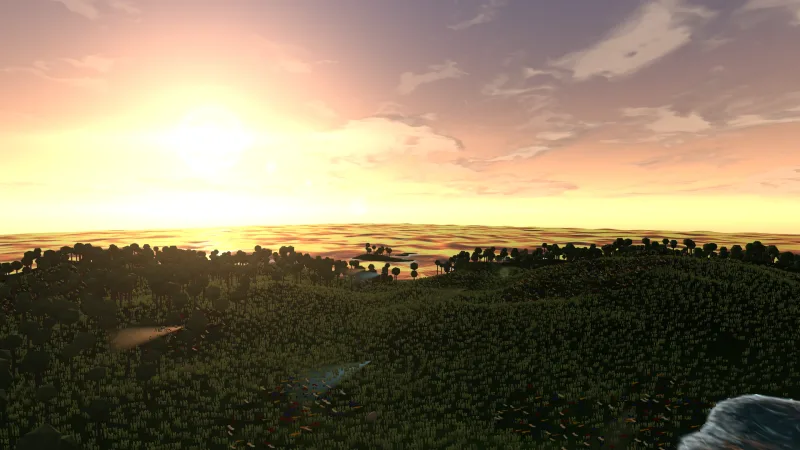


What it does
bloom is an effect for the post chain. It keeps only what is brighter than a threshold, judged by the brightest of
a pixel's red, green and blue, blurs that with two staggered rings of eight taps weighted so the outer ring fades out,
and adds the result back over the frame. Small bright sources spread into a smooth glow rather than leaving a ghost
at each tap.
Its three params are live through the handle, so the glow can pulse on a hit, swell during a power-up or drop away on
a pause screen. Where it sits in the chain matters: before vignette or crt the glow is inside the darkened or
curved picture, and after pixelate the blocks get soft edges.
Features
- Threshold — how bright a pixel must be to glow (default 0.55); lower makes more of the scene glow, and 1 turns it off.
- Strength — how much glow is added back (default 0.9); 0 is off, and above 2 blows out.
- Radius — how far the glow spreads, in pixels (default 2.5); the outer ring sits at twice this.
- Live —
setchanges any param on any frame. - One pass — 17 texture reads a pixel, still fine at 1080p on integrated graphics.
Good for
- Space shooters — lasers, engine flames and explosions that light up a dark background.
- Neon racers and synthwave games — glowing grids, trails and signs.
- Vector arcade games — glowing line art in the style of Asteroids or Tempest.
- Games with additive particles — sparks, magic and fire that read as light.
- Title screens — a glowing logo over a dark scene.
Make it yours
A neon racer can keep the default threshold so only its lines and lights glow, at a modest strength; a laser-heavy
shooter can lower the threshold and raise the radius for a wide, hazy glow, then push strength up for a beat on every
explosion. On a bright, pastel scene nearly everything passes the threshold and the frame washes out, so raise
threshold there or leave bloom out.
A quick look
const bloom = game.post.add('bloom', { threshold: 0.55, strength: 0.9, radius: 2.5 });
bloom.set('strength', 1.5);   // live: pulse it on a hit
bloom.remove();
Works with
post— required; the chain that runs it.post-looks— its vignette or CRT after bloom, and its pixelate before it for soft-edged blocks.particles-2d— additive particles are what bloom makes glow.effects-2d— a glow on one sprite, which bloom blooms further.
Good to know
- It is a ring blur, not a smooth Gaussian, so above a radius of about 6 the glow shows as a faint ring of copies.
- Bright things just off screen do not bleed in, because the glow is clamped at the screen edge.
- It adds light, so a bright scene can clip to white.