
What it does
The bag is a plain object on the sprite. Set it at spawn, or call game.fx.of(h) for the live bag and write a key
into it: the next frame draws it, and deleting the key takes it away. The renderer hands every bagged object to this
pack's drawer in sort order, so an effect never breaks your layering, and an object without a bag stays on the plain
sprite path and costs nothing.
The effects are built to be set and forgotten, or driven by one number. A flash with a duration fades on the sim
clock and removes itself, so the game sets it on impact and moves on, and a paused game holds it. A dissolve or a
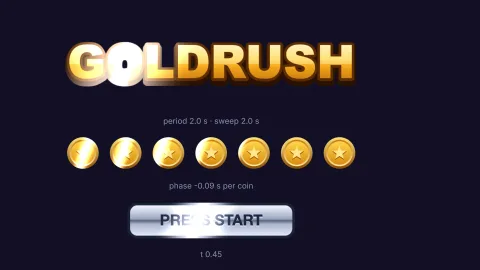
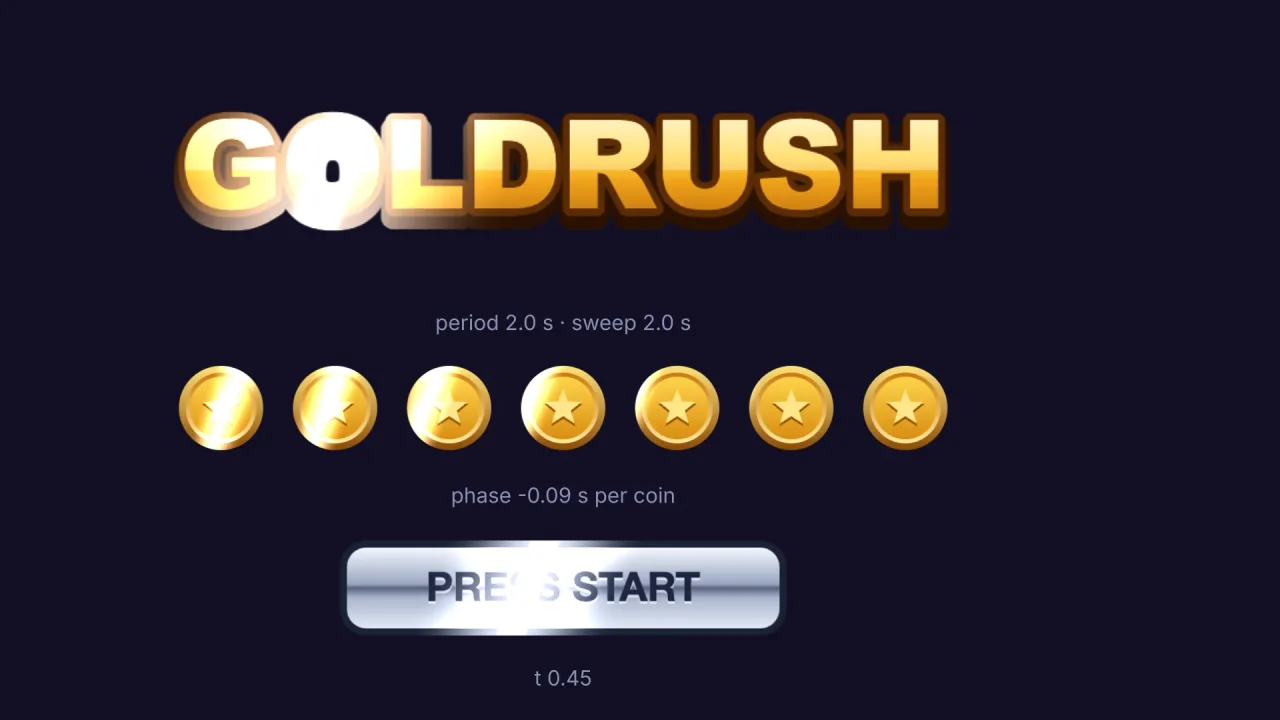
reveal runs on a single t from 0 to 1, so a death or an entrance is one tween. A shine repeats on the game clock
with a phase per object, so a row of coins ripples rather than blinks.
Effects stack by clear rules: one distortion of the texture coordinates applies (pixelate over glitch over wobble),
one alpha gate (reveal over dissolve), glow and outline share a halo colour, flash and tint share a colour slot, and
shine adds to everything. A vertex deform (wave, sway, flip, jelly or a deform-* pack's kind) keeps working under a
bag, and the outline and the glow bend with it, so a waving flag's glow waves too.
Features
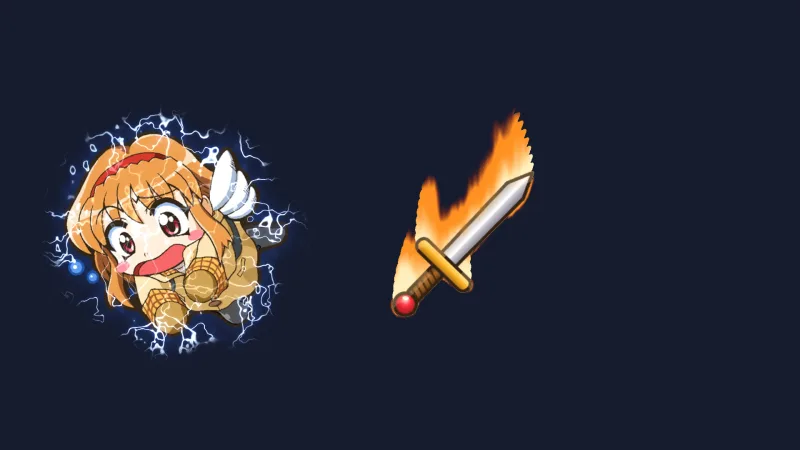
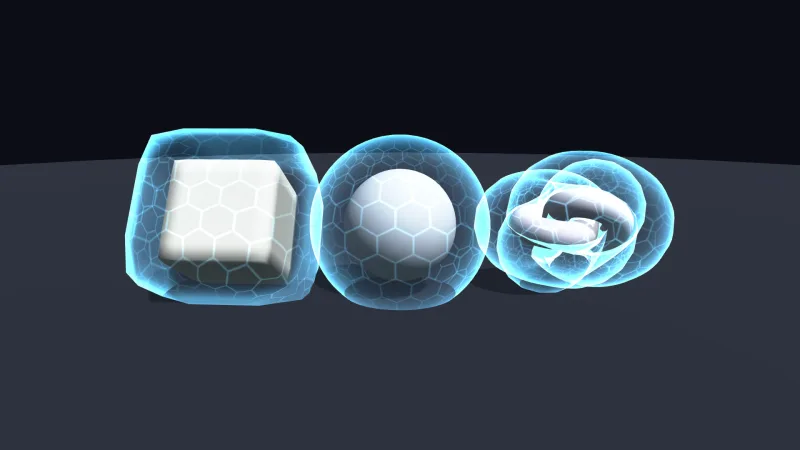
- Glow — a soft additive halo from a half-resolution blurred stamp, laid behind opaque bodies; overlapping glows sum, and a bloom post effect blooms it further.
- Outline — a solid rim under the anti-aliased edge, for the selected unit or the item on the floor.
- Hit flash — a colour over every pixel that fades over
durationseconds and clears itself, or stays until deleted. - Tint and gradient — a standing colour mixed over the sprite, so dark pixels take it too, flat or as a four-corner gradient.
- Blur, pixelate, wobble and glitch — soft focus, coarse cells, a hologram's travelling ripple, and slice jumps with a red and blue split.
- Dissolve — noise burns the sprite away as
trises, with a glowing edge colour and aseedper object so a crowd does not dissolve in lockstep. - Reveal — a clip that opens as a circle, a soft wipe at any angle or a box from the centre, following the
sprite's rotation and mirroring, with
invertfor the exit. - Shine — a band of light swept across the sprite's opaque pixels on a period, or at a
tyou drive; it never lights the space around it. - Checked keys — a key that is not an effect is refused at
setand at spawn with the list of keys, andFX_EFFECTSandREVEAL_SHAPESlist what exists for a menu or a tool.
Good for
- Action games and shooters — a white flash on every hit enemy, beside
feel's hit-stop and shake. - Strategy and tactics games — an outline on the selected unit and a poisoned green or frozen blue tint on the ones under a status.
- RPGs and fantasy games — a glowing relic, a monster that burns away on death, and the same dissolve reversed for a summon.
- Title screens and menus — a logo that wipes in and then glints every few seconds, and a blurred menu behind a dialog.
- Sci-fi games — holograms that wobble and glitch, and teleports that glitch out or iris in.
Make it yours
Every effect has its own live fields: colours as any CSS colour, sizes in world units, amounts, angles and timings,
such as a shine's period, width and angle or a reveal's shape, soft edge and invert. There are no pack
options; everything is per object.
Two very different uses: a tactics game keeps a white outline on the selected unit and a standing tint on every
frozen one, and flashes whichever unit is hit; a title screen spawns its logo with a wipe reveal tweened from 0 to 1,
then leaves a shine on it that crosses every few seconds, while a row of coins below shines with a phase each.
A quick look
A glowing gem with a rim, a hit flash that clears itself, and a death tweened as a dissolve:
const gem = game.spawn({ id: 'gem', frame, fx: { glow: { color: '#ffd147', size: 14 } } });
game.fx.of(gem).outline = { color: '#ffffff', size: 2 };            // a rim too
game.fx.of(enemy).flash = { color: '#ffffff', duration: 0.15 };     // fades out and clears itself
const fx = game.fx.of(corpse);
fx.dissolve = { t: 0, seed: 3, color: '#ff9a3d' };
game.tween.to(fx.dissolve, { t: 1 }, { duration: 0.8, ease: 'easeInQuad' });
Works with
render-auto— orrender-webgpuorrender-webgl2: the renderer's hand-off keeps bagged objects in sorted order.tween— to animate a dissolve, a reveal, a manual shine or a pixelate size.feel— the hit-stop and shake on the same impact as a flash; its own flash washes the whole screen.sprite-cutout— crisp bodies under a glow or an outline on a smoothed sprite.postandpost-looks— for a look over the whole frame rather than one sprite.sprite-shaders— when no built-in effect fits and one sprite needs a shader of your own.
Good to know
- Each bagged object reads 32 texture taps a pixel, whatever its bag holds: fine for dozens to hundreds of objects, not for a particle system. Clear bags when the effect is over.
- Glow is for world objects only, not the HUD, and its spread follows the largest glow on screen that frame.
- The set of effects is fixed. A sprite carries either a bag or a
sprite-shadersshader, and the one set last draws it. - In production a misspelt key written straight into a live bag is not checked and simply draws nothing;
setand the spawn key check at once. - It is 2D only. Headless, the bags exist and timed flashes run, but nothing is drawn.