
What it does
game.spriteShaders.add(sprite, def) draws a sprite through a definition: a name, a WGSL snippet, up to sixteen
params, up to four colours and a pad, the margin the snippet may draw into. The snippet runs for every pixel of the
padded quad. It reads the sprite through srcAt and alphaAt, probes for its outline with edgeAt and takes a soft
silhouette with blurAt, and leaves the sprite's whole new look, margin included, in color. The sprite keeps its
sorted place and follows its own position, rotation, mirroring, tint, alpha and parent; a mirrored sprite still has
its flames rising and its shine travelling the right way on screen.
The handle makes the shader part of play. set changes params and colours live, checked before anything changes;
tween eases them on the game clock, pausing with the game and taking over a running tween without a jump; show
and hide fade between the effect and the plain sprite. Hidden and settled, the sprite goes back to the renderer's
own sprite path and costs nothing. A snippet that reads fade fades itself, which is why the burning recipe shrinks
its flames to nothing rather than turning them grey.
Definitions are checked before they draw. checkSpriteShader names the problem in one sentence with no GPU, so a
tool or a model that writes a shader can test it first, and add refuses a snippet the WebGL2 translator cannot
take, so what you see on WebGPU is what every player sees. Headless, in a replay or a test, every value and tween
runs and nothing is drawn.
Features
- Eight recipes —
glow,burning,frozen,electric,embers,hologram,goldanddamage, inSPRITE_SHADER_RECIPES, to add as they are or copy and change. - Room past the outline — a
padfor every side, as a fraction of the sprite's size or in world units, so flames get room above and none below. - Silhouette helpers —
srcAt,alphaAt,edgeAtandblurAtread the sprite and never a neighbouring atlas frame. - Noise built in — the same hash, value noise and four-octave fbm as
backdrops. - Live params and colours — up to sixteen and four, set at
addor later, and checked by name. - Tweens and fades on the game clock — they pause with the game and slow with its time scale.
- Keeps the sprite's place — sort order, position, rotation, mirroring, tint, alpha and parent.
- Checked up front —
checkSpriteShaderbefore drawing, andfailure(name)for a device's compile error. - Same picture on both backends — WebGPU, and WebGL2 through the translator.
Good for
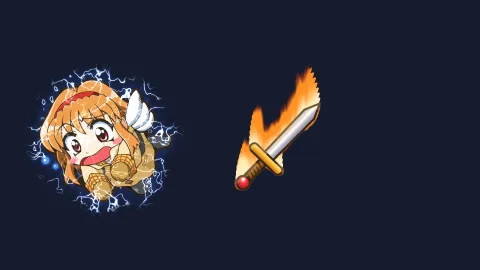
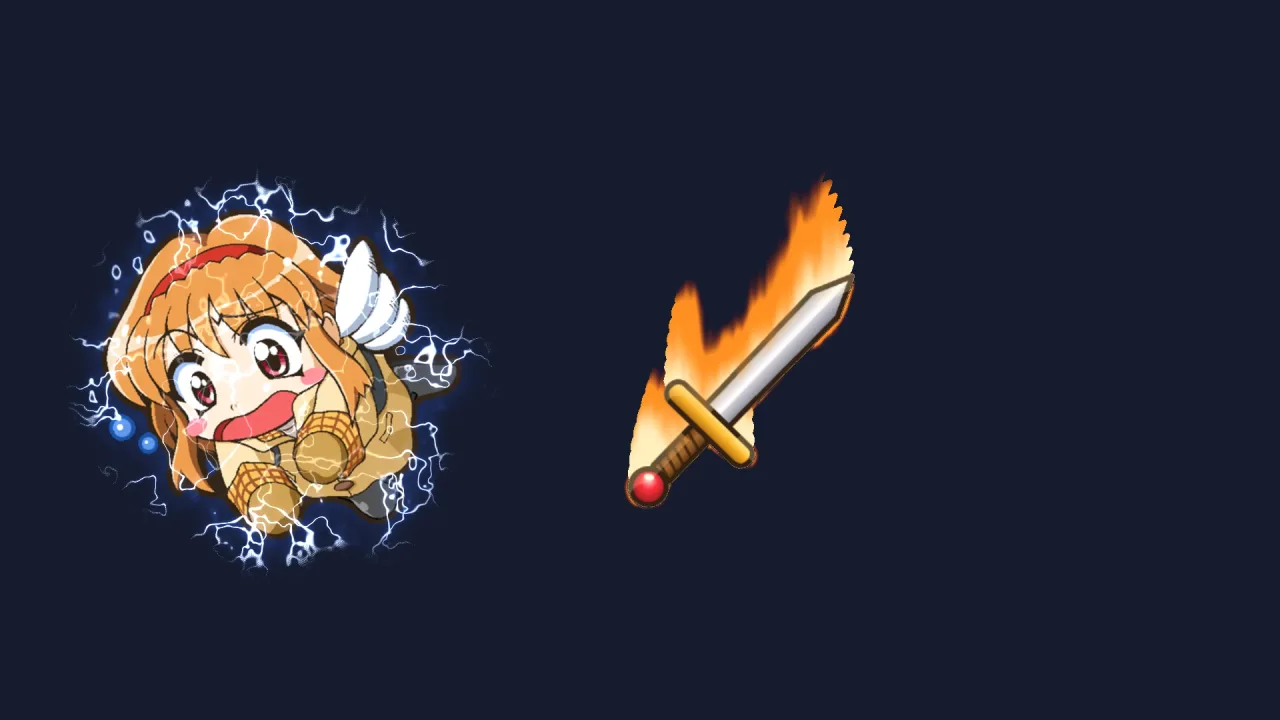
- Power-ups — a hero bursting into flame or wrapped in electric arcs while the power lasts.
- Boss states — an enraged glow, a frozen phase, and a damage pulse that eases in and out rather than strobing.
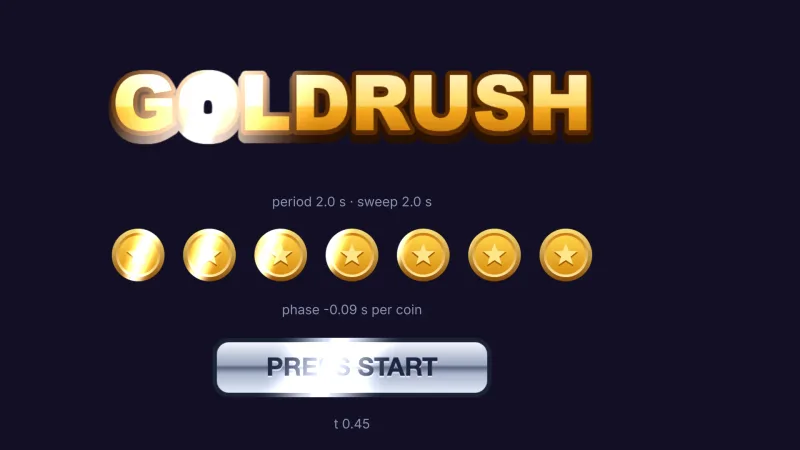
- Key items and pickups — a breathing aura in the item's own shape, or a gold shine sweeping across it.
- Deaths and exits — a sprite that burns away into rising embers as you tween its
amount. - Sci-fi characters — a projected hologram with drifting scanlines and a slow bright sweep.
- Tools and generated content — a shader a tool or a model wrote, checked before it reaches the screen.
Make it yours
Add a recipe as it is, override its params and colours when you add it, tween them in play, or copy its code and
change it. A shader of your own is a few lines of WGSL with named params and colours, and its pad can be one number
for every side or set side by side.
Two very different uses: every hit on the player tweens the damage recipe's hit param up and back down, so the
flash eases in and out rather than blinking; a boss gets frozen for one phase, shown over a second as the ice forms
and hidden again when it thaws, handing the sprite back to the plain path.
A quick look
Fire on the hero, tuned live, eased down and faded out:
import { SPRITE_SHADER_RECIPES } from '@phaser-ae/sprite-shaders';

const fire = game.spriteShaders.add(hero, SPRITE_SHADER_RECIPES.burning, { params: { height: 0.6 } });
fire.set({ params: { heat: 1.4 }, colors: { flame: '#ff6a00' } });   // live; throws on an unknown name
await fire.tween({ height: 0.3 }, { duration: 1.2, ease: 'easeOutCubic' });
await fire.hide({ duration: 0.6 });   // back to the plain sprite, which then costs nothing
Works with
render-auto— orrender-webgpuorrender-webgl2: the renderer's hand-off keeps the sprite in its sorted place.effects-2d— eleven built-in looks that suit many sprites; a sprite carries one or the other, the one set last.post— for a look over the whole frame.backdrops— for a full-screen or overlay shader.mesh-shaders— the same idea on a 3D object.
Good to know
- A sprite with a shader leaves the batch: one draw call of its own over its padded quad, and
edgeAtandblurAtread 25 texels each. Right for a few heroes, bosses and pickups, wrong for a crowd. - On WebGPU the first frame or two draw the plain sprite while a new snippet compiles, so the game never stalls on it.
- While a shader is on, the sprite's deform, texture tiling and
sprite-cutoutthreshold are not applied; its blend mode is. - Sizes and radii are world units, not screen pixels: use fractions of
sizefor an effect that scales with the sprite. - It is 2D only.