

What it does
You add a backdrop by name, with params and colours that override its defaults, and it goes on top of the stack. The stack draws bottom-up with premultiplied alpha blending, before the sprites and tiles, so a translucent layer shows the one beneath it and an opaque one hides it. The usual stack is a sky gradient with stars or a nebula over it. A background picture can sit under the whole stack too, fitted by cover, contain or stretch, and a backdrop can sample it to warp or tint the art.
Each frame every backdrop receives the camera's visible world rectangle and the interpolated simulation time. That is what lets a starfield slide with the camera at its own rate while a gradient ignores it, and why a backdrop pauses with the game and replays exactly. Every output also takes a still dither of half a colour level, so a smooth dark gradient does not show bands, and because the dither never changes over time a still sky stands perfectly still.
The runtime owns the pass and the shader template but no looks. Each look is a small backdrop pack that registers a WGSL snippet, so a game carries only the backgrounds it uses, and a game can define its own for one scene. A backdrop that fails to compile is reported once with its name and skipped, rather than stopping the frame.
Features
- A stack in add order — backdrops blend bottom-up under every sprite and tile;
stacklists them andclearempties it. - Camera-aware — a snippet reads the camera's visible world rectangle as
viewfor parallax, or ignores it to stay pinned to the screen. - On the simulation clock — time pauses with the game and replays exactly;
handle.timecan be set to scrub or restart a backdrop. - Live handles —
setandsetColorchange one value or several at once, all checked first so a bad name changes nothing. - Tweens and fades —
tweeneases params over simulation seconds along themathseases;showandhidefade a layer in and out, and a hidden layer is not drawn at all. - A background picture —
background(key, fit)draws any loaded image under the stack, and snippets can sample it asbgorbgAt(uv). - Your own backdrops —
defineadds a backdrop the game owns,registerBackdropis how a pack shares one, andvalidateBackdropchecks a definition without a GPU. - Shader helpers —
hash21,noise2,fbm2, the eased pointer position, and every param by its own name. - WebGPU and WebGL2 — snippets are translated for WebGL2, and
failure(name)says why a backdrop does not draw on this device.
Good for
- Space shooters — a parallax starfield over a nebula, with no tiles to scroll and no edge to run out of.
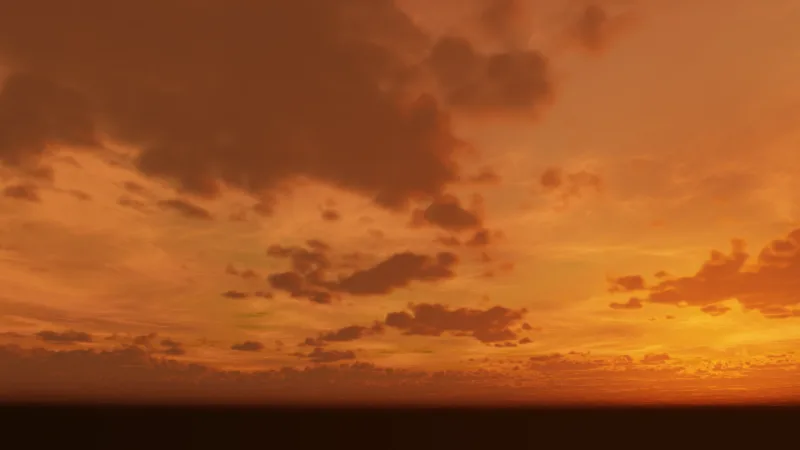
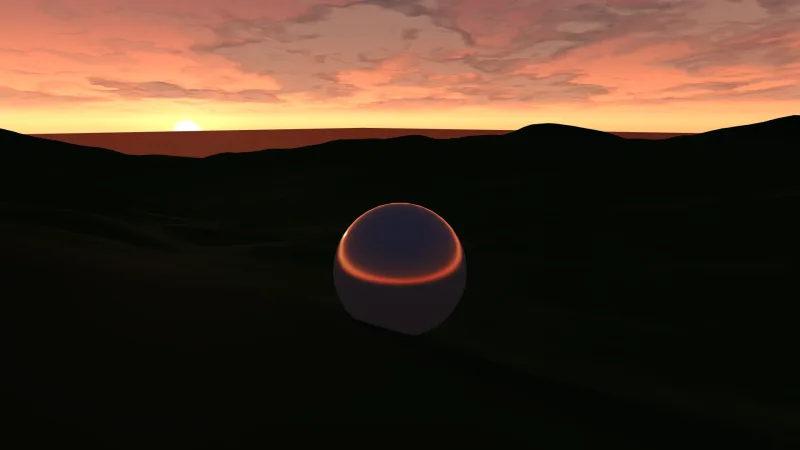
- Platformers and runners — a sky gradient pinned to the screen behind the level, with clouds or a sunset as another layer.
- Title screens and menus — a background painting, layered skies, and fades and tweens to bring each layer on.
- Mood overlays — a fog or tint layer that eases in over the scene and out again.
- Tools and generated content — a snippet written by a tool or a model is validated before it reaches the screen.
Make it yours
The pack has no options: everything is per add call. You choose which backdrop packs to compose, pass params and
colours to each add, change them live, and fade or tween them as the game goes. A backdrop may declare up to sixteen
params and four colours.
Two very different uses: a space shooter stacks sky in deep blue, then nebula, then a stars field whose drift
keeps it moving while the camera is still; a title screen sets its painting as the background, defines a shader sky of
its own for that one scene, and fades a second layer in after a few seconds.
A quick look
A sky with stars over it, retinted, tweened and faded, over a background picture:
game.backdrop.add('sky', { curve: 1.3 }, { top: '#0b1a3a', bottom: '#2a4a8a' });
const stars = game.backdrop.add('stars', { density: 1.2, drift: 0.1 });
stars.setColor('tint', '#ffe9c4');                                          // live
await stars.tween({ drift: 0.6 }, { duration: 3, ease: 'easeInOutSine' });  // on the sim clock
stars.hide({ duration: 4 });                                                // fade out
game.backdrop.background('title-art', 'cover');                             // a picture under the stack
Works with
backdrop-skyandbackdrop-stars— the gradient and the parallax starfield, both in the core bundles beside this pack.backdrop-nebula,backdrop-aurora,backdrop-sunset,backdrop-clouds,backdrop-raster-bandsandbackdrop-environments— more looks to stack.core-2d,core-3dandcore-vector— include this pack, so most games have it already.title-screen— defines and stacks its skies through this runtime.backdrop-trippatron— one reactive arena background with its own pass, for a surface that ripples with impacts.sky-3dandskymax— for a 3D sky with a time of day.
Good to know
- Each backdrop is a full-screen pass and noise is not free: two or three layers is the sensible ceiling.
- A backdrop reads only the camera, the clock, the pointer and the background picture; it cannot see sprites, the world or lights.
- Colours are set, not tweened, and tweens and fades step with the simulation (60 a second by default), not the display.
- Output must be premultiplied or stacking blends wrongly, and a compile error shows in the console and
failure(name), not whenaddis called.