
What it does
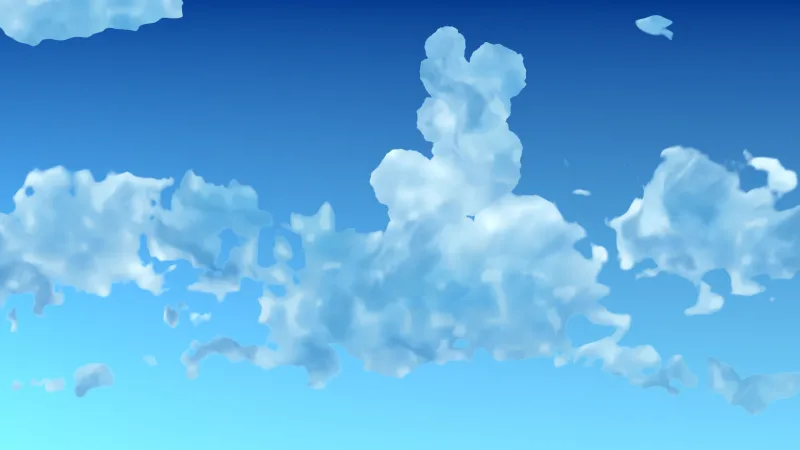
Two fractal noise fields make the clouds. The first sets the broad shape, and the second, warped by the first, makes
the coverage mask, so the clouds curl and gather rather than spreading as an even haze. Where the mask is dense the
colour blends toward b, and a little of a is added everywhere as a floor.
scale sets how many features fit across the screen and speed the sideways drift, with 0 freezing it. The camera's
position feeds into the field at a small factor, so the clouds shift gently as the camera moves, giving depth without
competing with the stars on top. It is opaque, so it goes at the bottom of the stack.
Features
- Warped two-field clouds — structure and curl instead of flat noise.
- Two colours — a base colour and floor, and the colour dense cloud blends toward.
- Feature scale —
scalefrom a few big masses to many small ones. - Drift — a constant sideways movement, or frozen at 0.
- Light parallax — the field shifts slightly with the camera.
- Live changes — both params and both colours can change at any time.
Good for
- Space shooters — a nebula under a parallax starfield.
- Swamps and toxic levels — green fog behind the platforms.
- Storms and hellscapes — greys or reds for a bruised or burning sky.
- Title screens — slow-moving colour behind a logo.
Make it yours
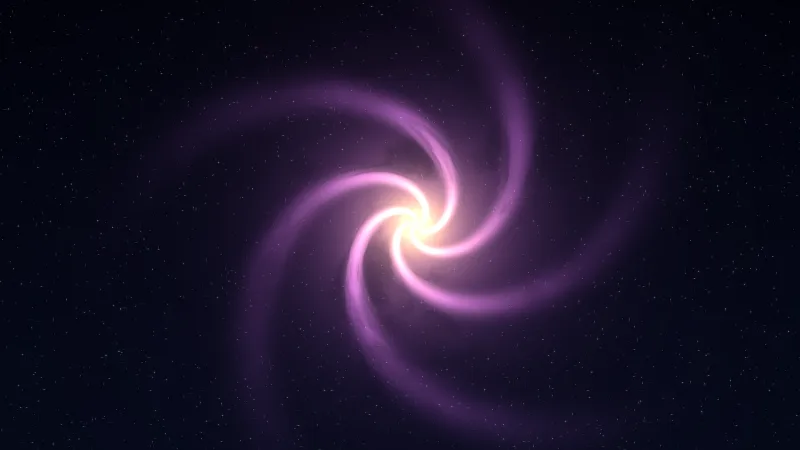
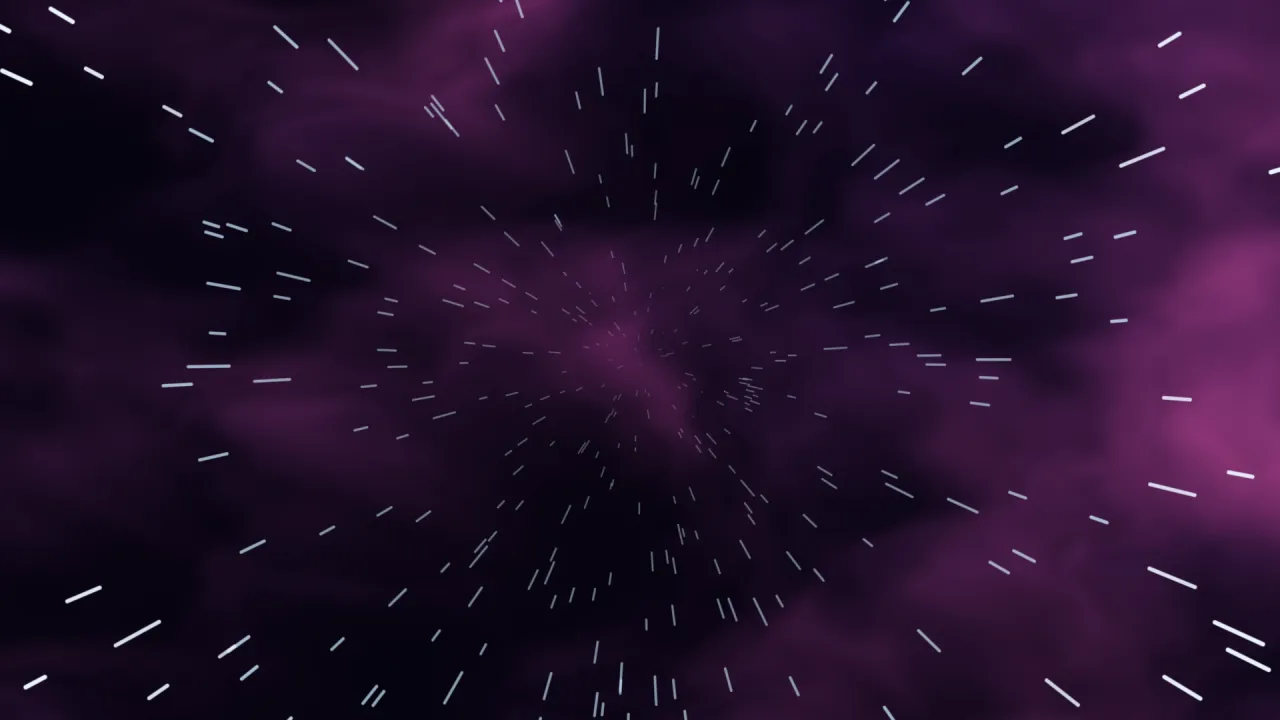
Two params and two colours. A deep-space scene is violet and magenta at scale 3 with a slow drift and a starfield on
top. A foggy marsh is two greens or greys at a lower scale, so the masses are fewer and bigger, drifting a little
faster behind the level.
A quick look
A nebula, frozen and recoloured live:
const nebula = game.backdrop.add('nebula', { scale: 3, speed: 0.02 }, { a: '#1a1440', b: '#8a3a6e' });
nebula.set('speed', 0);            // live: freeze it
nebula.setColor('b', '#2ec4b6');   // live
Works with
backdrops— the runtime; required.backdrop-stars— stars over the clouds.backdrop-environments— a nebula scene with stars built in, among thirteen complete backgrounds.backdrop-trippatron— a reactive nebula style for psychedelic arenas.
Good to know
- Two four-octave noise evaluations per pixel make it one of the heavier backdrops: fine on a desktop GPU, the first thing to drop on a phone at high resolution.
- It is opaque and colour alpha is not used, so anything added before it is hidden.
- It has no stars or sparkle of its own; stack
backdrop-starsfor those.