
What it does
Each scene is a backdrop registered under a name with the environment- prefix: environment-night,
environment-lightning, environment-glacier and so on. Add one and it fills the screen with a sky graded from the
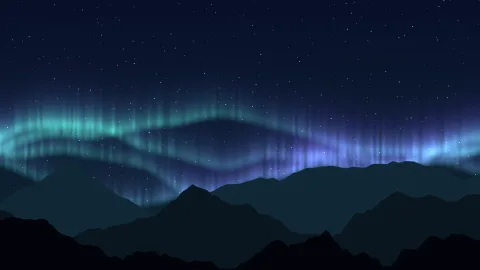
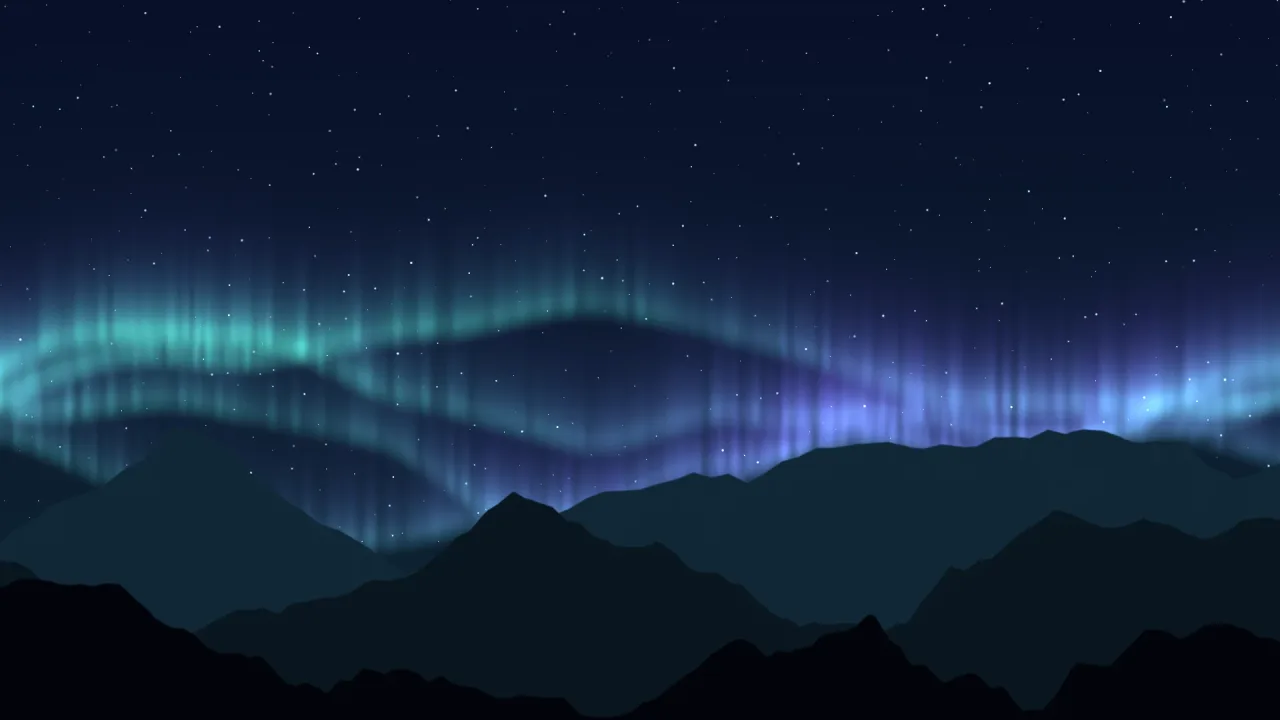
upper colour to the horizon colour, the scene's own detail, and, in most scenes, three layers of craggy, opaque
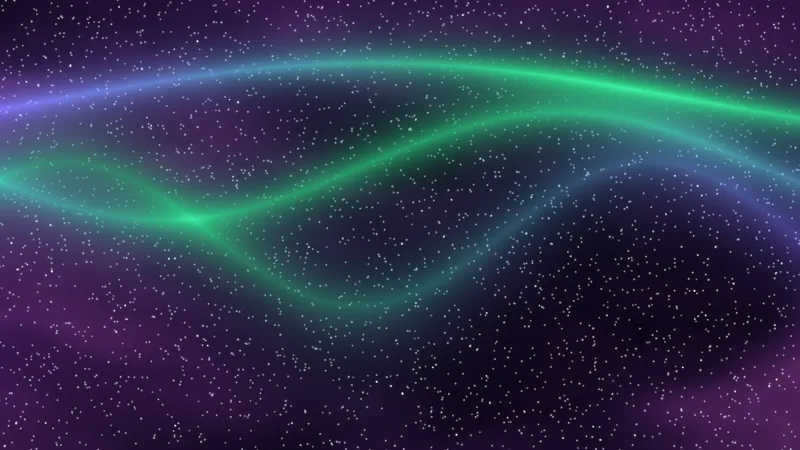
mountain ridges. The detail moves in its own way: cloud fields evolve as they travel, aurora folds brighten and change
colour, light shafts sway underwater, mist banks roll, and rain falls through the storm.
The scenes share one set of controls, so a menu or an editor can drive them all the same way, and
ENVIRONMENT_BACKDROPS exports each recipe's name, description and default tables for a picker or a reset button. In
the scenes that have a sun or moon, bodyX and bodyY place the disc and its halo, and it stays round when the screen
is resized. Ridges and stars take a small camera parallax; the sky itself is pinned to the screen.
Everything happens in the shader. There are no particles, no scene objects and no CPU updates, so the background adds nothing to the game's object count or update loop.
Features
- Thirteen scenes — night, aurora, nebula, sunset, volcanic, underwater, fog, sandstorm, moonlit, lightning, altitude, dawn and glacier.
- Shared controls —
scale,intensity,speed,detail,horizonandsilhouettes, all live. - Layered ridges — three opaque mountain layers with irregular peaks;
silhouetteslightens them with haze or hides them at 0. - A sun or moon you place —
bodyXandbodyYin the night, sunset, sandstorm, moonlit, dawn and glacier scenes. - Star quantity — the night, aurora, nebula and moonlit scenes add stars without moving or enlarging the ones already there.
- Branching lightning — a continuous main bolt and branches that flash about every 6.7 seconds at default speed, over rain veils.
- Two live colours —
primaryfor the horizon and the light,secondaryfor the upper sky and shadow. - Recipe data —
ENVIRONMENT_BACKDROPSfor menus and preset resets. - WebGPU and WebGL2 — through the shared backdrop runtime.
Good for
- Platformers and adventures — a different atmosphere for each world: glacier, volcano, desert, sea floor.
- Title screens — a finished scene in one call.
- Arcade backgrounds — a stylised sky that does not distract from play.
- Changes of weather or time — a dawn swapped for a storm by removing one handle and adding the next.
- Underwater levels — light shafts, caustics and drifting flecks.
Make it yours
Every scene takes the same six controls and two colours, the star scenes take starQuantity too, and the sun and moon
scenes take bodyX and bodyY. A calm night for a stealth level is environment-night with the moon moved high to one
side and more stars. A desert boss fight is environment-sandstorm with speed and detail raised, the sun low, and
the palette pushed toward red. To change scene, remove the old handle, add the new one, and start from the recipe's own
colours rather than carrying one palette into the next scene.
A quick look
A storm with its detail and ridges set, then softened live:
const sky = game.backdrop.add('environment-lightning',
    { speed: 1, detail: 0.8, silhouettes: 1 },
    { primary: '#8cacc6', secondary: '#25344c' });
sky.set('detail', 0.5);
sky.setColor('primary', '#acb8cf');
Works with
backdrops— the runtime; required.render-auto— picks WebGPU or WebGL2; both are supported.backdrop-stars,backdrop-aurora,backdrop-nebulaandbackdrop-sunset— single-look layers, for building a stack by hand.skymax— for physically lit volumetric clouds instead, on WebGPU.
Good to know
- These are stylised shader scenes, not weather simulations: the rain and lightning are painted, not particles a game can react to.
- Each scene is opaque and fills the screen.
- Underwater, nebula and altitude have no ridges, and
bodyXandbodyYdo nothing in scenes without a sun or moon. - Setting
detailto 0 also removes the lightning highlights.