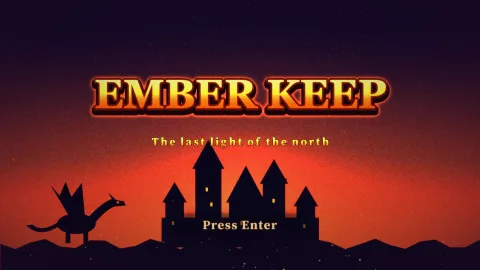

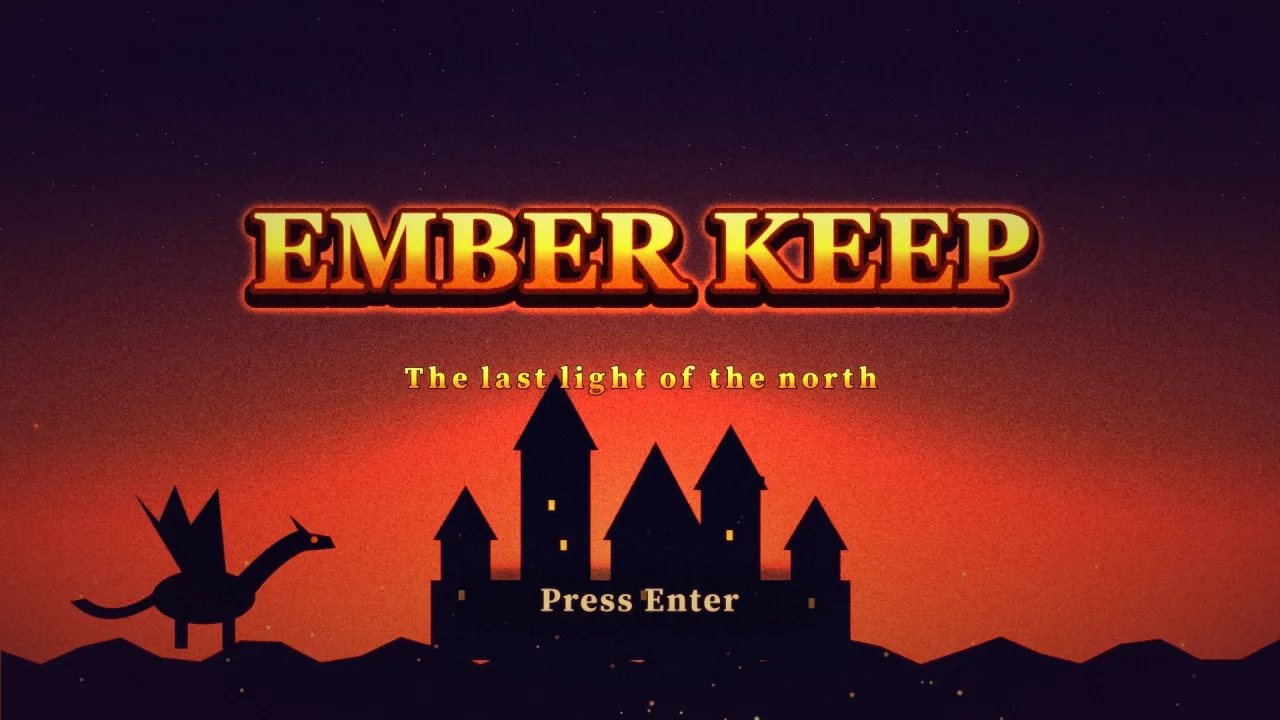
What it does
A title screen file holds everything: the key art, full-screen and overlay shaders that can make the art itself shimmer, and a stack of layers, scenery planes, characters, the logo, the subtitle and the prompt, as pictures, words, particle fields, scrolling strips and soft shapes. Each layer says how it arrives (a fade, a drop, a slam with a shake, a rise from behind a line, a neon flicker, a wipe, an iris, letter by letter), how it stays alive (bob, breathe, sway, pulse, twinkle, a colour cycle, in time with the music's beat if you like) and how it leaves. The camera drifts and the layers parallax with the pointer by depth.
game.titleScreen.play reads the file and plays it in the current scene. Any press starts the game at any moment:
the layers leave, the transition pack covers the screen with a colour mask or with the title itself crossfading,
zooming into the logo or shattering, the next scene starts underneath, and it uncovers. Leaving the scene stops the
screen and removes everything it made.
The pack owns the rules that keep a title screen good: the reveal never blocks a press, the logo settles nearly still, only one surprise happens at a time, reduced motion turns movement into fades, and anything that flashes stays under three times a second. Each part is drawn by the pack that owns it, and a part whose pack is not composed is simply not drawn, with one note in the console, never an error. The phaser.io Title Screen tool writes these files and previews them with this pack, so the game shows exactly what the designer saw.
Features
- One file, one line —
game.titleScreen.play(file, { next: 'play' })plays the whole screen and starts the game on a press. - Layered entrances — fourteen ways in, including slam, rise from behind a line, glitch, wipe, iris, dissolve and letter by letter.
- Living idles — bob, breathe, sway, pulse, blink, drift, scroll, spin, flicker, hum, colour cycle, twinkle and orbit, each able to keep time with the music's beats.
- Idle surprises — a shine across the logo, a character peeking in, something crossing the screen, a burst or a shooting star, one at a time and never the same twice running.
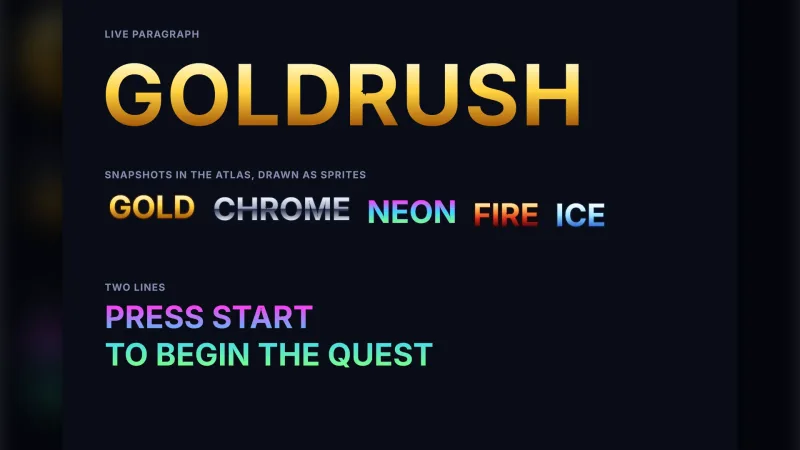
- Gradient words and a film look — gold, chrome or neon letter fills, and a colour grade, grain, a coloured vignette, bloom and other post effects.
- Evolving titles — flags show or hide layers, shaders and surprises, so the title turns to dawn once the game is beaten.
- Attract mode — after an idle spell, a roll call of the cast, how to play, the high scores and the logo, until any press brings the title back.
- A transition into play — nine colour masks or a crossfade, zoom or shatter of the title's own last frame.
- Rules built in — non-blocking reveal, reduced motion, capped flashing and deterministic surprises from the file's seed.
- Pure format and timeline —
parseTitleScreenandserializeTitleScreen, plus pure pose and attract maths, so a tool accepts exactly what the engine will.
Good for
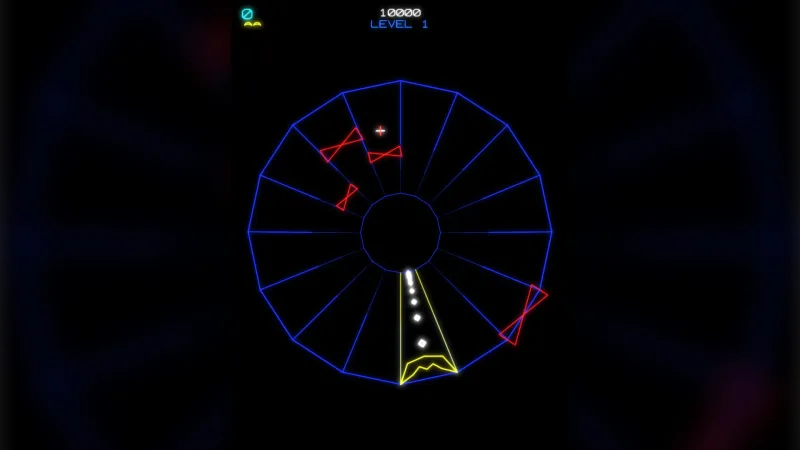
- Arcade and casual games — a logo that slams in over animated key art, a pulsing "press start" and an attract run of high scores, in the style of a classic arcade cabinet.
- Story and adventure games — a title that changes with progress, from night to dawn once the game is beaten.
- Mobile games — a portrait design fitted to the game's screen, with a touch prompt beside the keyboard one.
- Games with a cast — a roll call that introduces each character with a line of their own.
- Seasonal and unlockable variants — a festive layer or a newly unlocked character switched on by a flag.
- Designers working without code — the phaser.io tool writes the file; the game plays it unchanged.
Make it yours
Everything is in the file: the design size, the palette, the assets, the shaders and their parameters, every layer with its position, depth, entrance, idles, effects and exit, the camera's drift and pointer parallax, the post effects, the surprises and how often they come, the attract cards and their look, the exit transition and the music with its tempo. The game passes only what the file cannot know: the next scene, what to wait for before leaving, which flags are on, and the high-score table. Handles let a tool seek the timeline, swap the file live and change flags.
Two very different uses: a portrait mobile title with embers drifting over painted key art, a logo that slams in on the downbeat, a gold gradient subtitle, a prompt that pulses on every beat and a shatter into play; and a calm puzzle title with a soft fade-in, a gentle breathing logo, no attract run, a night sky that becomes dawn once the player has finished the game, and a plain fade into the first level.
A quick look
The whole title scene, waiting for the game's assets before it leaves:
export const Title = {
    name: 'title',
    enter(): void {
        game.titleScreen.play(game.assets.get('title-screen'), {
            next: 'play',
            wait: () => game.assets.load(assets, { pack: 'game' }),
            flags: save.beaten ? ['beaten'] : [],
        });
    },
};
Works with
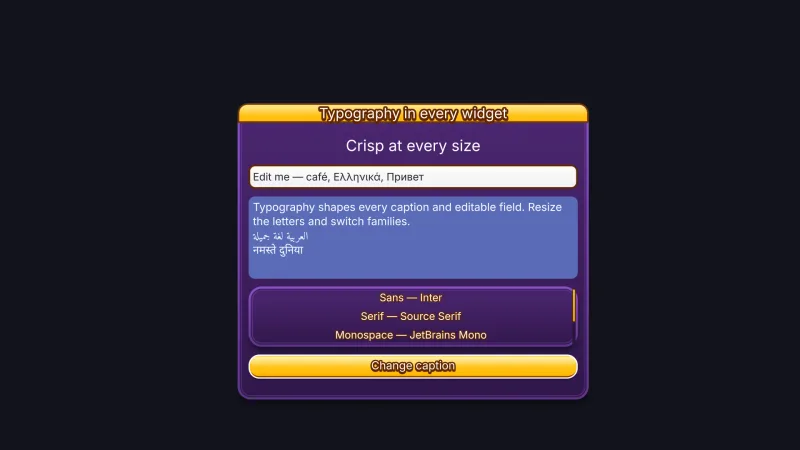
feel— required; shakes the camera when a slam lands.backdrops— the key art and its shaders.particles-2d— particle layers and bursts.typography— the subtitle, the prompt and the attract cards' words.effects-2d— shine, glow, outline, and the wipe, iris, from-behind and dissolve entrances.post,post-bloom,post-looks,post-grainandpost-grade— the film look.audio— the music, the start and reveal sounds, and the beat.transition— the way into play.
Good to know
- It is one screen with one way out, Start: not a menu system or a cutscene player.
- A file holds at most 48 layers, 4 shaders, 6 post effects, 8 flags and 6 attract cards; gamepads are not read as a press.
- A picture with a sprite effect, such as a shine, glow or wipe, must be 1024 pixels or smaller on its long side, or it is drawn without the effect.
- Text is drawn once into a sprite at its shown size, and a letter-by-letter entrance loses kerning.
- Every colour in a file is hex, and shaders must pass
checkShaderto draw on every renderer.