
What it does
Each look is one effect for the post chain, one fragment pass over the drawn world and under the HUD. You add them
with game.post.add(name) in the order they should apply, each reading what the one before it left. The usual order
is distortion first (wave, pixelate), then colour (grayscale, posterize), then chroma, then vignette or
crt last, so everything else is drawn on the tube.
Every param is a number, a colour or, for chroma, a direction, and add and set throw on a param a look does not
have or a value of the wrong kind. Because the handles are live, the looks double as game feel and transitions: tween
chroma's shift back to 0 after a hit, grayscale's amount up for a fade to grey, or pixelate's size up and
down for a crunch. The POST_LOOKS helper lists each look's name, description and default params, for a picker.
Features
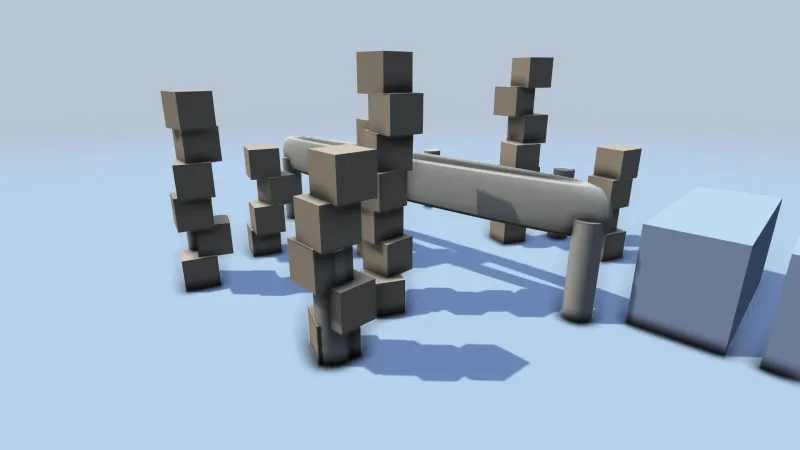
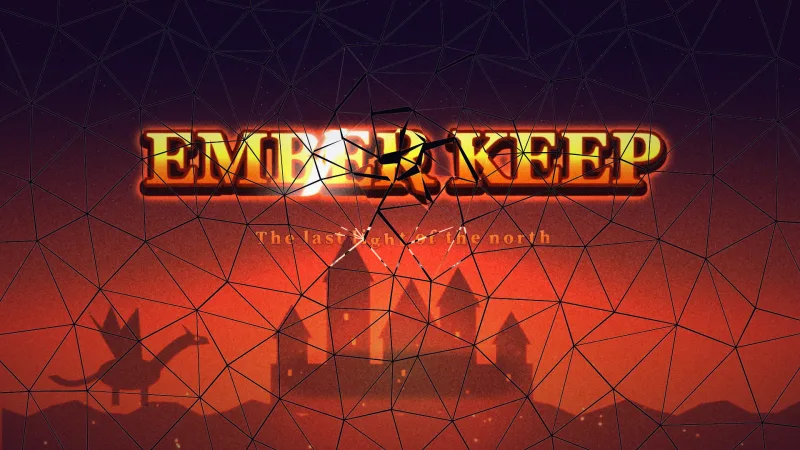
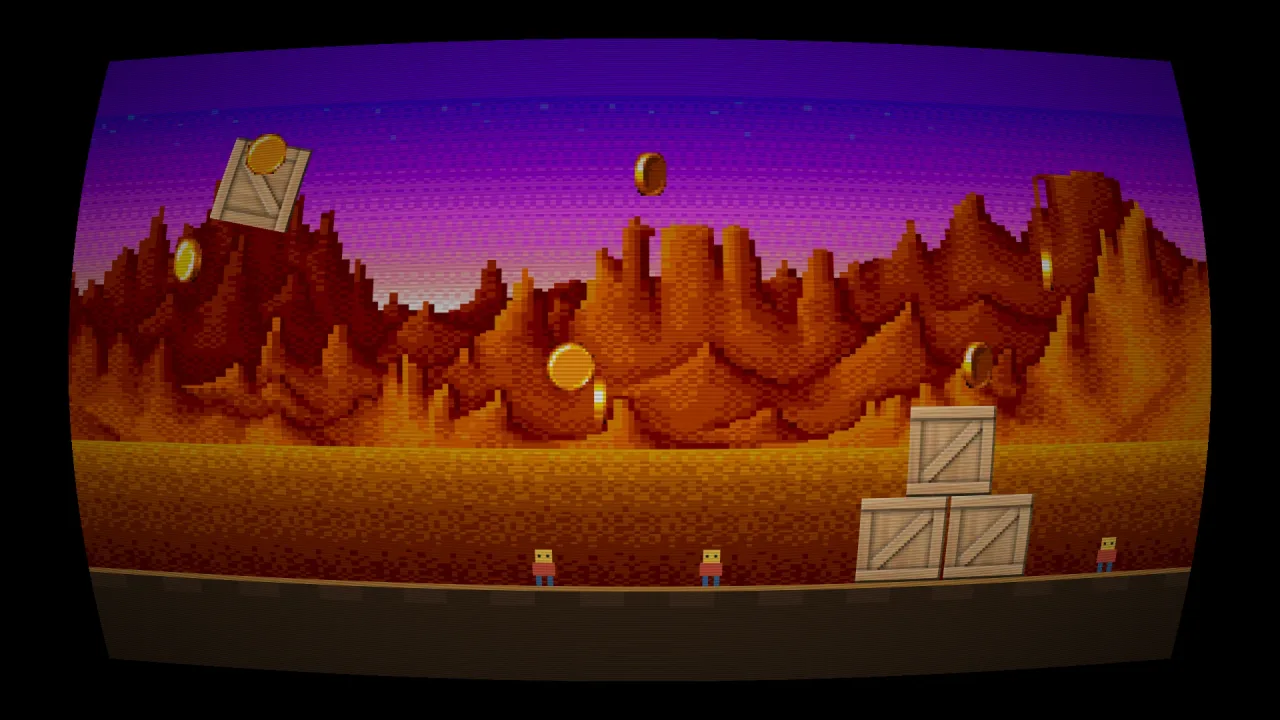
crt— the picture on a curved tube: barrel distortion, scanlines of any pitch, an optional phosphor mask, dark corners, rounded corners and a border colour round the picture.scanlines— dark horizontal bands over an undistorted picture, like an interlaced monitor or a tape.chroma— red pulled one way and blue the other, radial by default or along a direction you give.grayscale— the colour drained, from a slight mute to full black and white, with perceptual weights.pixelate— the screen snapped to square cells, each a weighted average so thin features do not vanish.posterize— each channel rounded to a few steps, for flat poster bands or a limited palette.vignette— darkened edges, or edges washed toward any colour, from a soft lens to a low-health tunnel.wave— slow sine waves in both axes, as if seen through water or heat haze.- Live params — every look returns a handle whose params change on any frame.
Good for
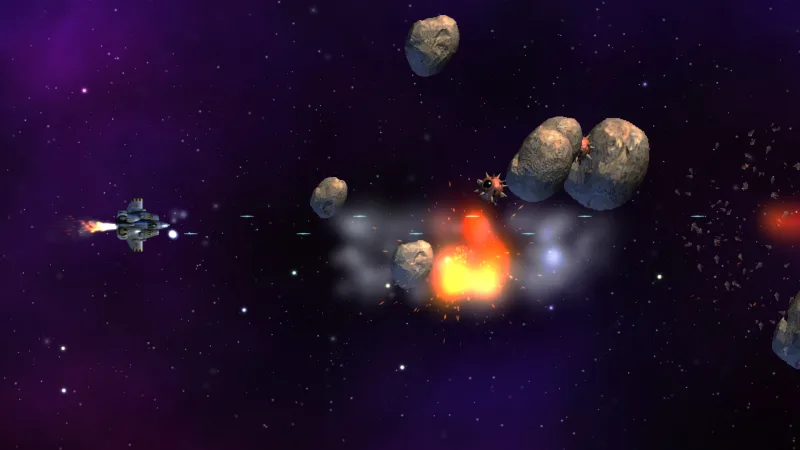
- Retro arcade games — the playfield on a curved CRT with scanlines and a phosphor mask, sitting in a window like a cabinet monitor.
- Fake low-resolution art —
pixelatewithposterizemakes a smooth render read as an 8-bit one. - Action games — a colour split on a hit and a red vignette on low health.
- Pause, game-over and flashback screens — a fade to grey.
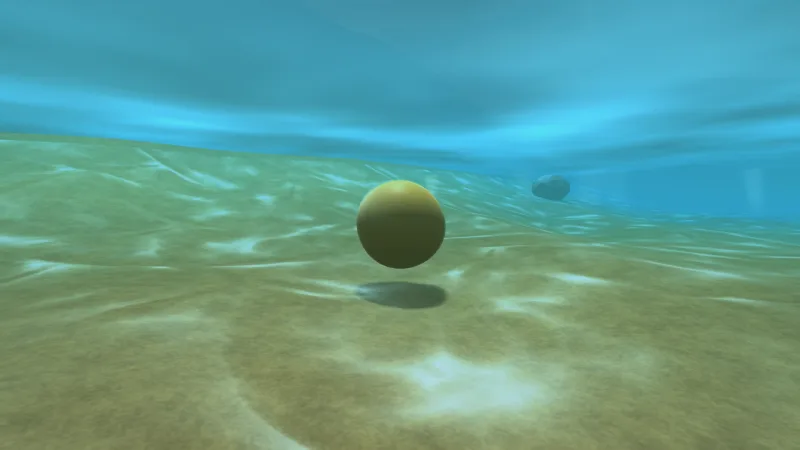
- Underwater, heat, drunk or dream sequences — the whole screen swaying.
- Scene transitions — a pixel crunch out and back in, or a wave tweened up from still.
Make it yours
Each look has a few params, all live: the CRT's curve, scan, pitch, mask, vig, round and border; the
vignette's strength, radius and color; the wave's amplitude, frequency and speeds; the cell size, the steps and
the split. Which looks you stack, and in what order, is the rest of the design.
Two very different uses: an arcade game adds one crt with a stronger curve, a coarser pitch, a phosphor mask, rounded
corners and a dark border, and leaves it on; an action game adds a vignette and a chroma at zero, then on every hit
sets the vignette's colour to dark red and pushes the split up, tweening both back down.
A quick look
game.post.add('crt', { curve: 0.25, pitch: 3, mask: 0.35, round: 0.12, border: '#101014' });   // a cabinet monitor

const hit = game.post.add('chroma', { shift: 8 });   // tween shift back to 0 after a hit
const vig = game.post.add('vignette', { strength: 0.45 });
vig.set('color', '#5a0008');                          // the edge washes toward dark red
Works with
post— required; the chain that runs every look.post-bloom,post-gradeandpost-grain— bloom, a colour grade and film grain, each a pack of its own.effects-2d— a pixelate, wobble or glitch on one sprite rather than the screen.world-screen— the HUD layer that stays crisp above the looks.tween— to animate a param for a hit or a transition.
Good to know
- Each look is a full-screen pass, so five looks are five passes; most read one texel a pixel,
chromathree andpixelatefive. - The shapes are fixed: the CRT's barrel, the vignette's circle and the wave's sines. A look of your own is
registerPostEffectinpost. - The CRT's curve crops a strip at each edge, so keep the HUD on
world-screenor away from the edges, and do not stack it withscanlinesorvignette, which it already includes. pixelate's cells follow the screen, not the world, so a scrolling camera makes sprites shimmer through them; pixel art drawn crisp from the start is the manifest'sscreen.pixelArt.posterizemakes a cube of colours, not a chosen palette, with no palette lookup or dithering.