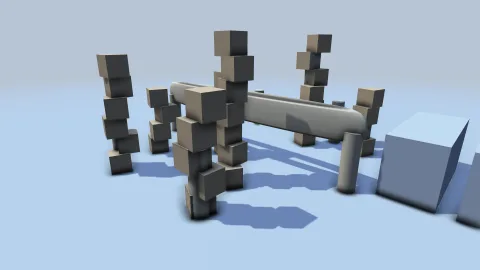

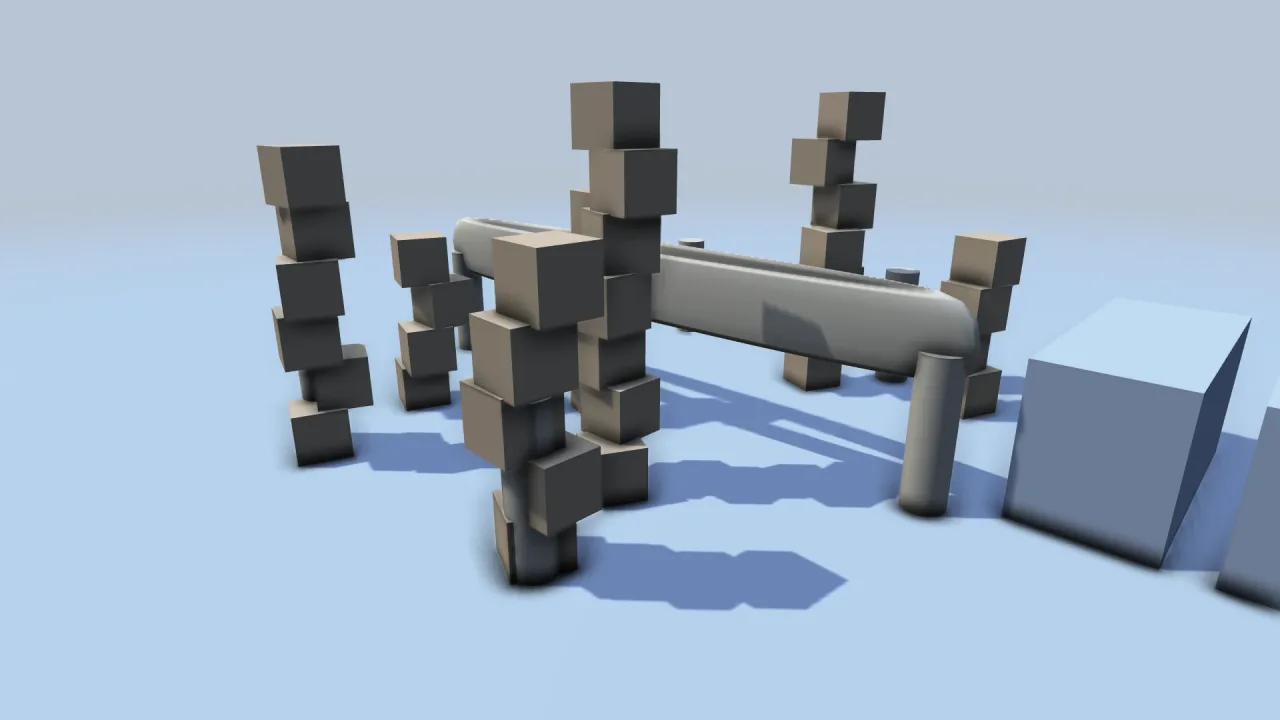
What it does
After the meshes are drawn, it rebuilds view-space positions from the depth buffer, estimates occlusion at half resolution with sixteen taps on a spiral, softens the result with a blur, and multiplies it into the scene. When it is switched off the pass does not run, so it costs nothing.
The care is in what it avoids. Occlusion is measured along each surface's normal rather than by comparing depths, so a surface can never shade itself however grazing the view, and floors and walls do not stripe. The spiral is turned per pixel so it does not band across flat surfaces. Normals are taken from the closer neighbour on each axis, so a silhouette does not smear darkness off an object, and the blur is weighted by depth, so occlusion never bleeds across an edge into a halo.
Features
- Contact darkening — creases, corners and the gaps between objects darken, from the depth buffer alone.
- Half resolution — one pass of sixteen taps, then a depth-aware blur.
- No banding or halos — normal-based measurement, per-pixel rotation and an edge-respecting blur.
- Live controls —
radius,strength,powerandenabledongame.ssao. - Free when off — switched off, the pass does not run.
Good for
- Interiors and furniture — rooms, offices and props that should sit on the floor and against the walls.
- Modelling and building games — shapes and cut solids that need their own creases to read.
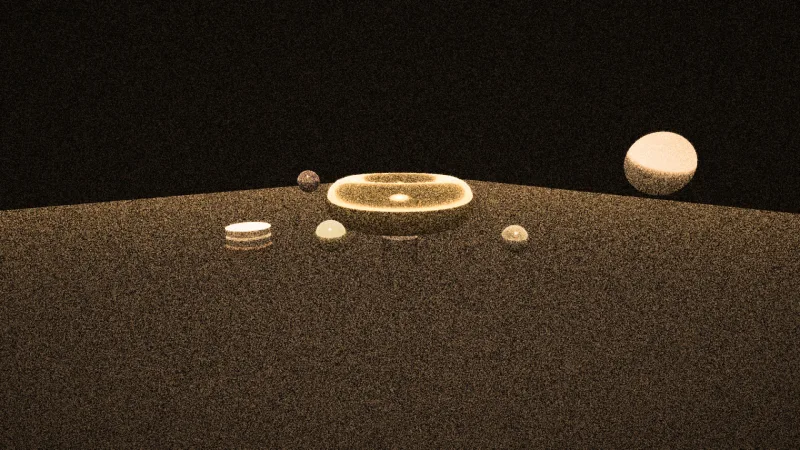
- Close-up 3D scenes — tabletops and dioramas of objects near one another.
- Any 3D scene with a quality setting — on for players whose GPU can spare a half-resolution pass, off for the rest.
Make it yours
Four options, set in the manifest or live on game.ssao: radius, the sample radius in world units (default 0.8);
strength, how dark it goes (0 to 2, default 1); power, which tightens the darkening into the creases as it rises
(default 1.5); and enabled. A furnished room can run a smaller radius and lighter strength for soft seams; a scene of
chunky blocks can run the defaults or more for deep, obvious contact shadows; and a game can start it switched off and
turn it on as a graphics option.
A quick look
{ "id": "ssao-3d", "options": { "radius": 0.9, "strength": 1.1 } }game.ssao.power = 2; // live: tighter into the creases
game.ssao.enabled = false; // off; the pass no longer runsWorks with
render-3d— required; it supplies the depth and the camera.core-3dbrings it.blob-shadows-3d— blobs say an object touches the ground, occlusion says objects touch each other.
Good to know
- It is screen-space, so an occluder off the edge of the screen or hidden behind another object counts for nothing, and the effect shifts a little as the camera moves.
- It reads the opaque depth only, so water, particles and glass neither occlude nor are occluded.
- It is a contact effect at about a metre of radius, not a stand-in for global illumination; a very large radius makes it noisy rather than softer.