
What it does
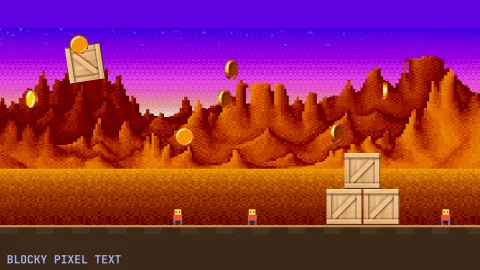
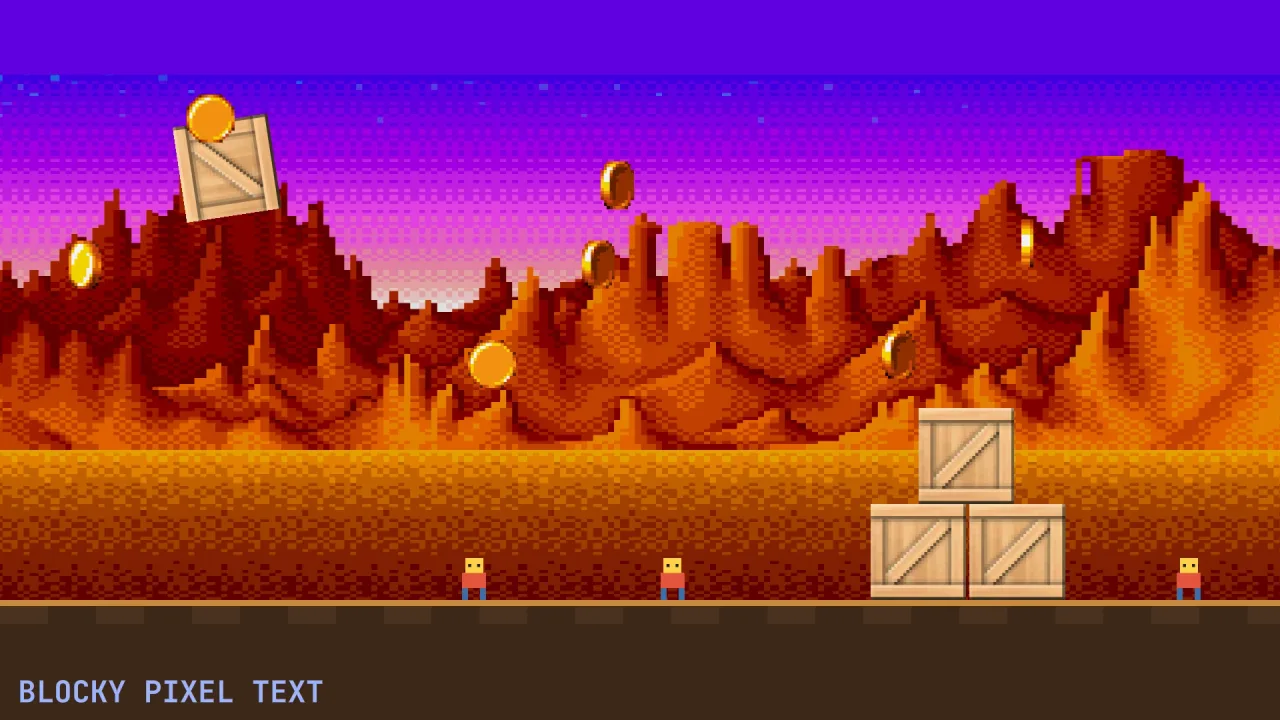
A sprite drawn rotated, scaled by a non-whole factor or deformed has its edge pixels filtered, so pixel art grows a soft half-transparent fringe and foliage cut from a texture goes fuzzy. Give that sprite a cutout threshold and every pixel whose alpha is below it is dropped, and every pixel above it is drawn fully opaque: the alpha-test look of classic sprite hardware.
It is per object, not a game-wide switch. Composing the pack changes nothing until a sprite opts in, so a game can
keep smooth filtering for its painted art and still give its rotating pixel-art sprites hard edges. It also combines
with screen.pixelArt, which keeps texels square when magnified but does nothing for artwork whose own edge pixels
are partly transparent.
Features
- Per-sprite threshold —
spawn({ cutout: { threshold: 0.5 } }), changed live throughhandle.cutout.threshold, and 0 turns it off. - Both backends — the WebGPU and WebGL2 sprite backends read it for ordinary and deformed sprites, in the world and on the screen.
- Works with sprite effects —
effects-2dhonours it, so the body is cut while its outline or glow stays soft. - Tilemaps follow their owner — an aggregate such as a tilemap takes its owner object's threshold for every tile.
Good for
- Retro games with rotating or scaling pixel art — a spinning pickup, a tilted character, a sprite that bends.
- Foliage, grass, fences and chain-link cut from a texture, where a soft edge looks like a halo.
- Characters with hair or cloth cut out of painted artwork.
- Selected or powered-up sprites with a sharp body inside a soft glow.
Make it yours
The threshold is the combined alpha (texture times tint times object alpha) below which a pixel is dropped, so you can tune it per object: lower keeps more of the soft edge, higher cuts tighter. A game might give every rotating pixel-art enemy a threshold of 0.5 while its particles and text stay at 0, or set a lower threshold on a tree whose leaves should keep a little of their soft edge.
Good to know
- It is an alpha test in the existing draw order, not a depth pass: it changes neither sorting nor batching.
- Antialiased artwork loses its smooth edge by design, and soft shadows baked into the art become hard shapes.
- A sprite wearing a custom shader from
sprite-shadersignores the threshold. - For 3D meshes, use the surface cutout in
render-3dinstead.