
What it does
game.trip.destroy takes a live sprite, snapshots its frame, size, rotation, tint and opacity, kills it and breaks
its actual pixels apart. The debris is the enemy's own colours, so a hit reads as that enemy coming apart rather than
a generic explosion. Image styles cut the picture into a grid of cells and animate each one: it can shatter outward,
melt into a puddle, stretch and lift, crumble from the bottom, blow away on the wind, disintegrate into rising dust,
unzip from the centre, swirl down a drain or pour through an hourglass. Point styles throw free fragments as a burst,
an expanding ring or a spiral vortex.
No fragment is an object. Each one's position, colour and life is a formula of its seed and age, worked out in the
vertex shader, so a whole effect is one instanced draw with no buffers to update, and budgets cap how many effects,
fragments and trails are alive. With pixelArt, each piece is one source pixel at the sprite's displayed scale, the
original colours and dark outlines survive, and pieces keep their size as they fade.
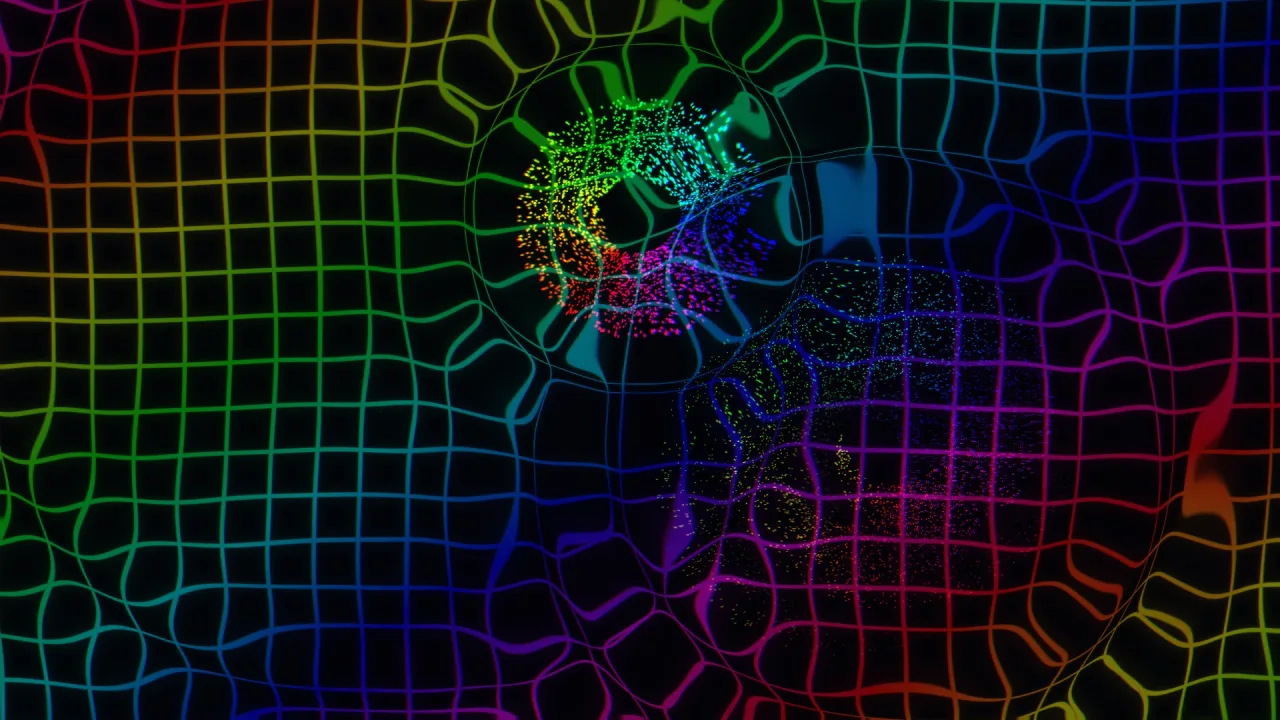
Every effect can also send an impact wave. With backdrop-trippatron the background ripples from the hit, and with
post-trippatron the whole frame distorts; listen() makes both follow the music from the audio pack. Together
they make the reactive, music-driven arena of a psychedelic shooter.
Features
- Destroy any sprite —
destroy(sprite, config)breaks the sprite's own pixels apart and removes it. - Twenty-six styles — three point styles and twenty-three image styles, from shatter, melt and crumble to checkerboard, accordion, hourglass and lightning.
- Twenty-eight named destructions —
tripDestructionsholds ready recipes such asgravity-shower,melt-into-puddleandsand-hourglass, each with a label and a description for a menu. - Pixel-art destruction — one source pixel per piece at the displayed scale, in the art's own colours, with alpha blending.
- Fragment shapes — pieces of the image, solid pixels, rectangles or strips, sized automatically or by you.
- Rainbow bursts —
burst()fires thousands of fragments with hue cycling, glow, gravity, drag and spin. - Luminous trails —
trail()follows an object or a point and lays batches of fragments behind it. - Impact waves — shared by the reactive background and the screen distortion, eight at once.
- Music-driven —
listen()follows the game's audio mix, oraudio()takes a level you supply. - Bounded and scene-owned — budgets for effects, fragments and trails, and effects that go with their scene.
Good for
- Twin-stick and arena shooters — enemies that burst into rainbow pixels and ships with glowing trails, in the style of Llamatron or Geometry Wars.
- Pixel-art action games — enemies, crates and bosses that come apart in their own colours, with crisp pieces.
- Score effects — score sprites that break up into clean pixels without spinning.
- Boss deaths — a slow melt, a lightning split or a sand hourglass for the big moment.
- Music games and visualisers — bursts and backgrounds that pulse to the soundtrack.
Make it yours
Every effect takes a TripEffectConfig: the style, how cells move (scatter, outward, inward, or shrinking into
or growing out of the screen), the fragment shape and size, count, duration, speed, gravity, drag, spin, stretch,
rainbow strength and how fast fragments blend to it, hue and cycling, direction and spread, glow, blend and seed.
Named destructions are a start: pass overrides on top, or spread a recipe's config and change what you like. The
pack's options, maxEffects, maxParticles and maxTrails, set the budgets.
Two very different uses: a pixel-art platformer where each defeated enemy crumbles into its own pixels with
pixelArt on, no rainbow, no spin and no impact wave; and a neon arena shooter where every kill is a four-thousand
fragment rainbow burst, the player's ship trails glowing fragments, and the background and screen ripple to the
music.
A quick look
A rainbow burst with an impact, a pixel-art shatter, a named destruction and a trail:
game.trip.burst({ x: 300, y: 200, count: 4000, size: 2, rainbow: 1, impact: { strength: 35, radius: 45, duration: 1.5 } });
game.trip.destroy(enemy, { style: 'shatter', pixelArt: true });
game.trip.destroy(crate, 'sand-hourglass', { pixelArt: true });
const trail = game.trip.trail({ follow: ship, rate: 1800, duration: 0.6, glow: 0.5 });
const stopListening = game.trip.listen(8);
Works with
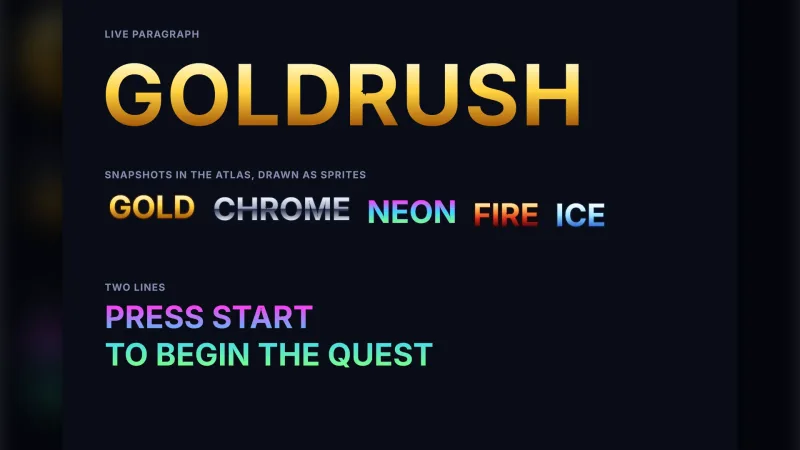
backdrop-trippatron— a background that ripples with every impact and pulses to music.post-trippatron— the whole frame distorting with the same impacts and audio.audio— forlisten();postwithpost-bloomadds bloom.typography— a paragraph can be snapshotted to a frame and burst into pixels.particles-2dandvfx-explosion— for ordinary explosions and particles that need real simulation or collisions.particles-gpu— for huge particle counts that follow forces.vector-fxfor line-art shatter in vector games, andtransitionfor shattering the whole screen between scenes.
Good to know
- Fragments follow a fixed formula: no collisions, readback, per-fragment callbacks, 3D or vector geometry.
destroybreaks up the sprite's base frame, not what a custom shader, glow, deformation or later animation frame would have shown.- Effects are additive by default; use
pixelArtor alpha blending to keep dark artwork dark. maxParticlesis a safety ceiling, not a frame-rate promise: dense effects want small pieces.- Impacts are in world coordinates, so give effects on the HUD
impact: false.