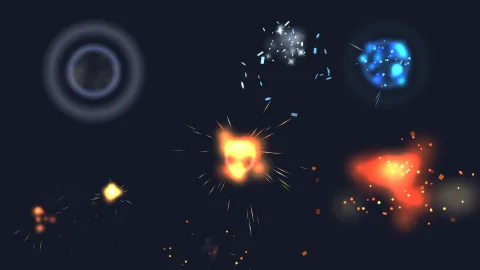

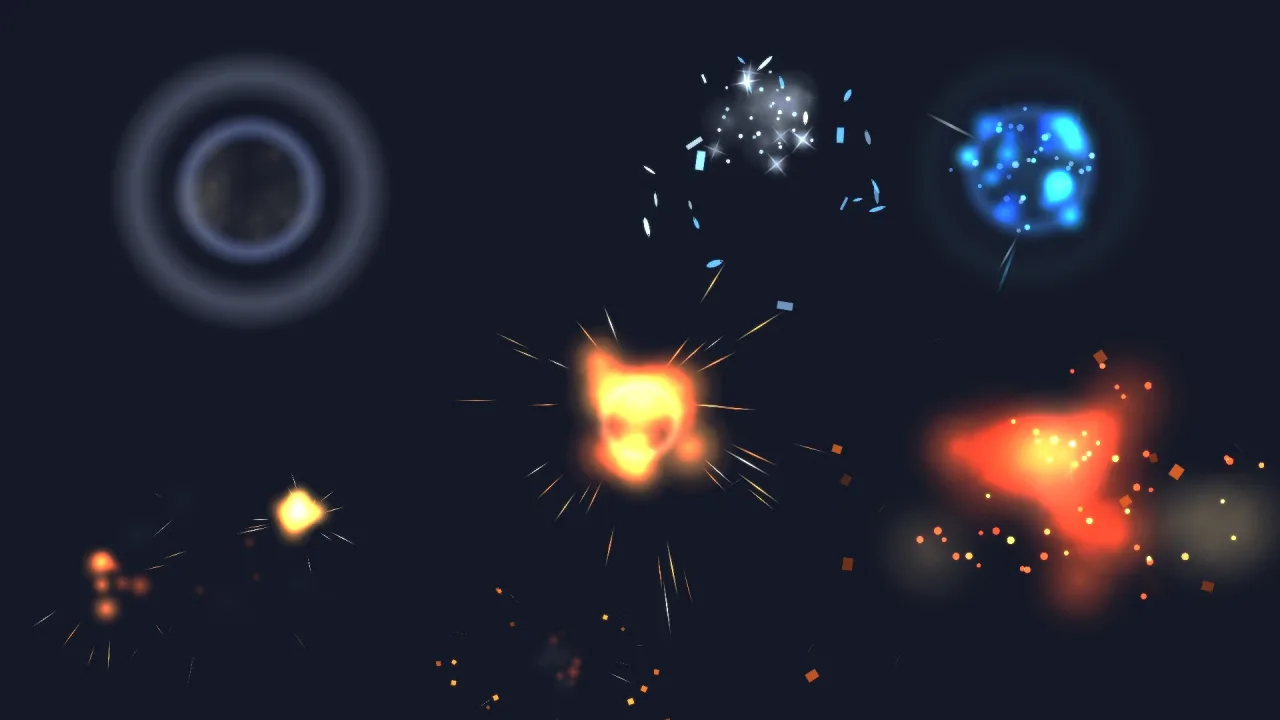
What it does
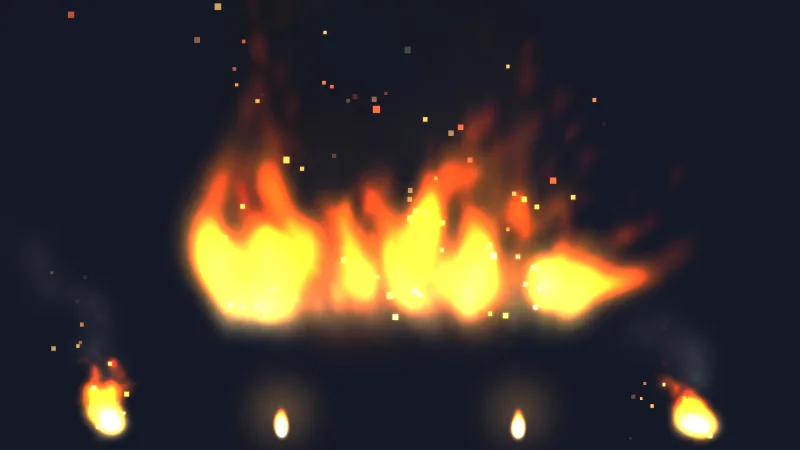
Each effect is a short timeline of emitters for particles-2d. The classic explosion shows the idea: a white flash
gone in a fifth of a second, a fireball cooling from cream to ember, a ring that expands and thins, sparks that stretch
as they fly and fall, and smoke that arrives late and outlives the rest. The other eleven reshape those layers, so they
share a look.
You spawn one with game.particles.effect(name, opts) at a point or on an object. It plays, removes itself and replays
identically from the game's seed. scale sizes every distance, speed and size, angle aims the directional ones, and
every effect is plain data you can copy and register under a new name.
Features
- The classic and its family —
explosion, a quickgrenade, a hugebigBoomwhose smoke column climbs for seconds, andclusterBomb's six blasts in a row. - Fireless impacts —
shockwavefor a stomp,dustImpactfor a heavy ground hit,smokeBombfor cover. - Styled blasts — a cyan
plasmaBlast, aniceShatterof spinning shards, and animplosionthat sucks in before it bursts. - Directional hits —
hitSparkandmuzzleFlash, aimed withangle. - Light on particles — at scale 1 the busiest,
bigBoom, peaks under 200 live particles and the rest under 110. - Variants as data — a green plasma blast or a slower big boom is a copied definition.
Good for
- Shooters — enemies, bullets and bosses, with muzzle flashes and hit sparks.
- Platformers — crates, bombs, stomps and landings.
- Tower defence and strategy — shells and cluster strikes across an area.
- Fighting and action games — hit sparks and shockwaves on impact.
- Sci-fi and fantasy — plasma, ice and implosions where fire does not fit.
Make it yours
Pick the effect for the moment and size it with scale. A side-on shooter puts muzzleFlash on the player's gun and
explosion on every kill; a puzzle-action game breaks frozen blocks with iceShatter and marks each combo with a
recoloured copy of plasmaBlast.
A quick look
A crate destroyed, a boss blown up at its feet, and a muzzle flash that follows the player's gun:
game.particles.effect('explosion', { x: crate.x, y: crate.y, layer: 'fx' });
game.particles.effect('bigBoom', { x: boss.x, y: boss.y + boss.height / 2, scale: 1.5 });
game.particles.effect('muzzleFlash', { follow: player, offset: { x: 18 * player.data.facing, y: -6 },
    angle: player.data.facing > 0 ? 0 : 180 });
Works with
particles-2dandparticle-textures— the runtime and the frames, both required;core-2dincludes them.feel— hit-stop and shake sell an impact more than particles do.post-bloom— makes the additive layers glow.vfx-fireandvfx-smoke— fire that keeps burning, and smoke that keeps rising.vfx3d-explosion— the same effect names in 3D.
Good to know
- One-shots only: nothing here loops or lays a trail; a rocket's trail is a ribbon from
particles-2d. - Built for a side view: debris falls down the screen and smoke rises, which still reads as a burst top-down.
- Tuned for a world near 640 by 360 units; use
scalefor anything else.