
What it does
When the game starts the pack paints each shape into the kernel's atlas under a particle: key, at a square size you
choose, 64 pixels by default. An emitter then names a frame such as particle:soft or particle:spark, or a list of
frames to pick from at random per particle, and colours it with its own colour settings. Nothing is downloaded, so a
game with particles has no particle images to ship or wait for, and a headless run registers the keys without pixels
so a replay still works.
Features
- Ten shapes —
particle:disc,soft,flare,ring,star,spark,petal,square,pixelandsmoke, listed inPARTICLE_TEX_KINDS. - White with alpha — every shape takes the emitter's colour, ramp or palette.
- No files — painted at start, ten cells of the atlas, once.
- One size option — the texture size for every shape except the pixel, which is always 4×4.
Good for
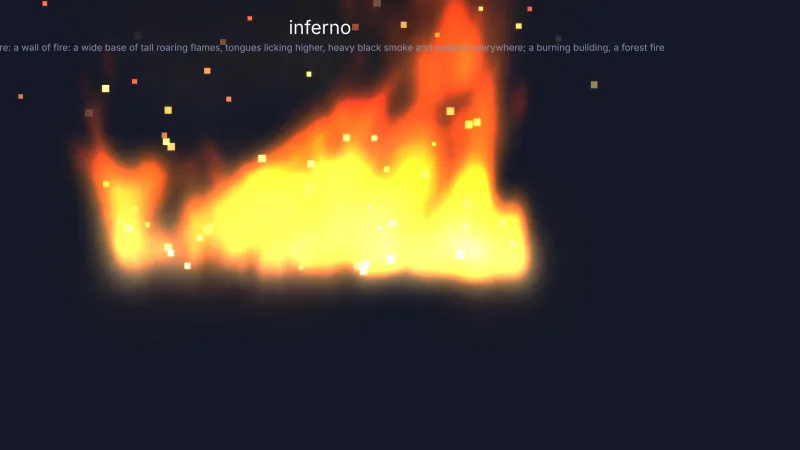
- Fire, magic and glows, with the soft glow and the flare.
- Sparkles and pickups, with the star.
- Sparks and rain, with the thin streak aligned to the particle's velocity.
- Shockwaves and bubbles, with the ring.
- Falling leaves and blossom, with the petal.
- Confetti, debris, embers and dust, with the square, the pixel and the smoke puff.
Make it yours
The one option, size, sets how large each shape is painted, so a game can trade sharpness for atlas space. Colour,
size, rotation and blending come from the emitter. Two different uses: a retro game drawing every effect from the
4×4 pixel and the square, tinted per explosion; and a soft fantasy game mixing the soft glow and the star at random
in one emitter for sparkling magic, with petals drifting past in the background. When an effect needs a real
photographic bubble or blossom, load that image and name its key instead.
A quick look
A tinted star emitter, and one that picks a glow or a star per particle:
game.particles.emitter({ frame: 'particle:star', color: '#ffd166', size: 8, rate: 20 });
game.particles.emitter({ frame: ['particle:soft', 'particle:star'], rate: 20 });
Works with
particles-2d— the emitters that draw these frames.vfx-*— every ready-made 2D effect pack requires this one.art-2d— sprites, tiles and items drawn the same way, with no art files.
Good to know
- Ten shapes, all symmetric and white: a specific look needs its own image.
- The shapes are painted with Canvas 2D gradients; without
OffscreenCanvasthe keys exist and draw as the white pixel. - 2D only.