
What it does
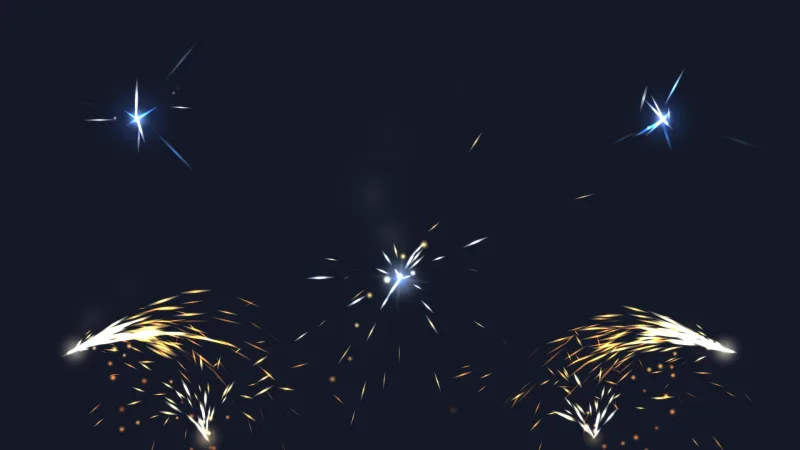
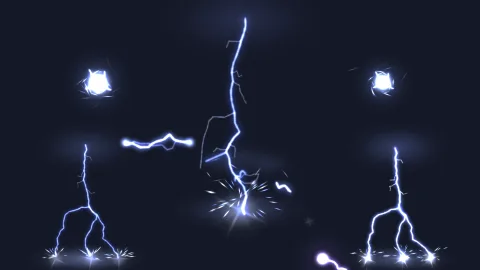
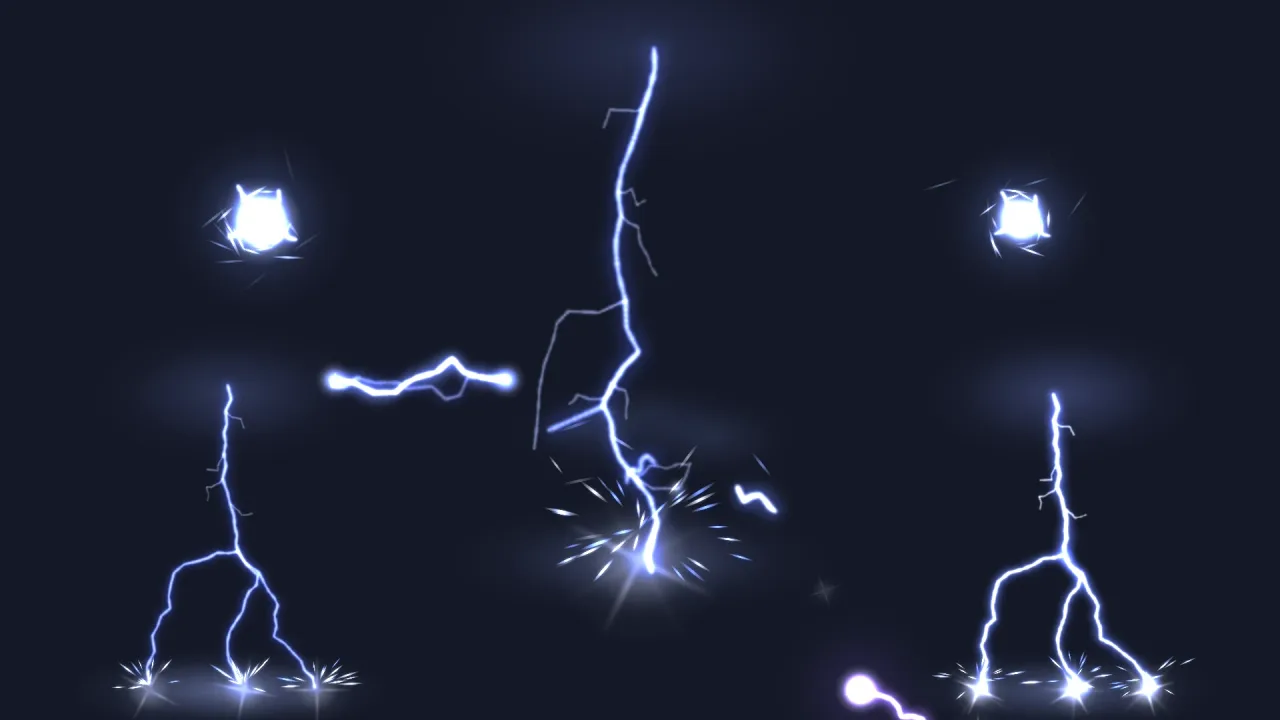
A bolt is a chain of soft dots laid evenly along a jagged channel: a white-hot core inside a wider blue sheath, flickering as real strikes do. A noise field bends each strike for its first instant, so no two bend quite alike, and a strike adds a glow where it starts, a landing flash and sparks splashing up.
Spawn one with game.particles.effect(name, opts). scale stretches every distance, so a strike reaches the top of
your screen and an arc spans two terminals, and angle aims a chain or an arc. One-shots remove themselves; the loops
step through several channels in turn, so they do not repeat a shape for long.
Features
- Strikes —
lightningabout 210 units tall,forkedlanding in three places, andgroundCharge, which crackles for a second before the strike comes down. - Chains and arcs —
chainZaphopping three targets along an angle, andarccrackling between two terminals. - Hazards — a violet
teslaCoil,staticfizzing over a surface, andballlightning. - Characters —
electricAurawrapping a body in cyan arcs, and a smallzapfor a hit. - Sky —
sheetFlashlighting a cloud from inside, and a distantthunderstorm. - Data you can copy — a red strike or a green arc is a copied definition.
Good for
- Storms and weather — a distant storm behind a level, a strike on the hero's path.
- Spells and electric weapons — chain lightning, stuns and shocks.
- Hazards — broken cables, tesla coils, electrified floors.
- Boss fights —
groundChargetelegraphs where a strike will land.
Make it yours
Aim with angle and size with scale: an arc between any two points takes their midpoint, the angle between them and
their distance over 96. A fantasy RPG aims the mage's chainZap at the first enemy, scaled to its distance, with a
thunderstorm behind the battlefield; a sci-fi base marks hazards with teslaCoil and static and joins two pylons
with an arc until the player cuts the power.
A quick look
A strike scaled to reach the top of the screen, chain lightning aimed at an enemy, and an aura on the hero:
game.particles.effect('lightning', { x: target.x, y: target.y, scale: target.y / 210 });
const a = Math.atan2(enemy.y - hero.y, enemy.x - hero.x) * 180 / Math.PI;
game.particles.effect('chainZap', { x: hero.x, y: hero.y, angle: a,
    scale: Math.hypot(enemy.x - hero.x, enemy.y - hero.y) / 200 });
const aura = game.particles.effect('electricAura', { follow: hero, offset: { y: -40 } });
Works with
particles-2dandparticle-textures— required;core-2dincludes both.lighting-2d— to light the scene as a strike lands.feel— a screen flash with the strike.audio— for the thunder.vfx3d-lightning— the same twelve names in 3D.
Good to know
- The channels are authored, not solved: a strike does not seek a target, so aim it with
angleandscale. - The effects light nothing: they do not brighten sprites or cast light on the scene.
- The heaviest moments stay under 1,500 live particles, but many strikes at once add up.